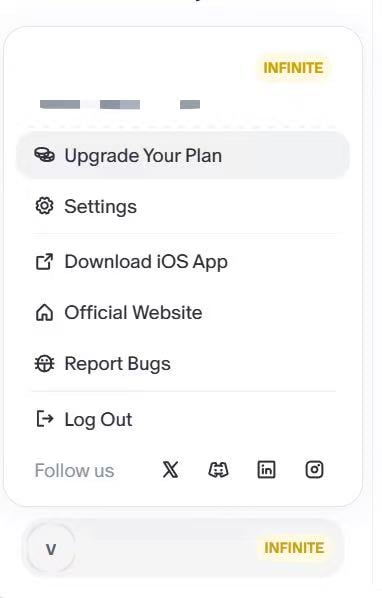
You can switch to a higher plan anytime! Enter our pricing page, choose the plan you want to upgrade to and your account will get upgraded immediately after payment.
And we'll also refund your previous subscription based on your actual usage.
Note: To be fair to all creators, we calculate the refund based on your plan's remaining time or your remaining credits. (e.g., If credits are fully consumed, no refund will be issued)
In general:
- A plan can be upgraded from the Pricing page if the option is available.
- Converting an active annual subscription directly into a monthly subscription is not supported.
- Prorated refunds for the remaining months of an active annual subscription are not supported.
Please note that if your subscription is upgraded, refund eligibility is based on the original subscription order date, not the upgrade order date.
If there is an issue when changing or upgrading a plan, please contact Flowith Support with the Flowith registered email and a screenshot of the current subscription page.