
AI Video Generator
Unlock professional video creation from prompts or images, powered by your choice of top-tier generation models.
Spinning Pink Gown: Glowing Trails in the Night
Escape From Another World
Pixel-art parkour game
Massage gun advertisement
Walking on a snowy mountain
UGC Product-Selling Videos
Urban 3D billboard
Glass Commute
Promotional Video
Premium smartwatch commercial
Mechanical watch commercial
Forest ASMR healing video
Product Reveal
Assassin traversing an ancient city
Car commercial
Jelly Ocean ASMR
Claymation-style comedy short film
Isometric City
Floating music frame
Cyberpunk martial arts fight scene
Why create with flowith AI video?
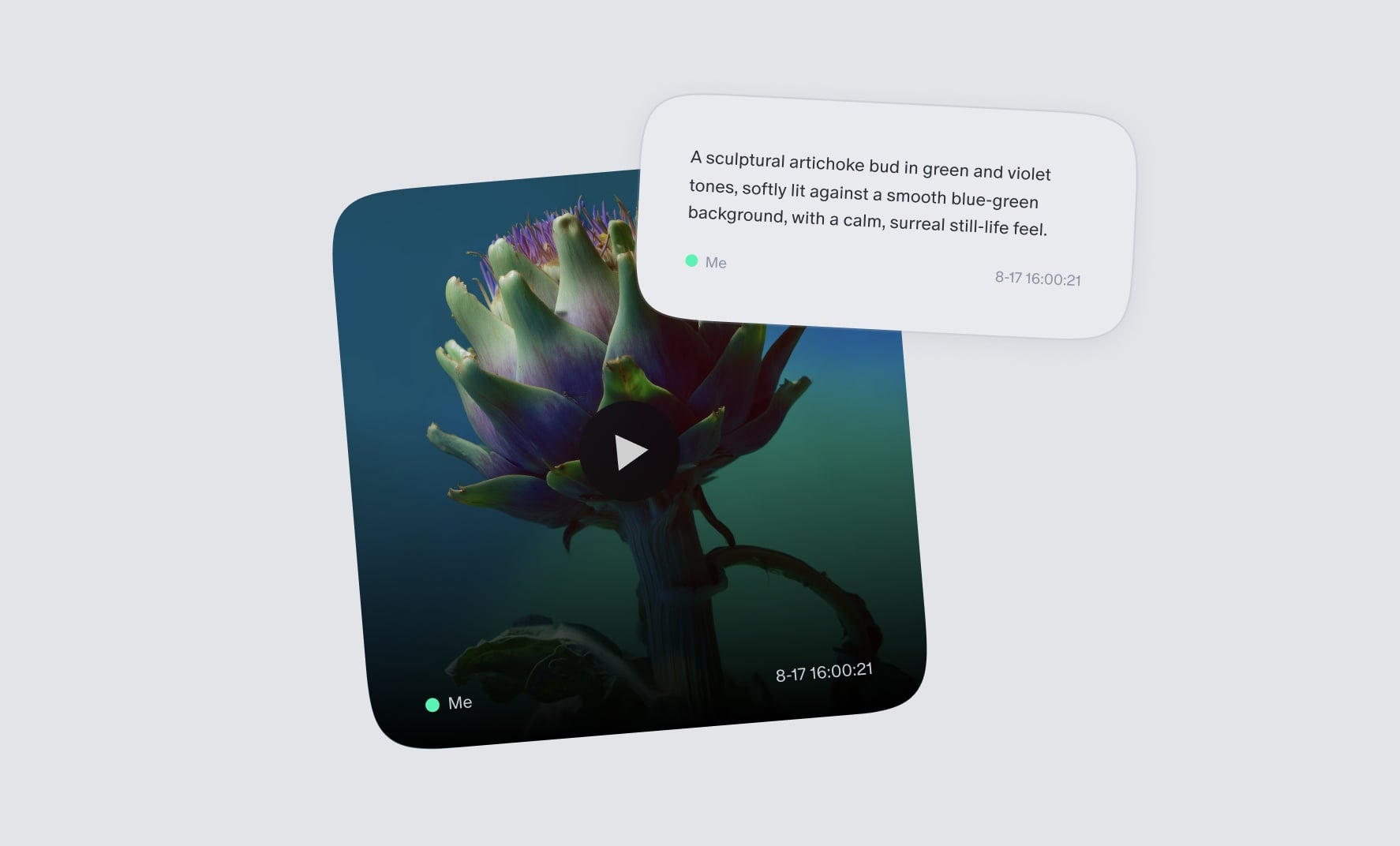
Text-to-video, visualize ideas instantly
Drop in a script or a quick prompt, then steer the result with shot types, pacing, and transitions. Turn your raw concepts into visual storytelling without ever needing a physical camera crew.
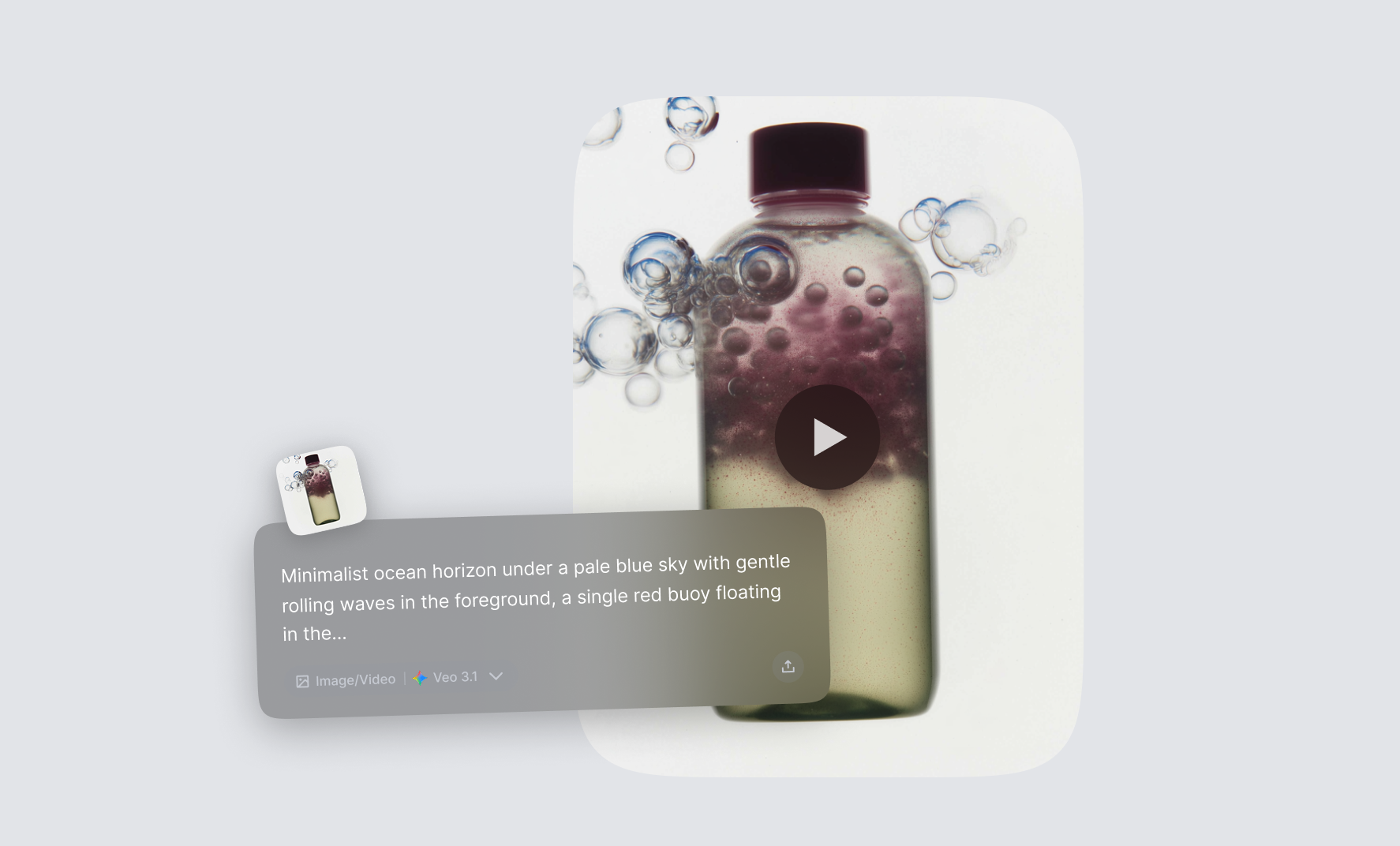
Image-to-video, bring photos to life
Breathe life into static visuals by transforming any AI-generated image into fluid animation, ensuring character consistency and object stability throughout every frame.
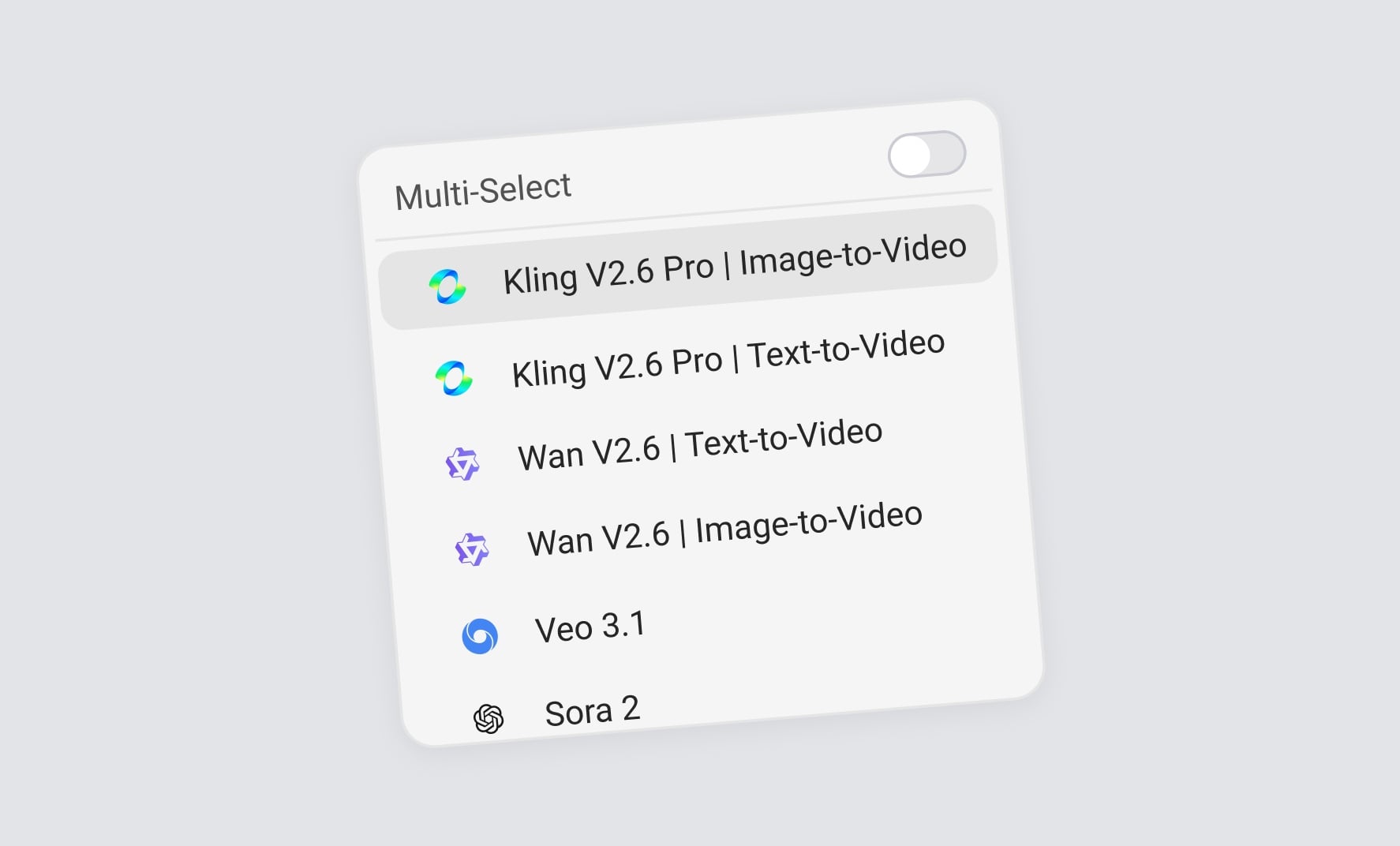
Advanced models, all power in one
Pick the perfect engine for any look—Veo3, Kling, Sora2. Switch effortlessly between models to find the exact artistic signature that fits your creative vision.
How flowith compares with traditional AI video generators?
Traditional video generators
flowith
Video creation
Generate videos based on provided prompts with limited control over the final outcome.
More than just text-to-video—set your start and end frames, and choose your preferred export format.
Interface
Conversations are confined to a single vertical stream, making it difficult to organize complex ideas or follow multiple lines of thought.
Utilize a whiteboard-like canvas where you can start by creating reference images, then branch out and visually organize your videos with draggable nodes.
Model Capability
Single Model Lock-in. Restricted to one AI model per conversation
Multi-Model Parallelism. Run Veo3.1, Kling, and Sora 2 simultaneously on the same canvas to compare results or use the best model for each specific task.
How to create?
Input Your Prompt or Image
Begin by entering a text prompt or uploading an image to serve as the foundation for your video.
Select Your Model
Pick from a range of models like Google Veo 3.1 /Kling 2.6 to tailor the video to your requirements.
Generate and Save
Once you're satisfied with the outcome, download your AI-generated video.
Frequently Asked Questions
Start creating today
Join our growing community of creators using Flowith AI.