
Create AI Slides with Nano Banana Pro
Tired of spending hours on presentations? Build stunning, editable AI PowerPoint decks in seconds. No design skills. No wasted time. Just your ideas, brought to life.
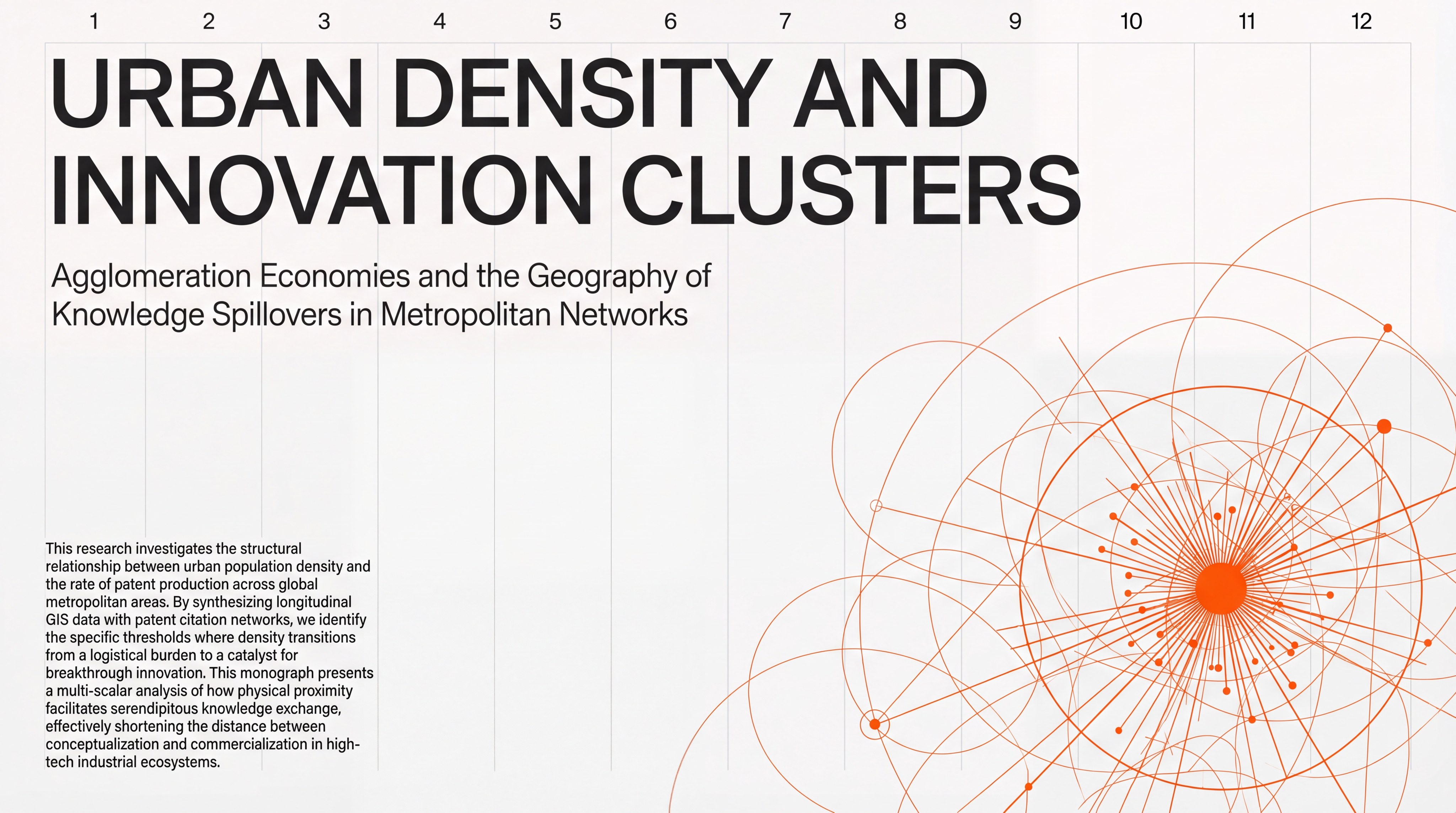
Swiss Minimal Editorial Research
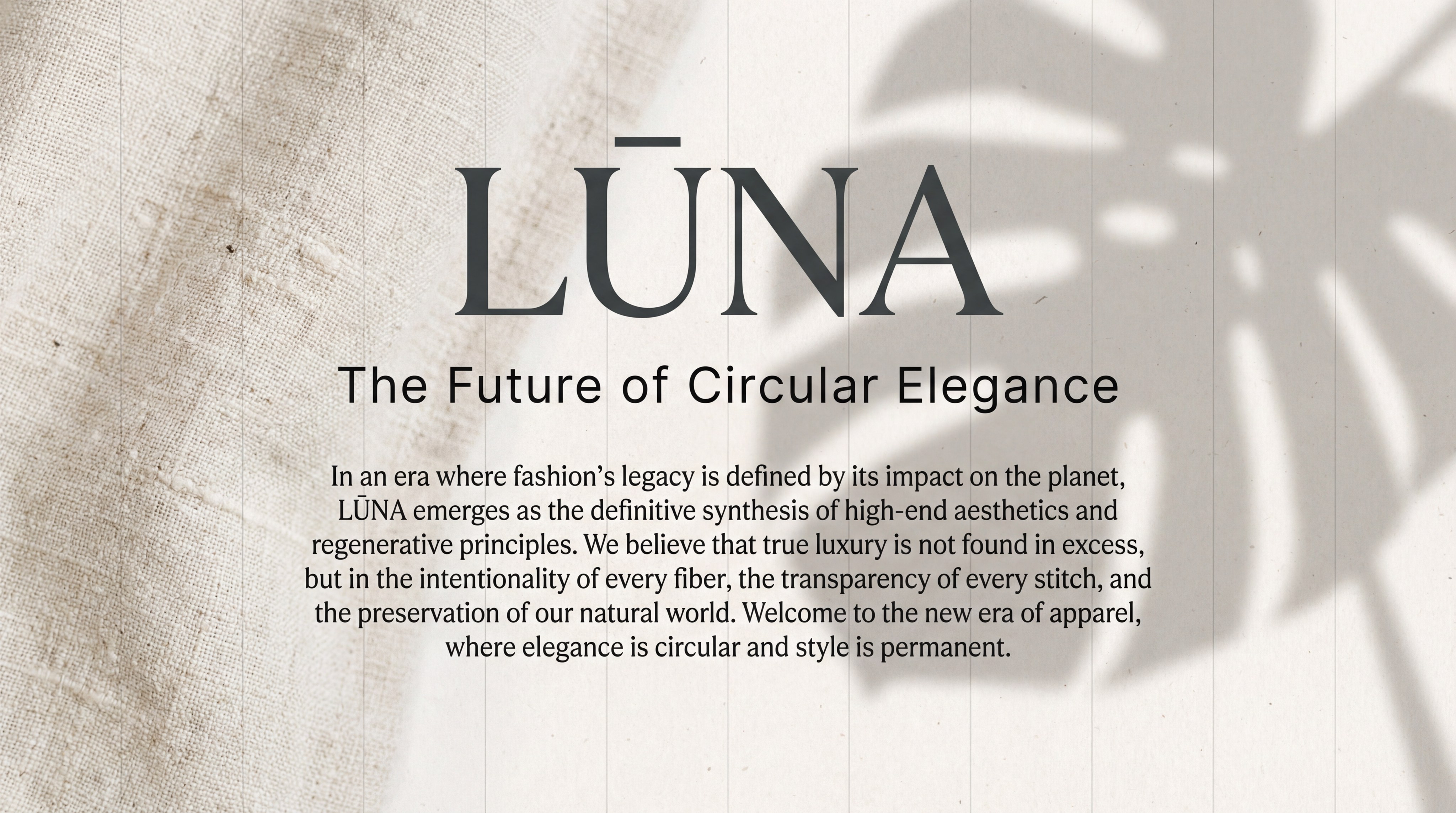
Business plan for an eco-friendly clothing brand

Research-driven innovation leader
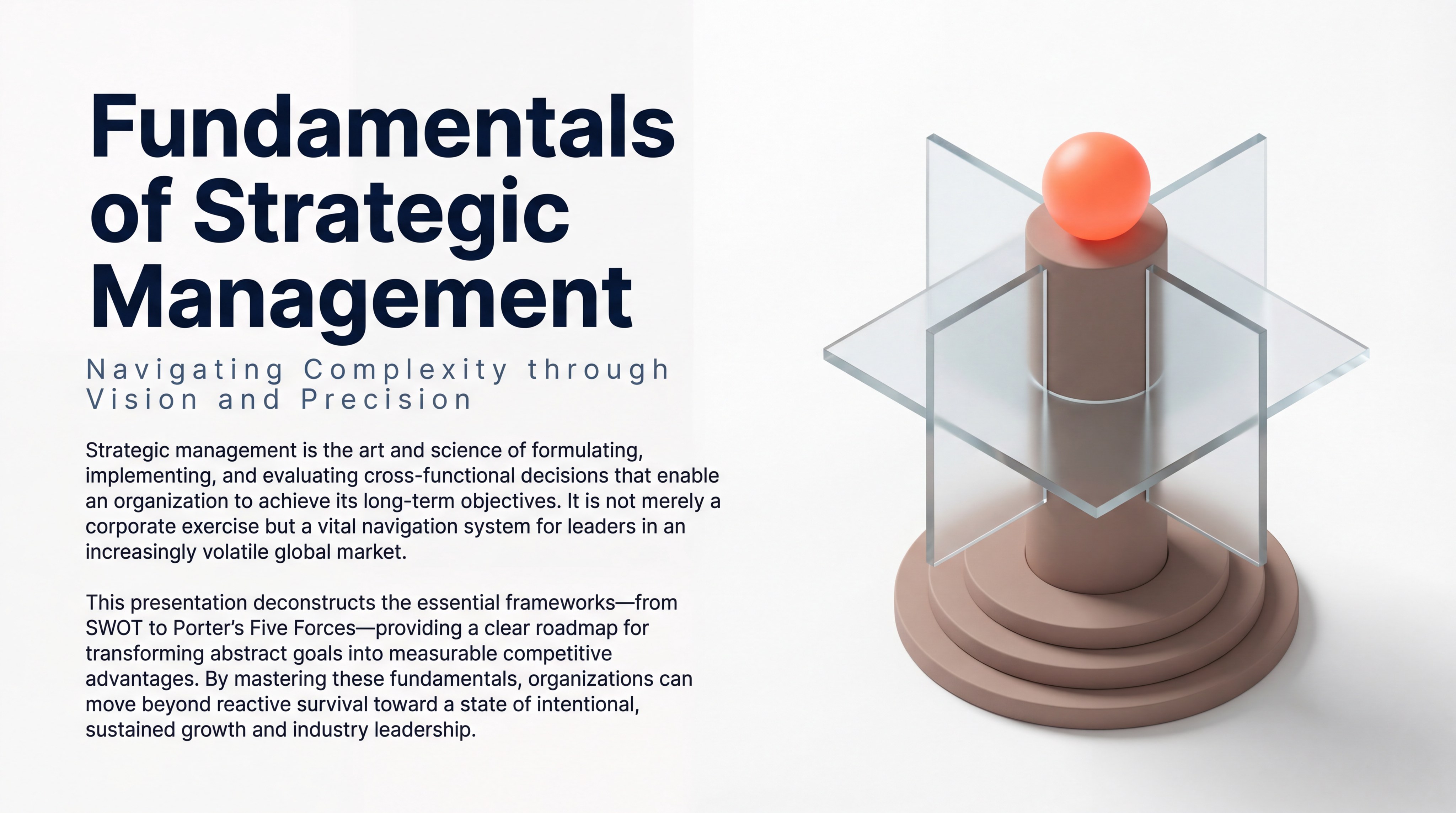
Fundamentals of Strategic Management
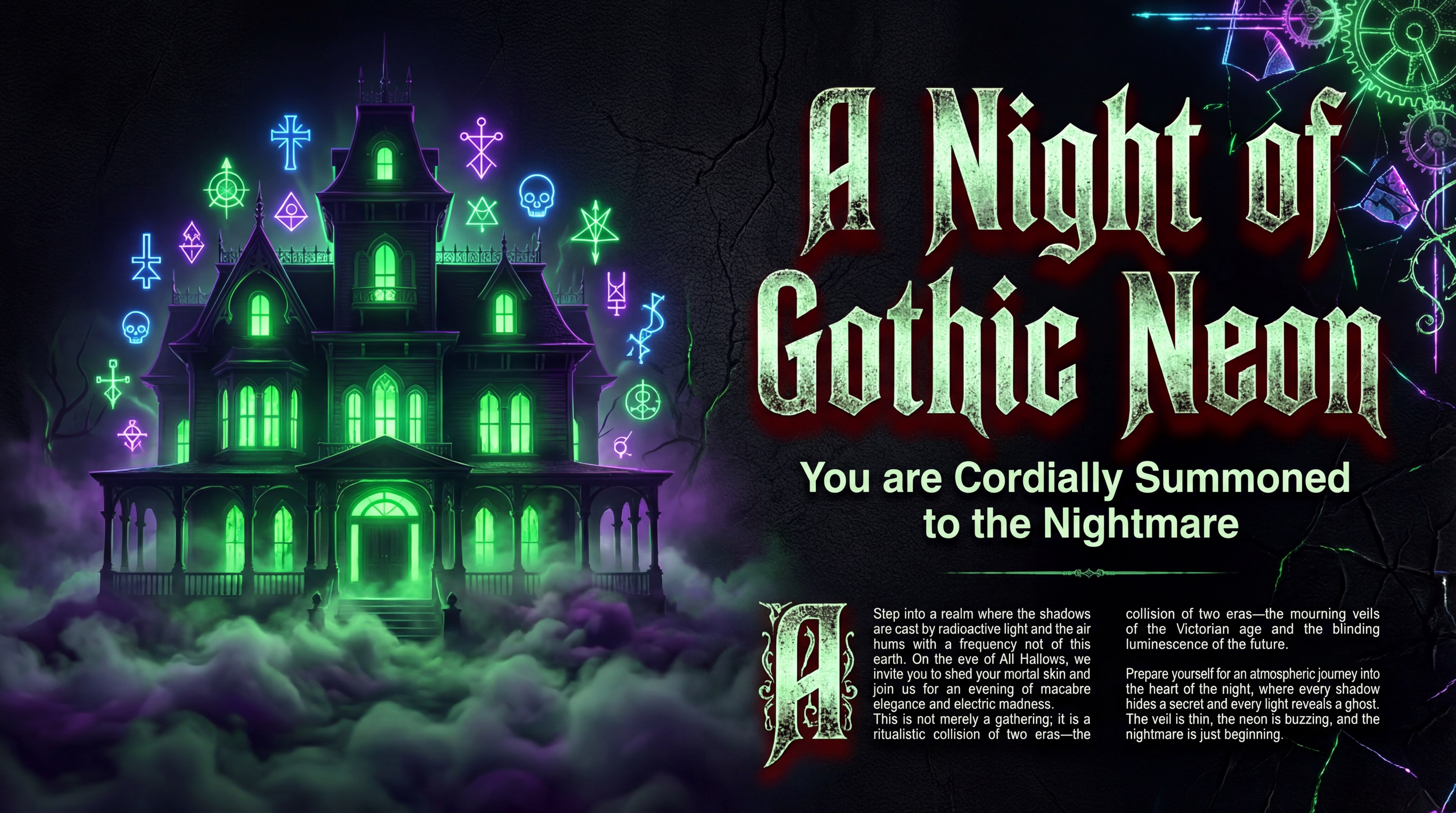
Halloween-themed party invitation
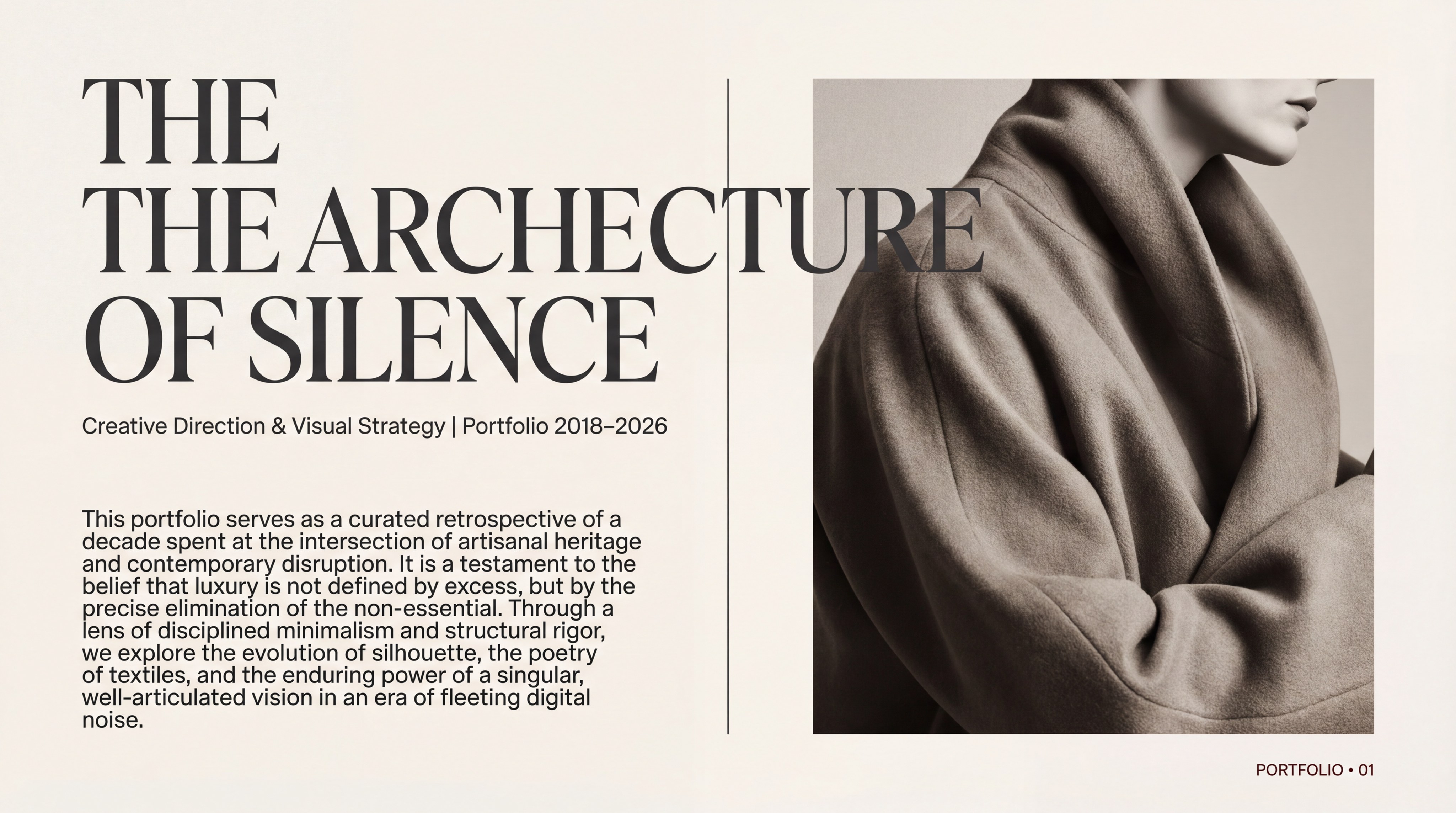
Fashion creative director

Valentine's Day confession

Thanksgiving famliy gathering
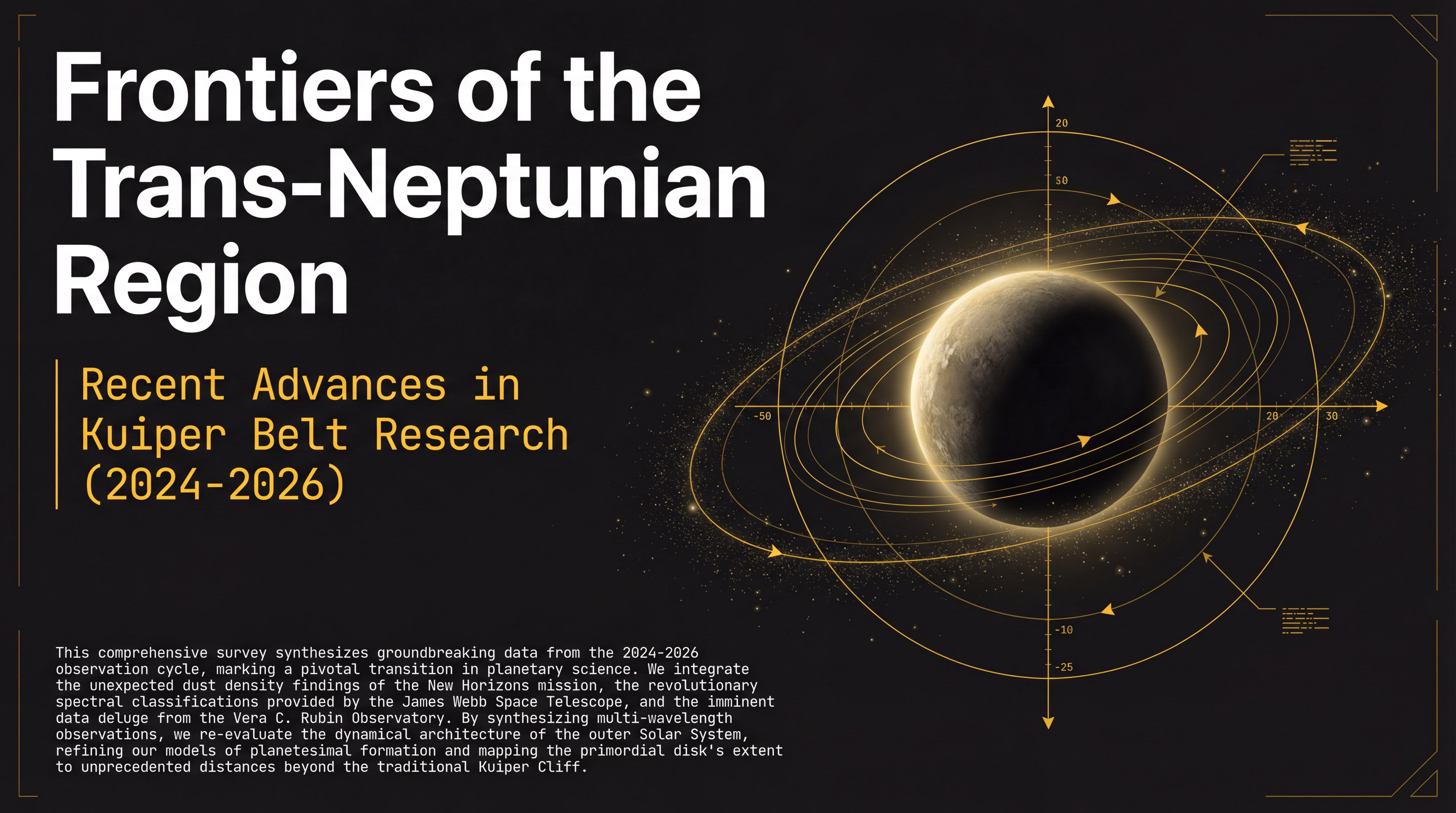
Kuiper Belt research
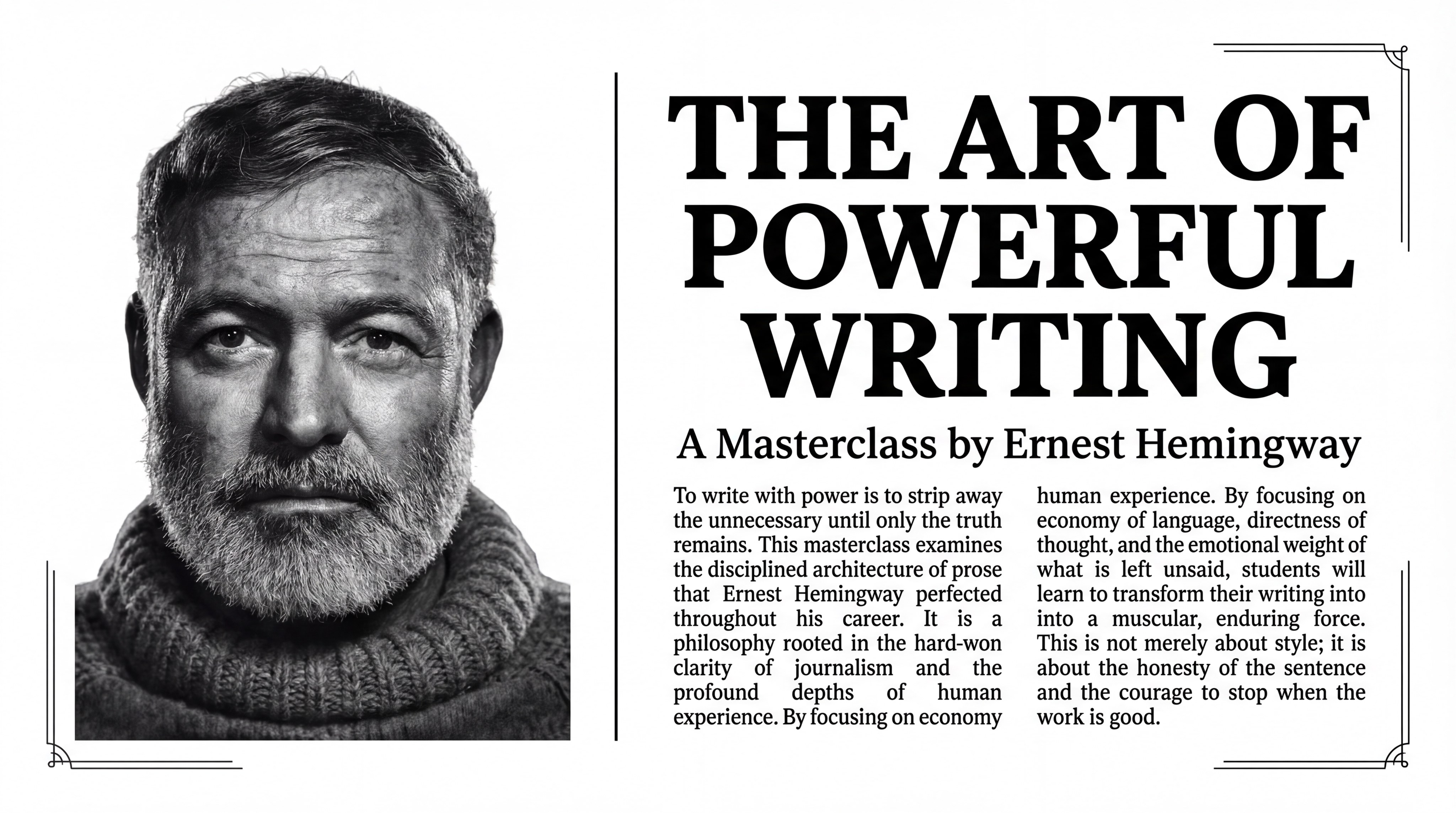
Newspaper-Style Hemingway Writing Masterclass
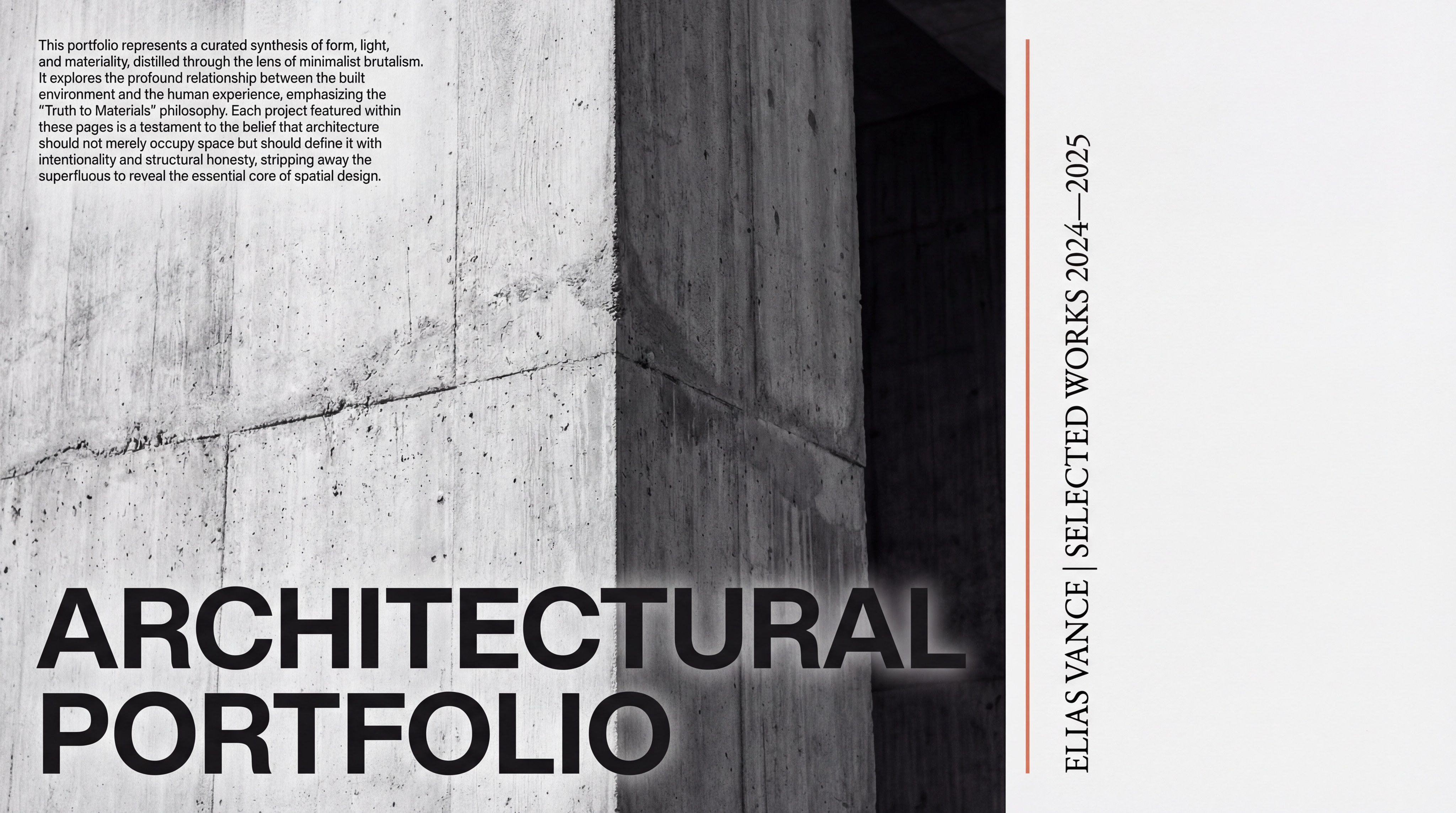
Condense paper into a 20-page presentation.
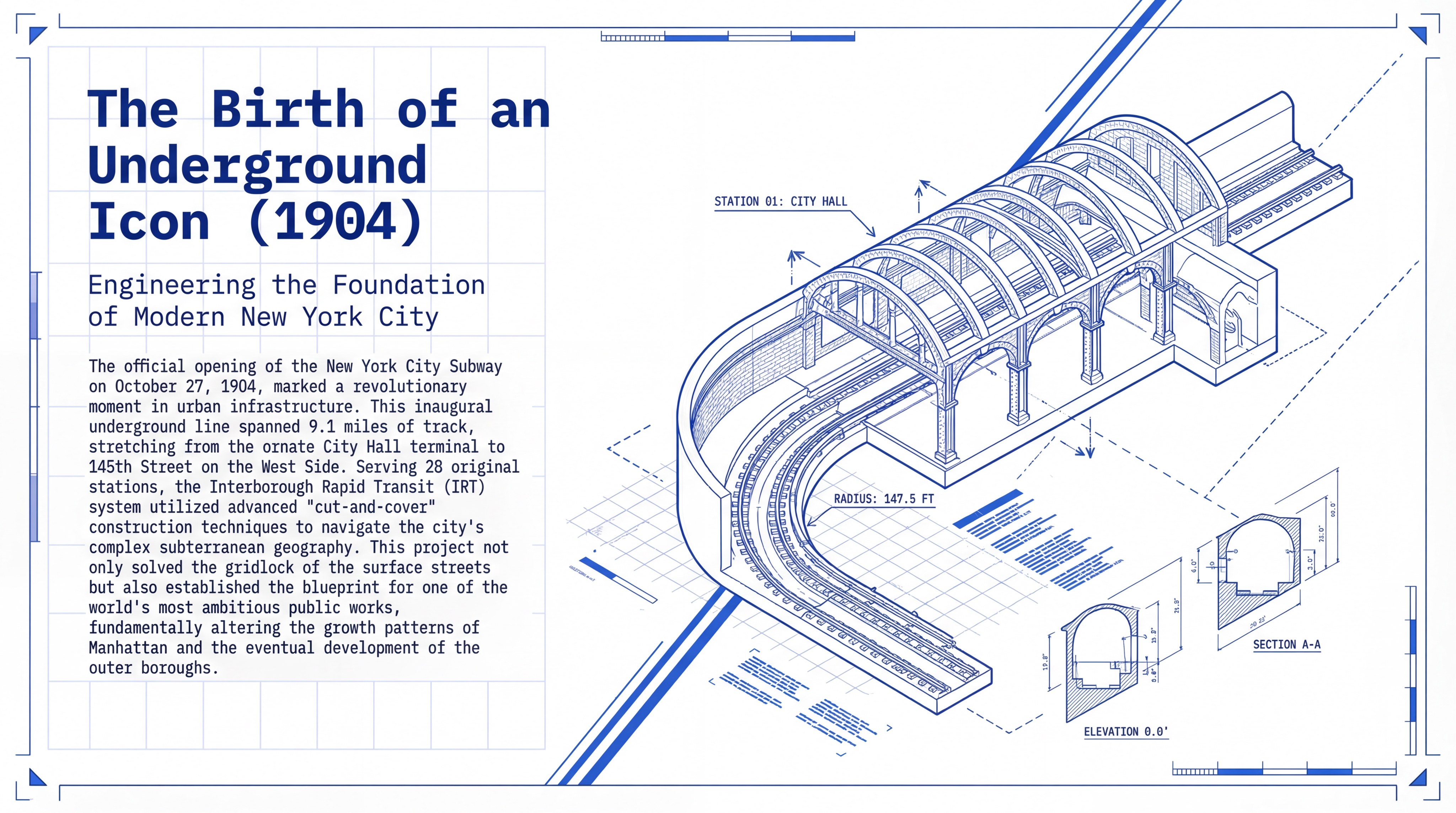
Blueprint-Style New York Subway
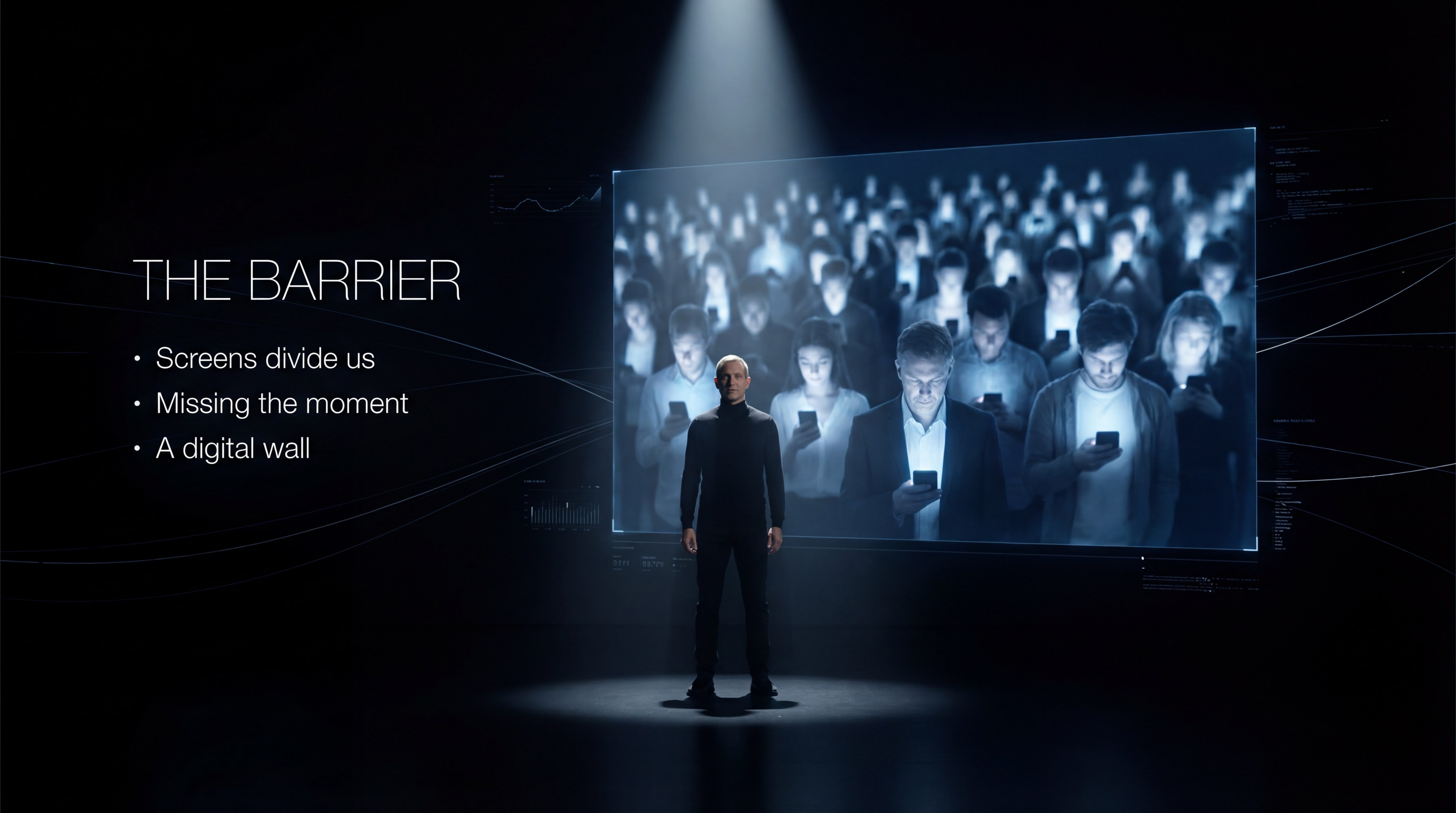
Celebrity business roadshow

Neo-Glassmorphism meets Corporate Minimalist.
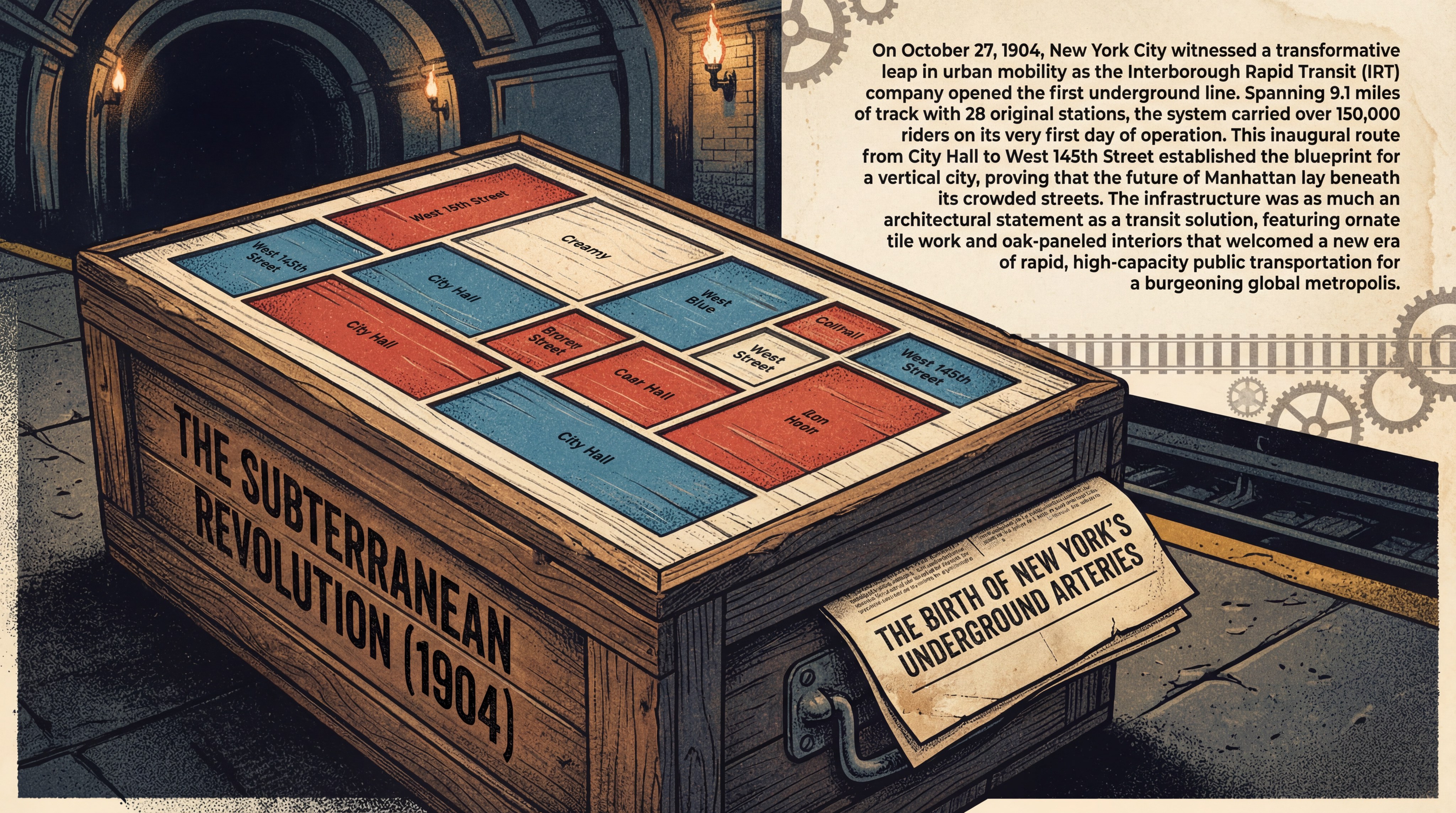
Skeuomorphic New York Subway Introduction
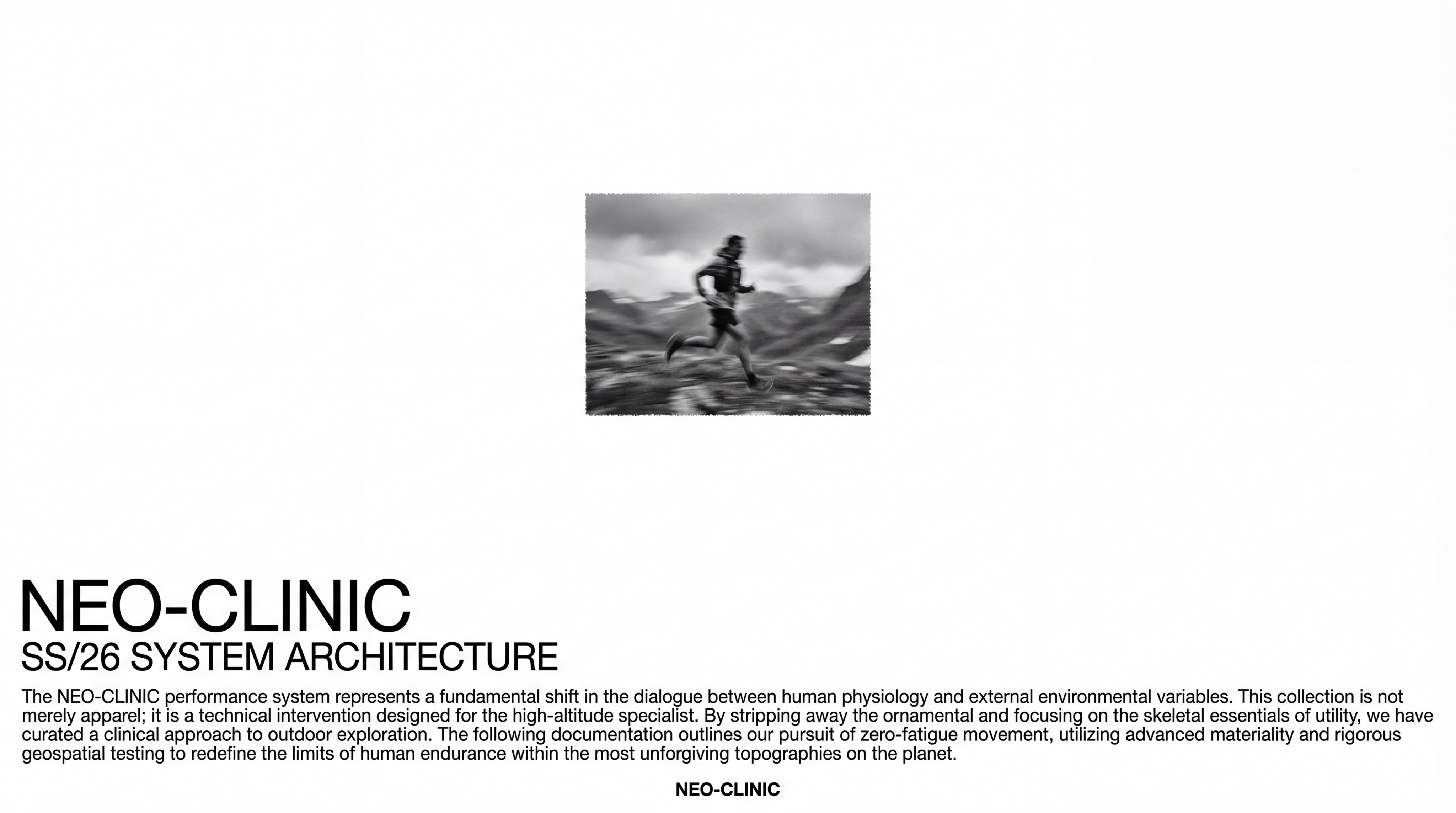
Outdoor Brand Manual
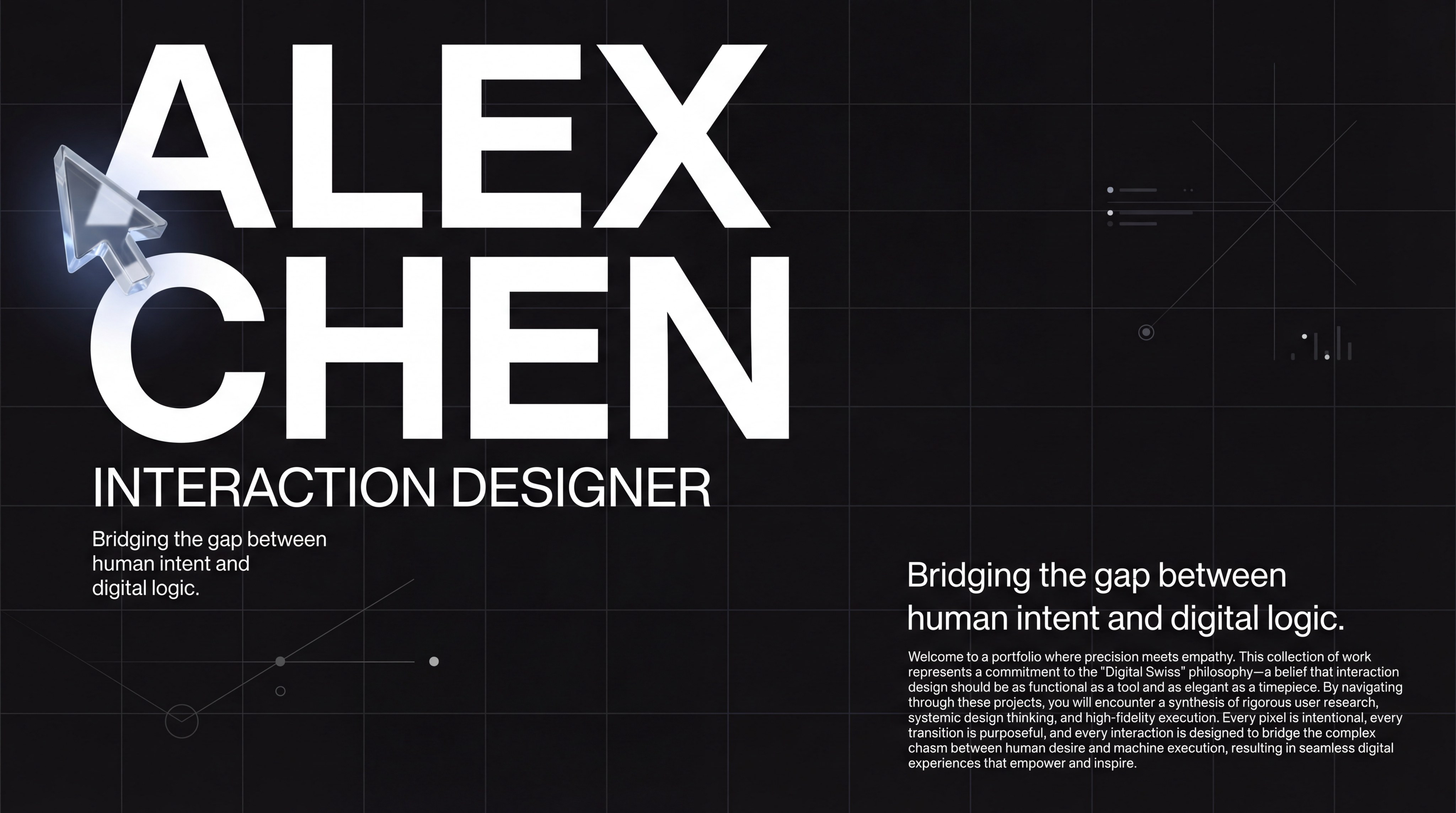
Portfolio for interaction designer
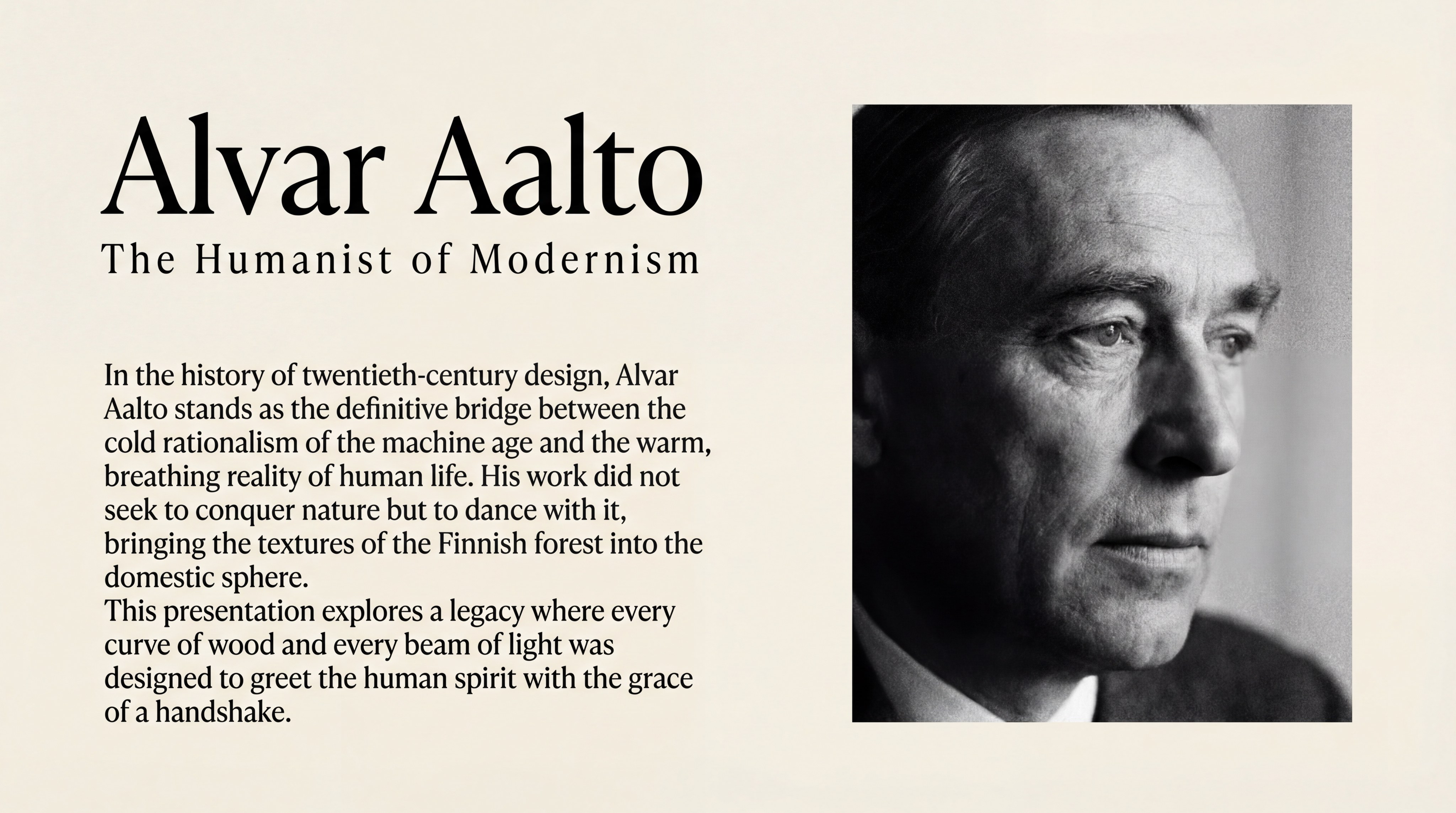
Introduction to the Minimalist-Style Aalto
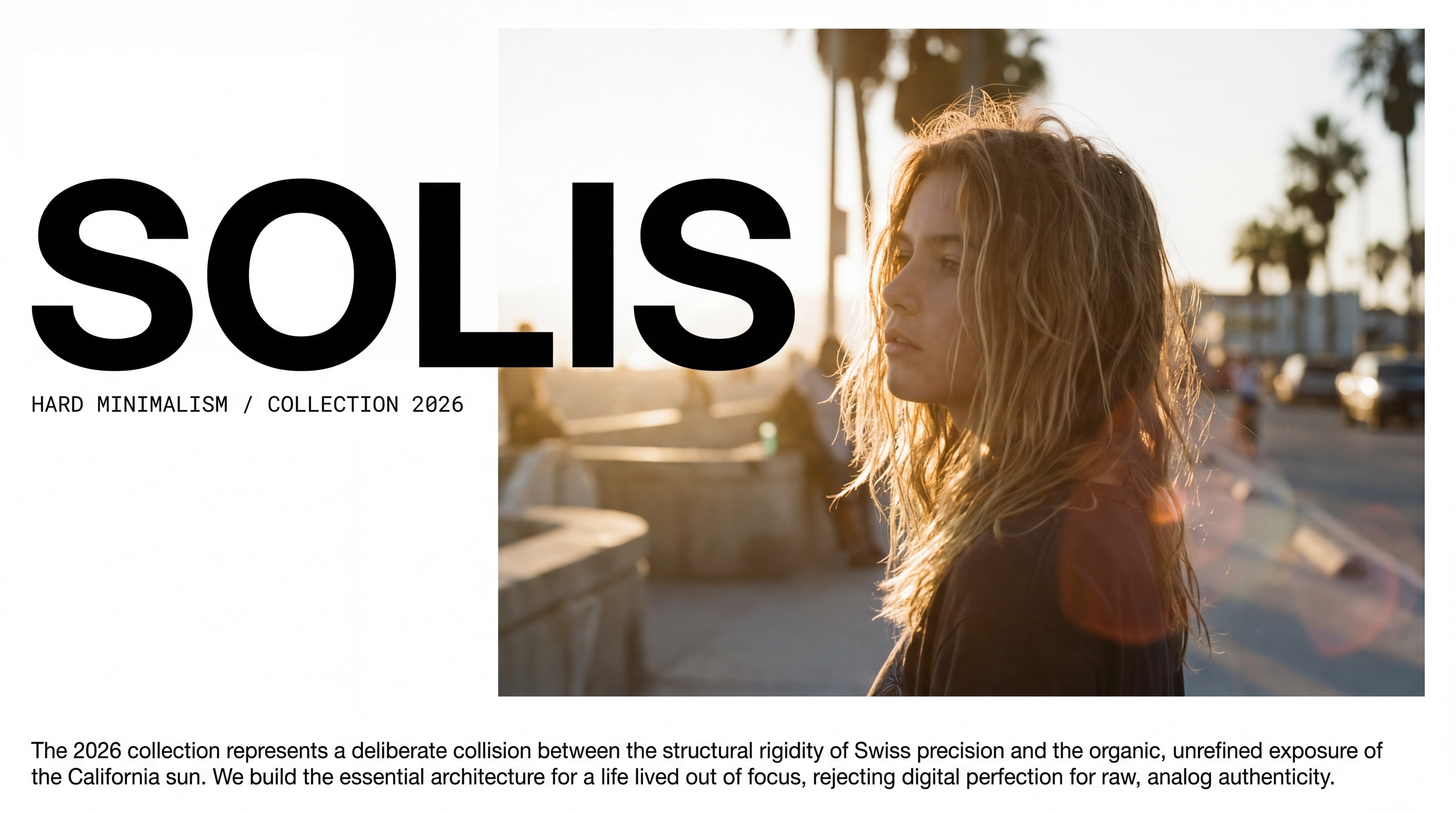
Streetwear Brand Handbook 2
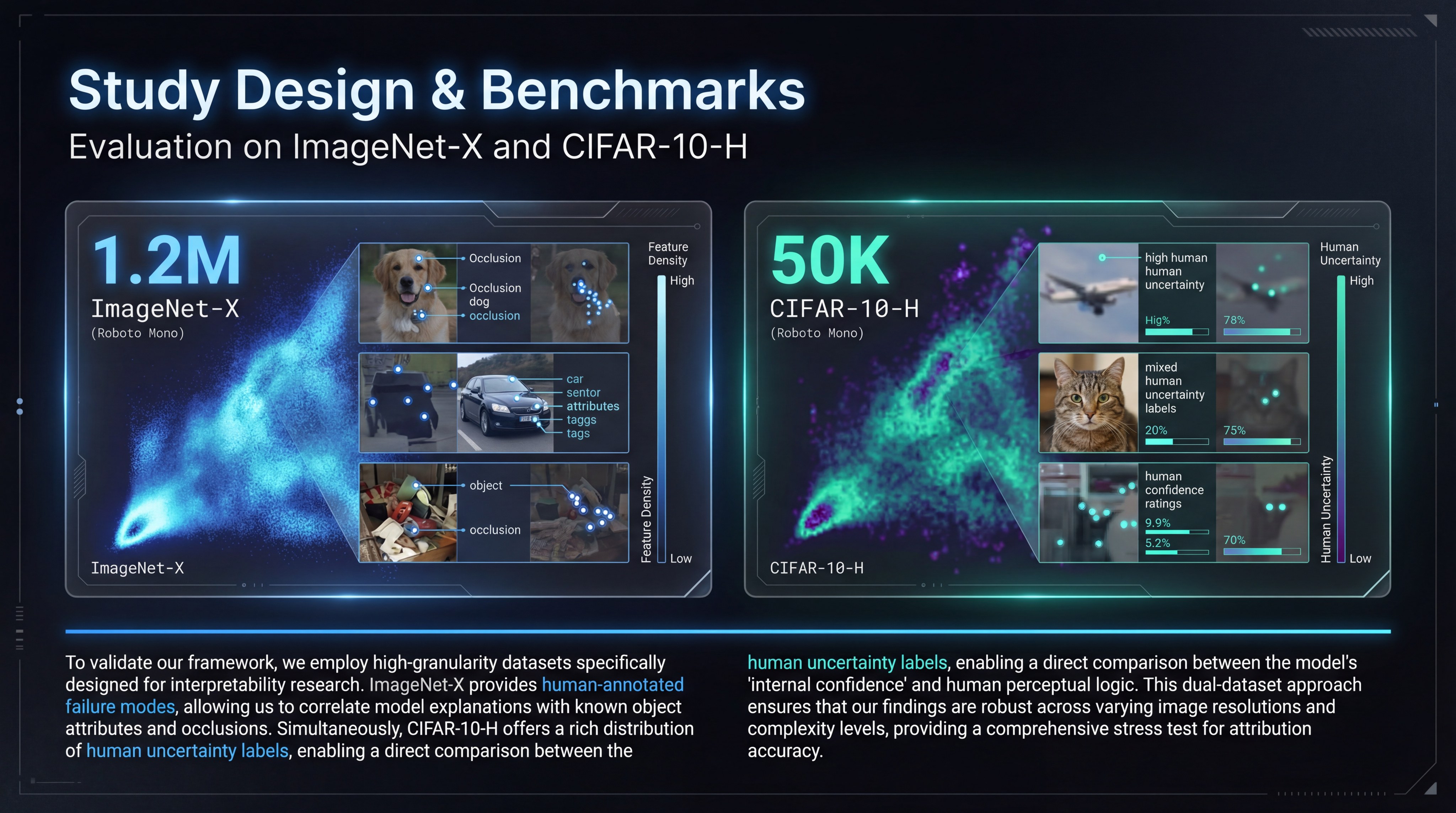
Cinematic Dark Tech Research
Nano Banana Pro slides capabilities
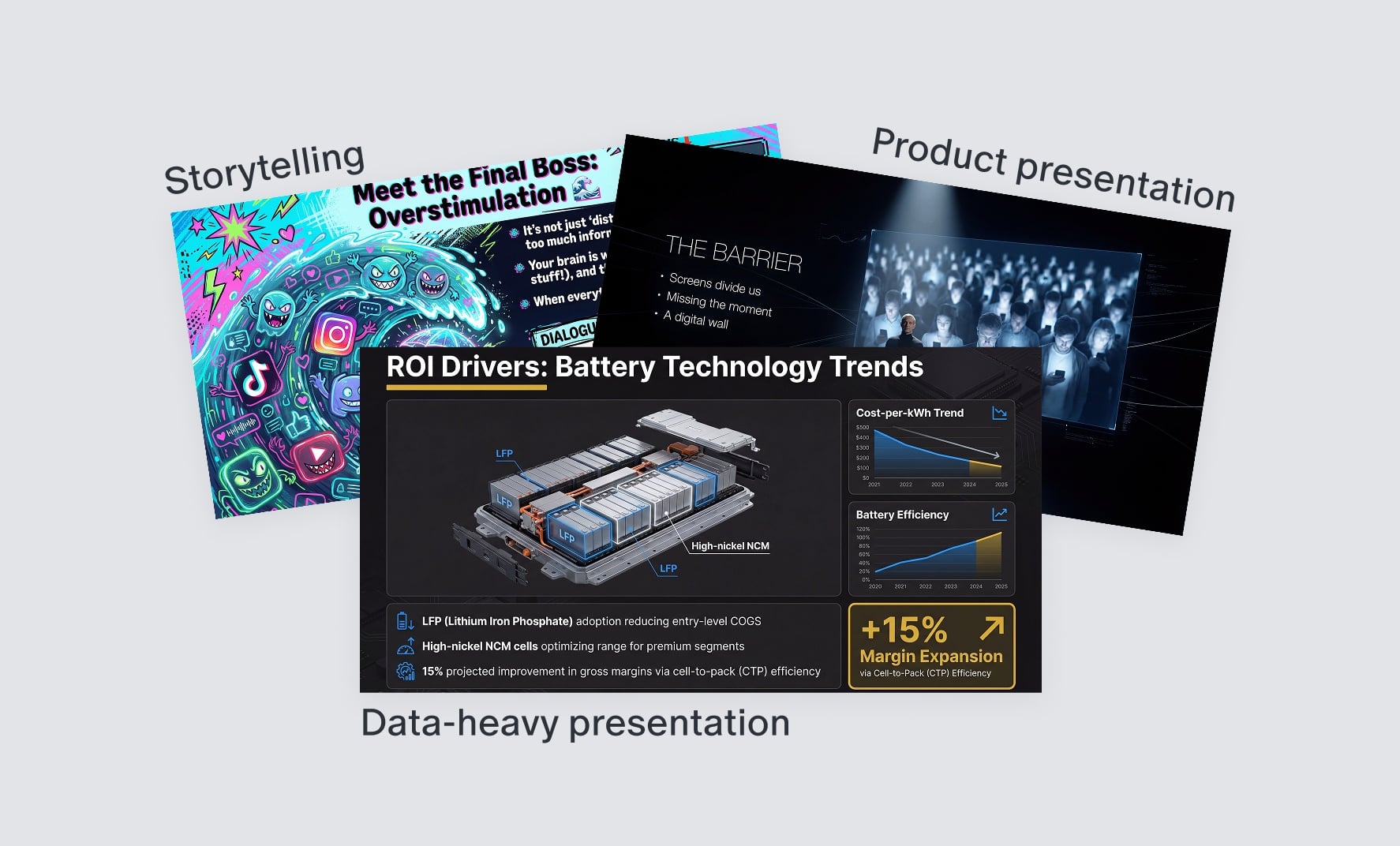
Excellence Across All Scenarios
Master nano banana design for diverse business contexts. Whether for executive briefings, client pitches, or team workshops, use our versatile templates to command attention and drive results with any audience.

Smart Visual Layouts
Automatically aligns text, images, and data visualizations for a balanced, designer-grade look.
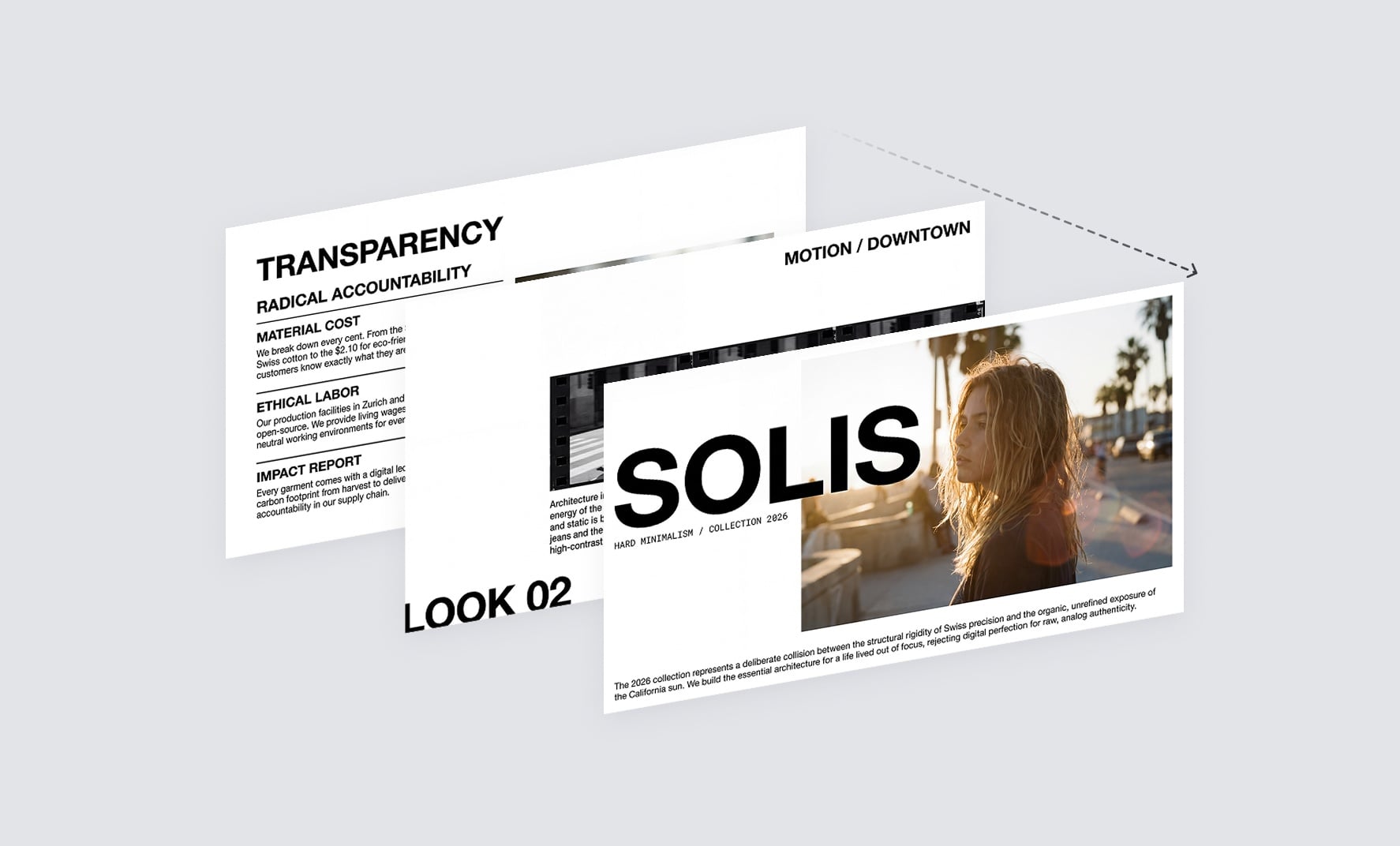
Consistent designs
Keep key elements looking consistent from slide to slide, and seamlessly blend image elements to deliver a cohesive, professional presentation.
How Nano Banana Pro compares with
General Image Models
Nano Banana Pro
Slide-ready visuals
Not optimized
Designed specifically for presentations
Text clarity on slides
Often distorted
High-fidelity, multilingual text
Visual structure
Free-form, unstructured
Clean layouts and balanced composition
Data-driven graphics
Rarely usable
Strong support for charts and diagrams
Editing efficiency
Heavy post-editing
Fewer revisions needed
How to create slides with Nano Banana Pro?
Define Your Narrative & choose preferred style
Simply type out your vision. Whether it's a "Q1 Marketing Strategy for a Tech Startup" or a "University History Lecture," just describe your topic, target audience, and key takeaways. Choose your preferred slide style and start generating.
Witness the Construction
Flowith activates the Nano Banana Pro engine. Watch in real-time as it structures your argument, selects imagery, and applies professional typography to build a coherent narrative flow.
Export and Edit Freely
Download your creation as a fully editable .PPTX file. Open it in Microsoft PowerPoint, Google Slides, or save it directly to OneDrive/Google Drive for immediate collaboration.
Frequently Asked Questions
Start creating today
Build professional presentations in seconds with AI.