
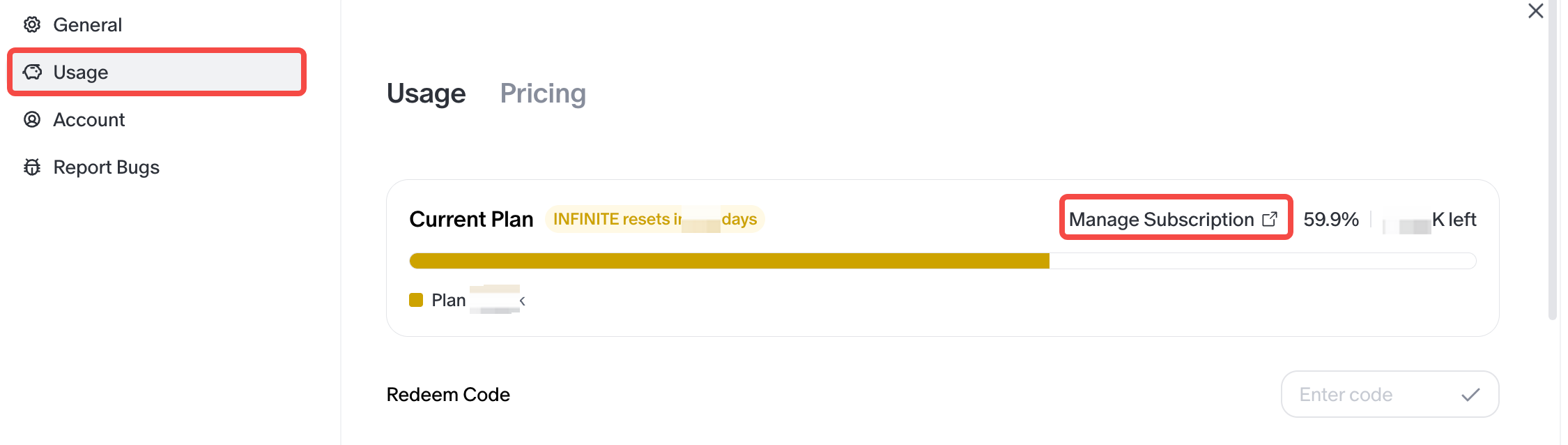
A subscription can be managed from the Usage page.
Please follow these steps:
- Go to the Usage page.
- Click Manage Subscription.
- Enter the subscription management page.
- From there, the current subscription can be viewed, managed, or cancelled.
After cancellation, the current subscription benefits usually remain active until the end of the current billing cycle.
To avoid being charged for the next cycle, it is recommended to cancel at least 24 hours before the next billing date.