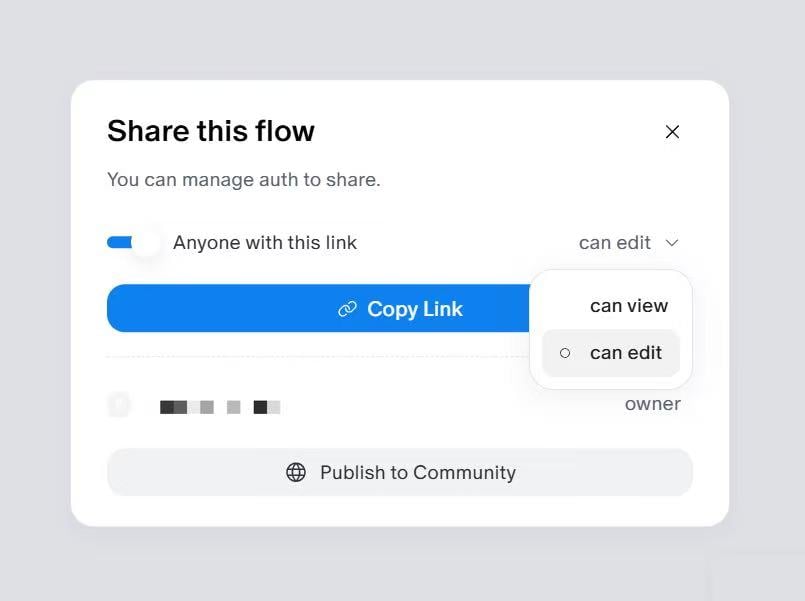
A canvas should be shared through the built-in Share function.
Please do not copy the URL directly from the browser address bar, as this type of link may not be accessible to others.
To share a canvas:
- Open the relevant canvas.
- Click Share in the top-left corner.
- Set the permission to Can edit.
- Copy the generated share link.
- Send the link to Flowith Support.
If the link cannot be opened, please check whether the correct sharing link was used and whether the permission was set properly.