
Flowith AI Video Generator
Quick answer
Create an AI video in Flowith from a text prompt or authorized image, compare available models on one visual workspace, then refine motion, audio, identity, rights, and disclosure before publishing.
Flowith AI video workflow
Create, compare, and refine video in one visual workspace
Flowith supports text-led and image-led video creation, side-by-side model comparison, reference-frame workflows, and iterative refinement on the canvas. Start with one scene, compare the available models, then keep the strongest result moving through the same creative workspace.
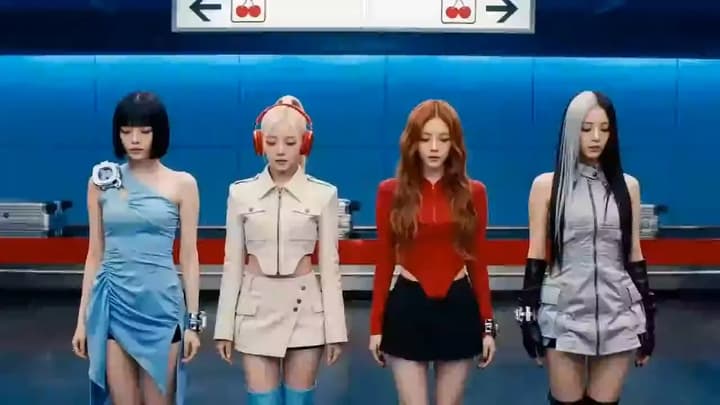
Four-Member K-pop Girl Group MV
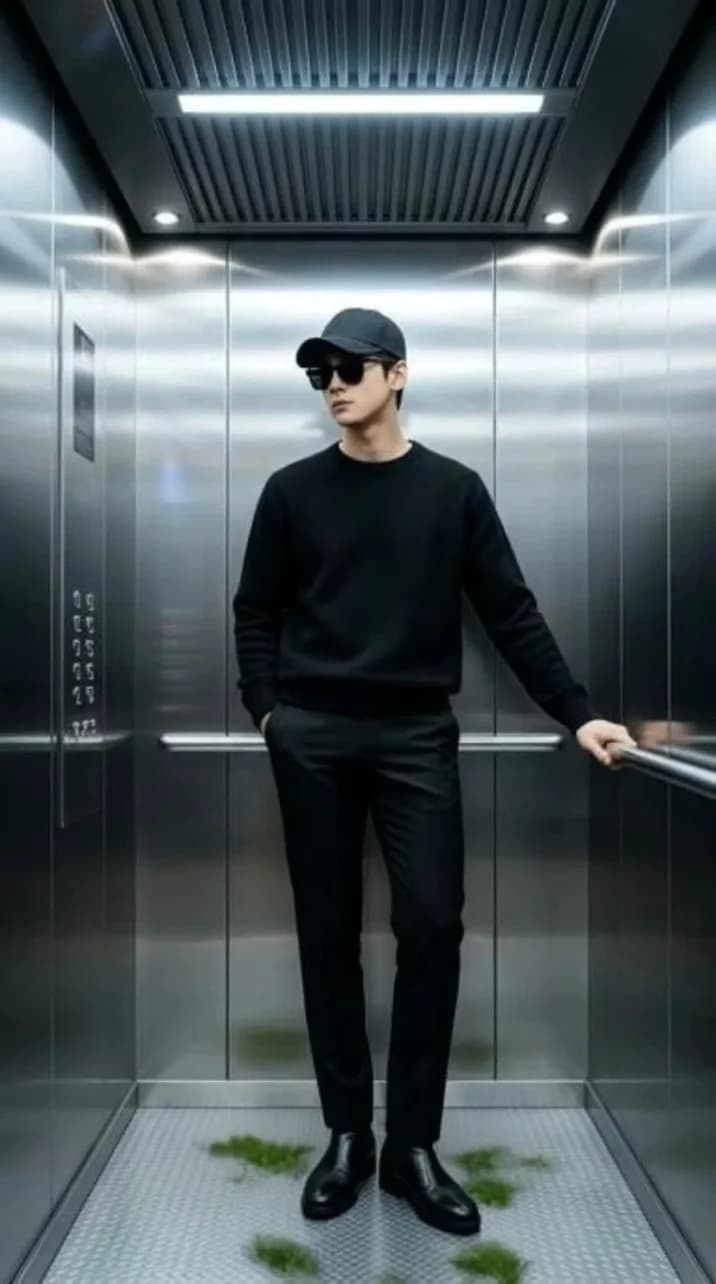
Elevator Fashion Video

Lo-Fi Study Session
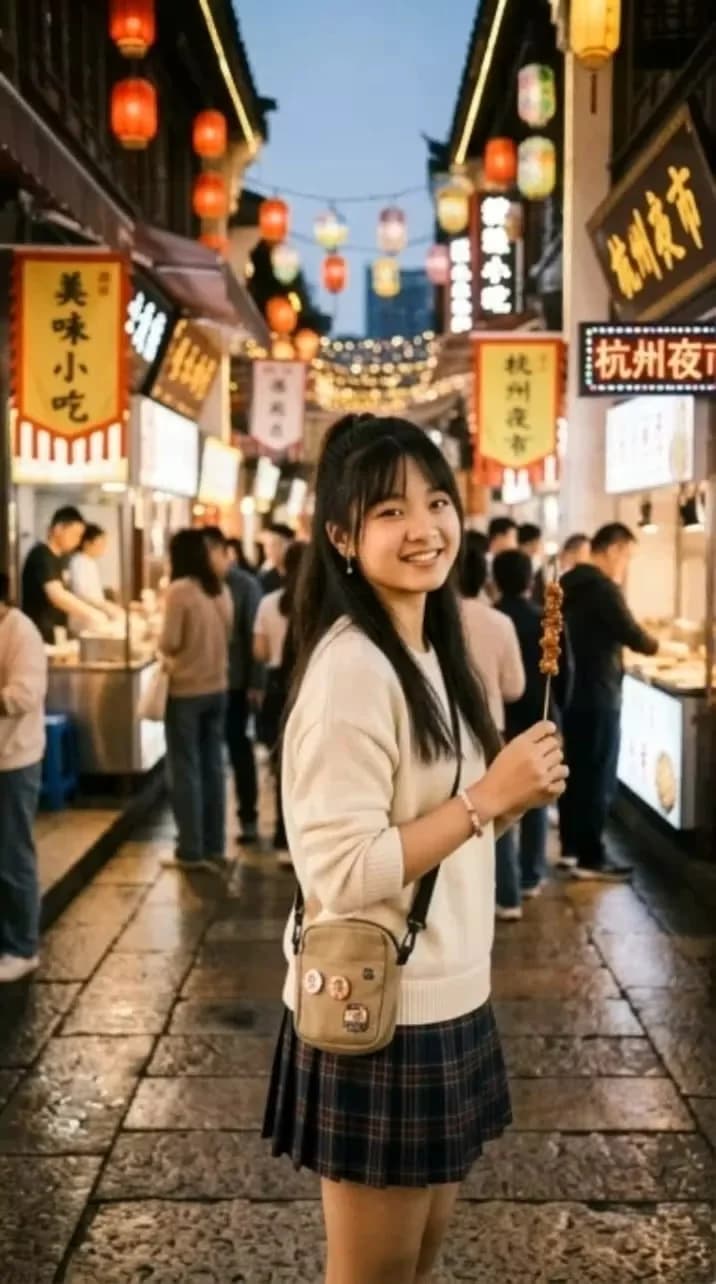
Falling from the sky
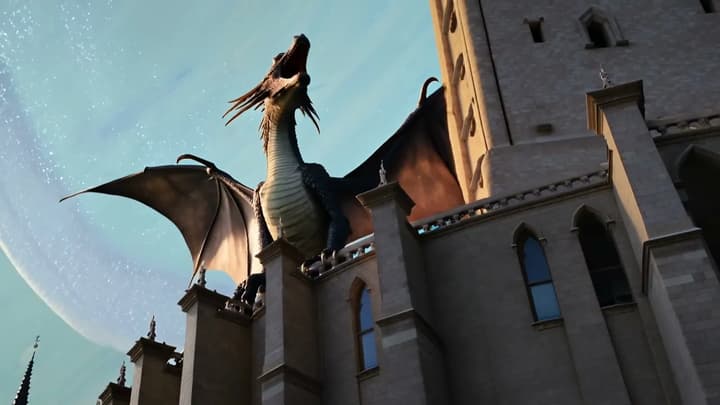
Giant Dragon
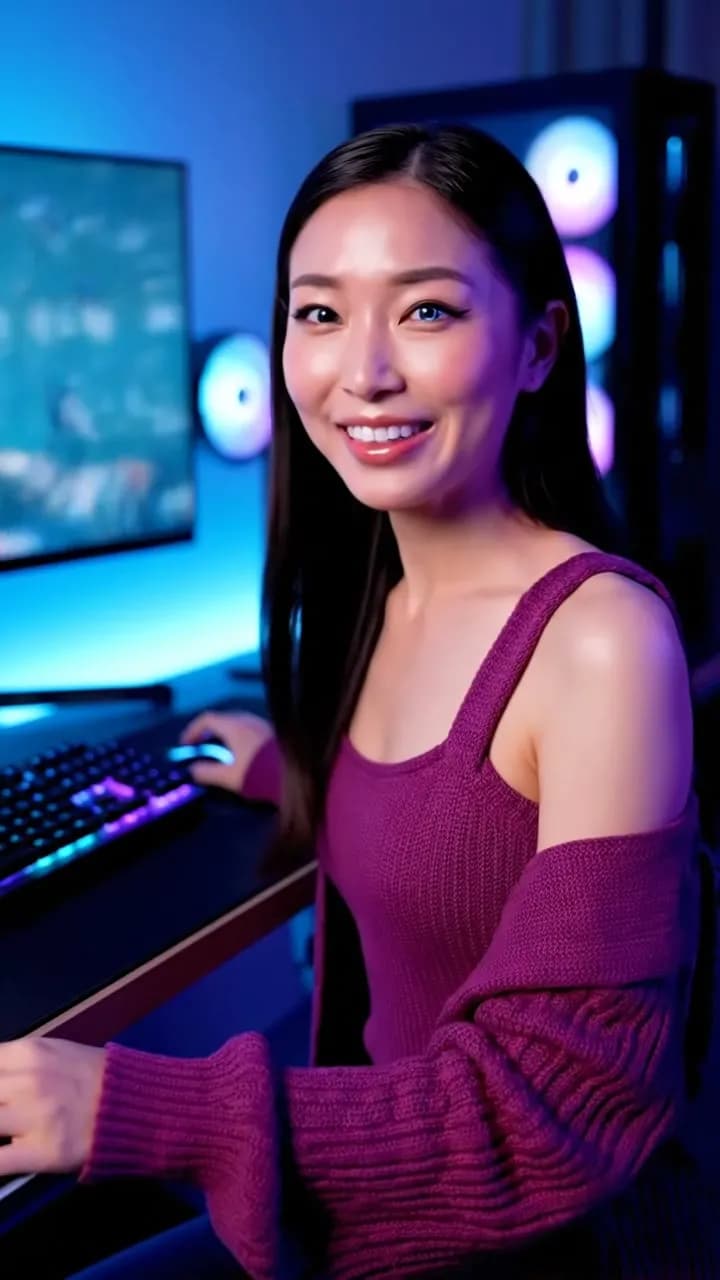
Live-stream
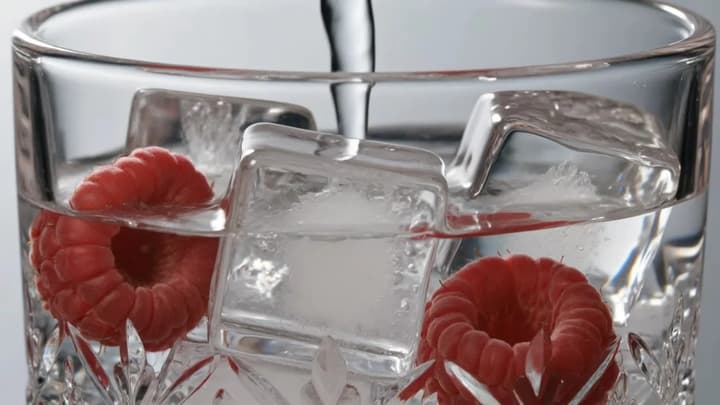
Fizzy Drink ASMR
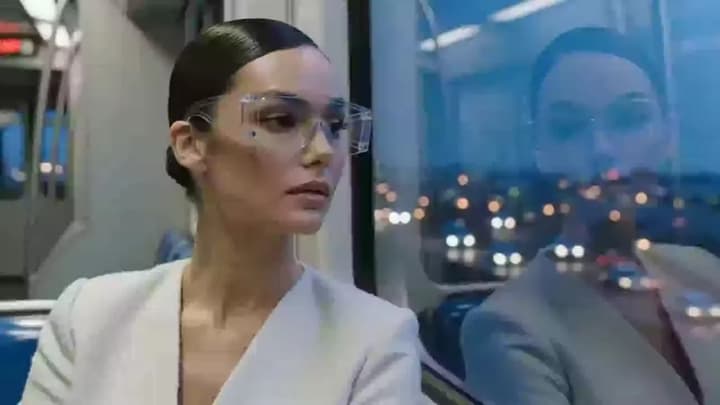
Glass Commute

Across the Universe
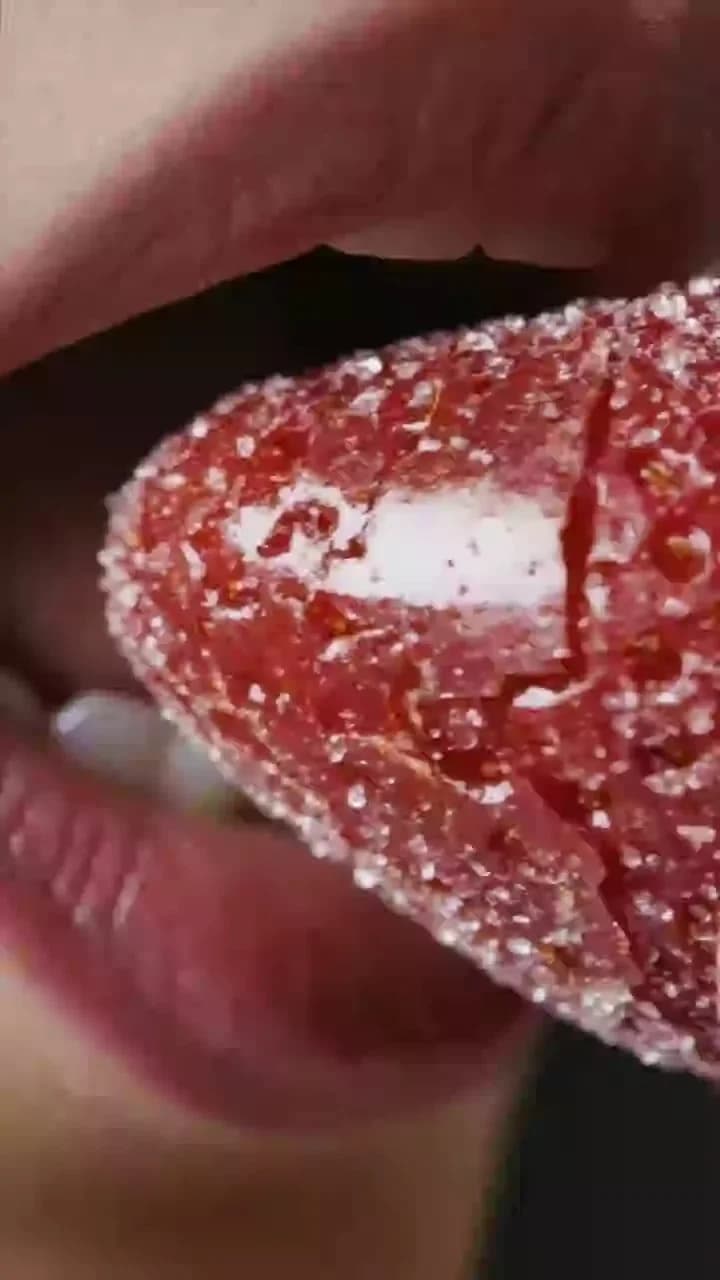
ASMR Eating Mouth
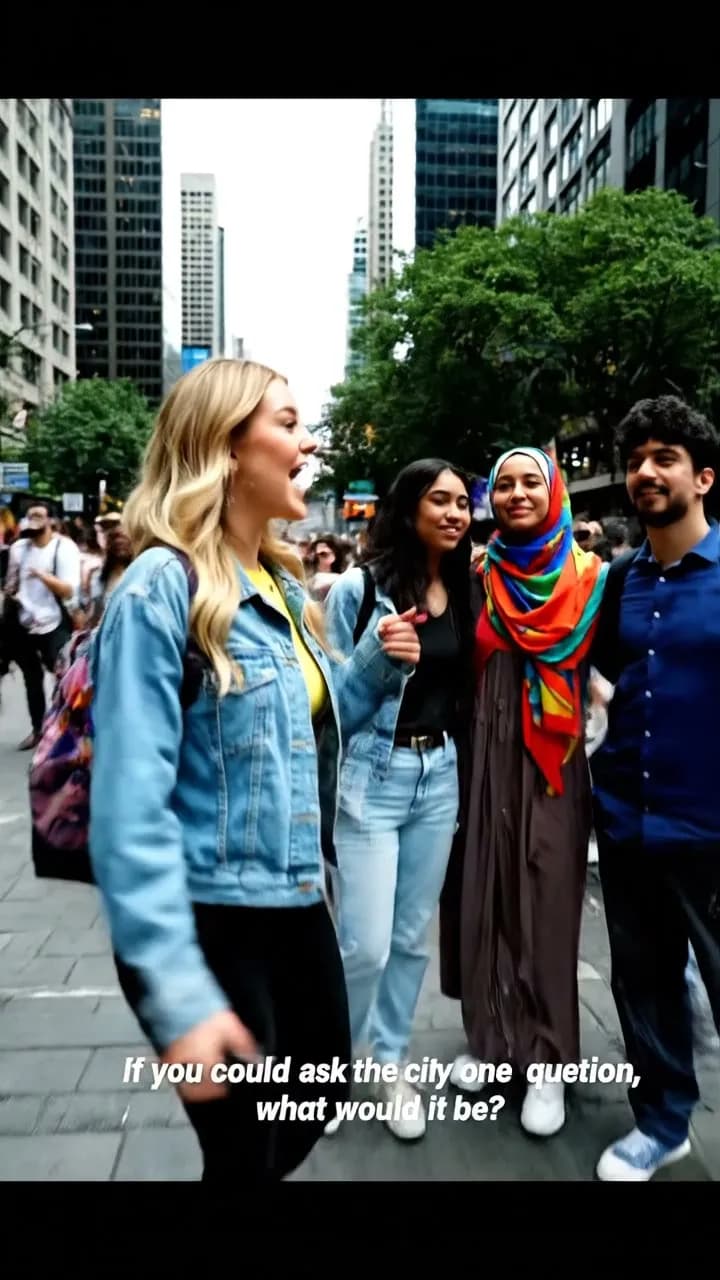
Street Interview
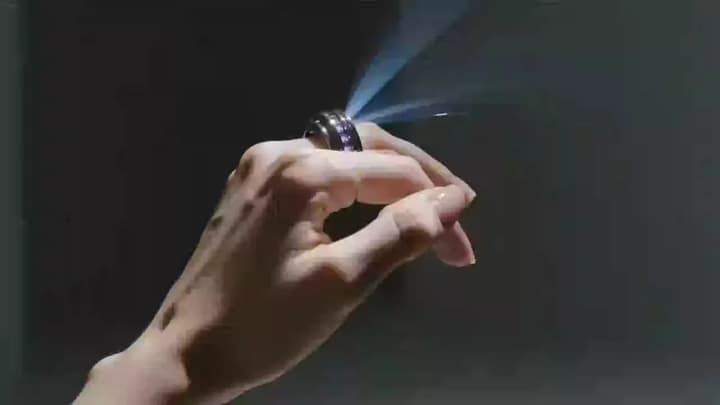
Orbit Ring
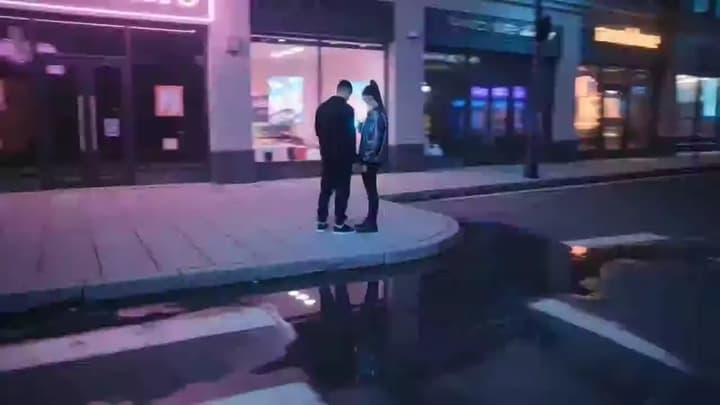
city parallax widening
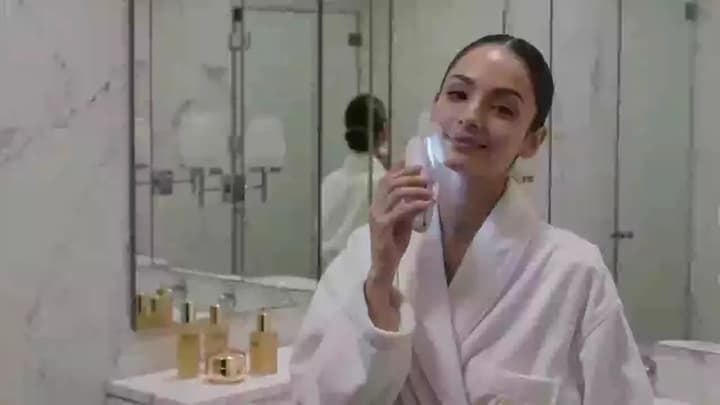
Skinlight Ritual
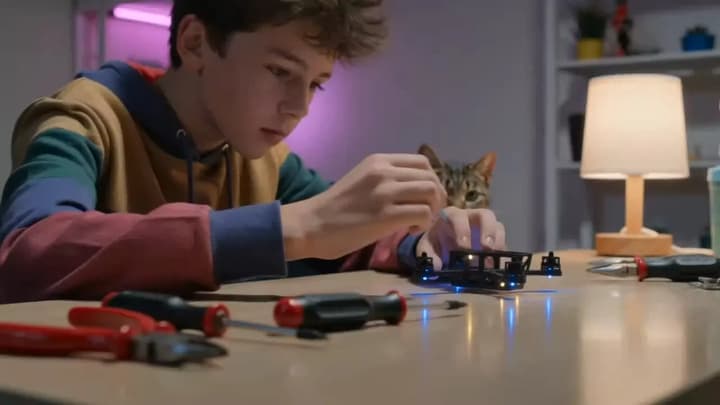
Drone Desk Drift
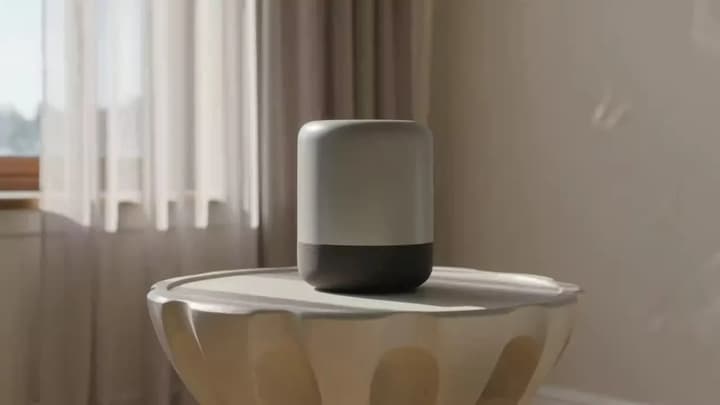
Speaker Orbit
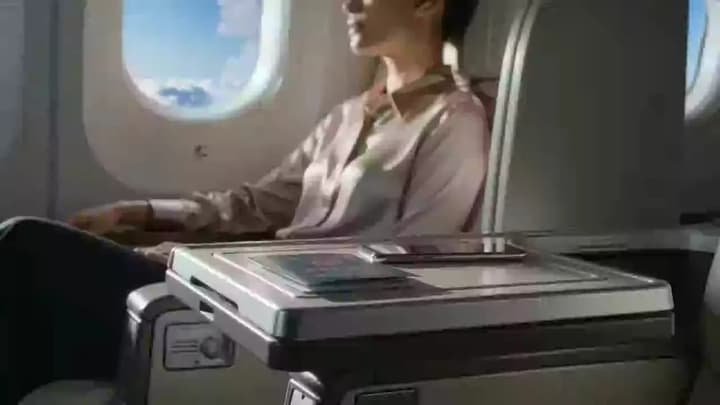
Skyward Translation
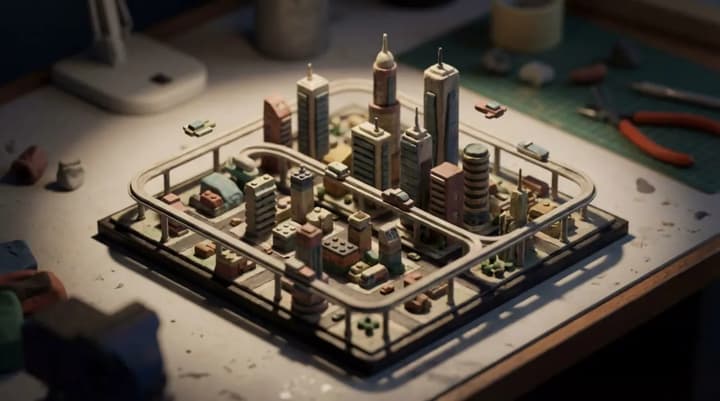
Isometric City
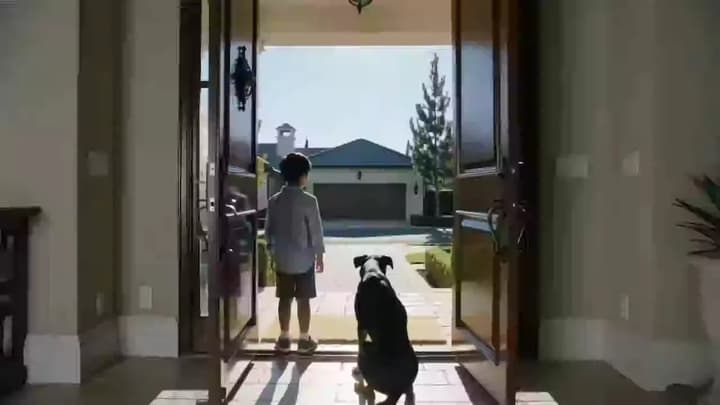
Delivery Threshold
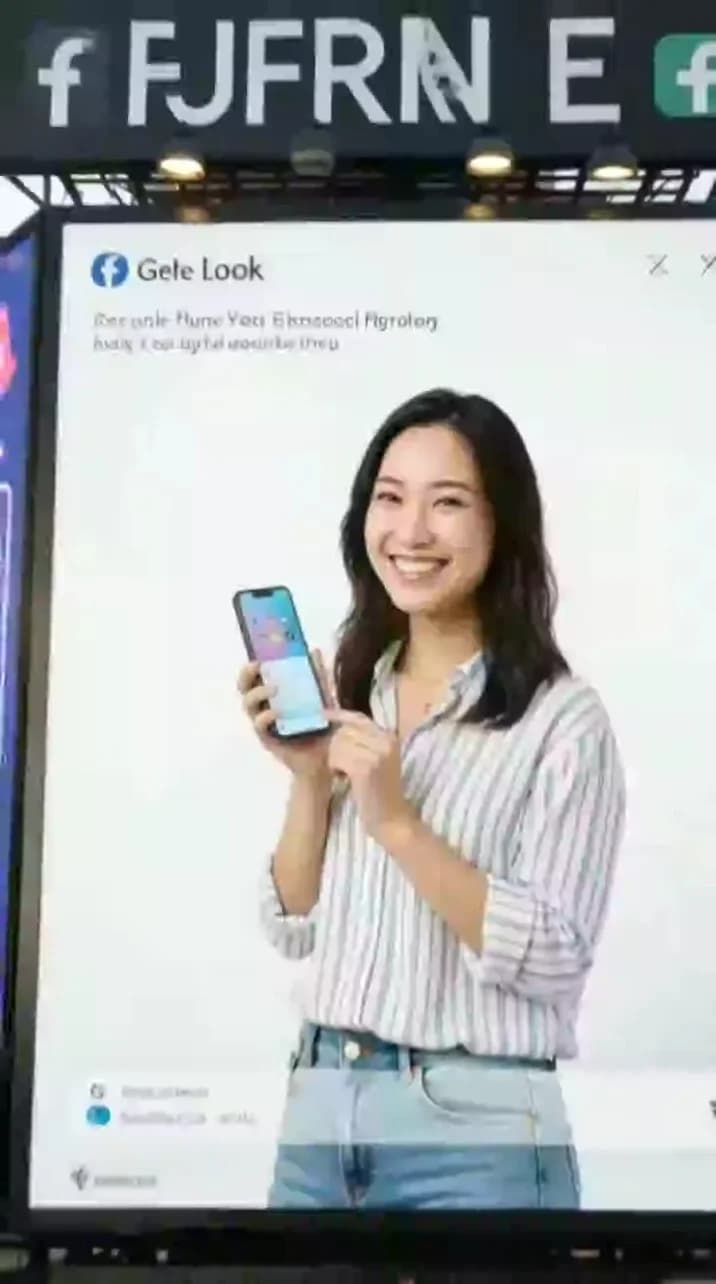
Ad Large Screen Display
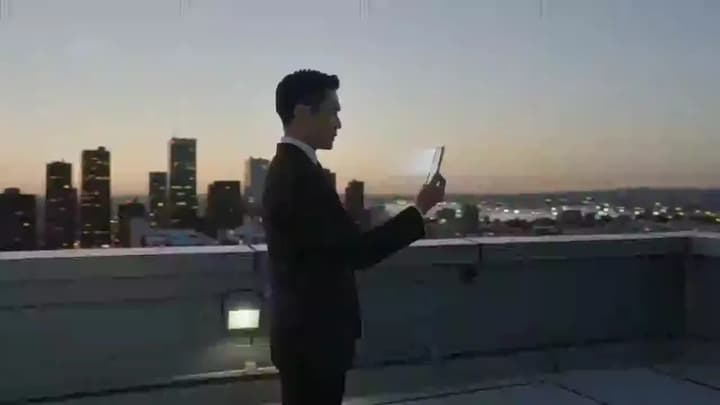
Rooftop Holo Call

Cloud Keyboard ASMR
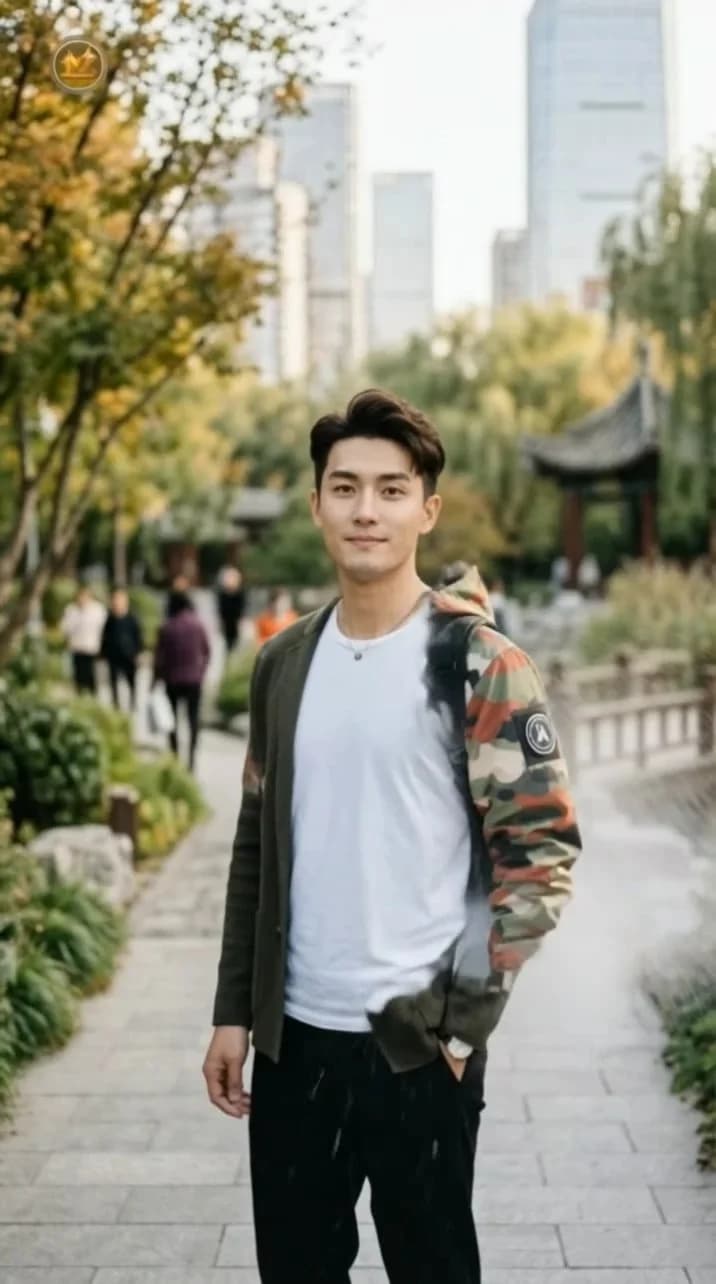
Ski suit transformation
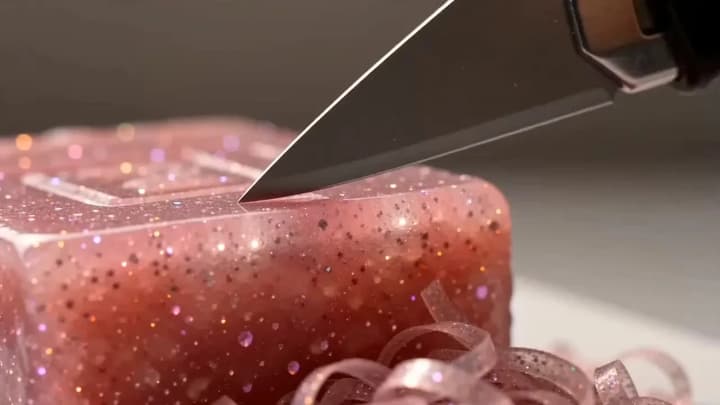
ASMR: Soap Cutting
Broomstick Flight
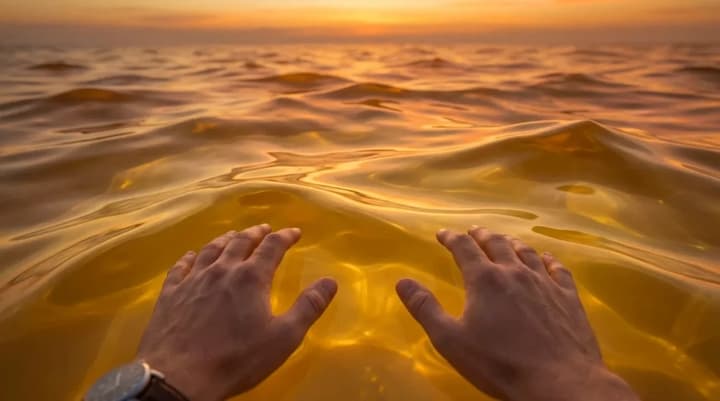
Jelly Ocean ASMR
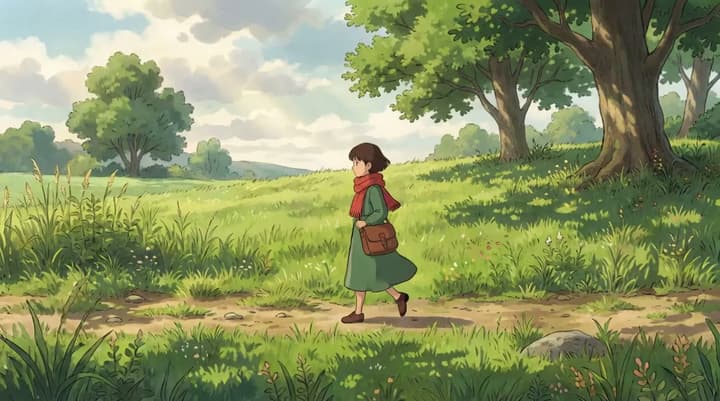
2D Character Walk
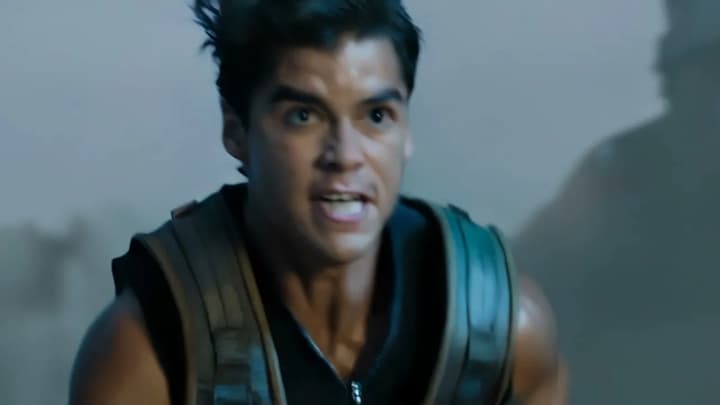
Escape From Another World
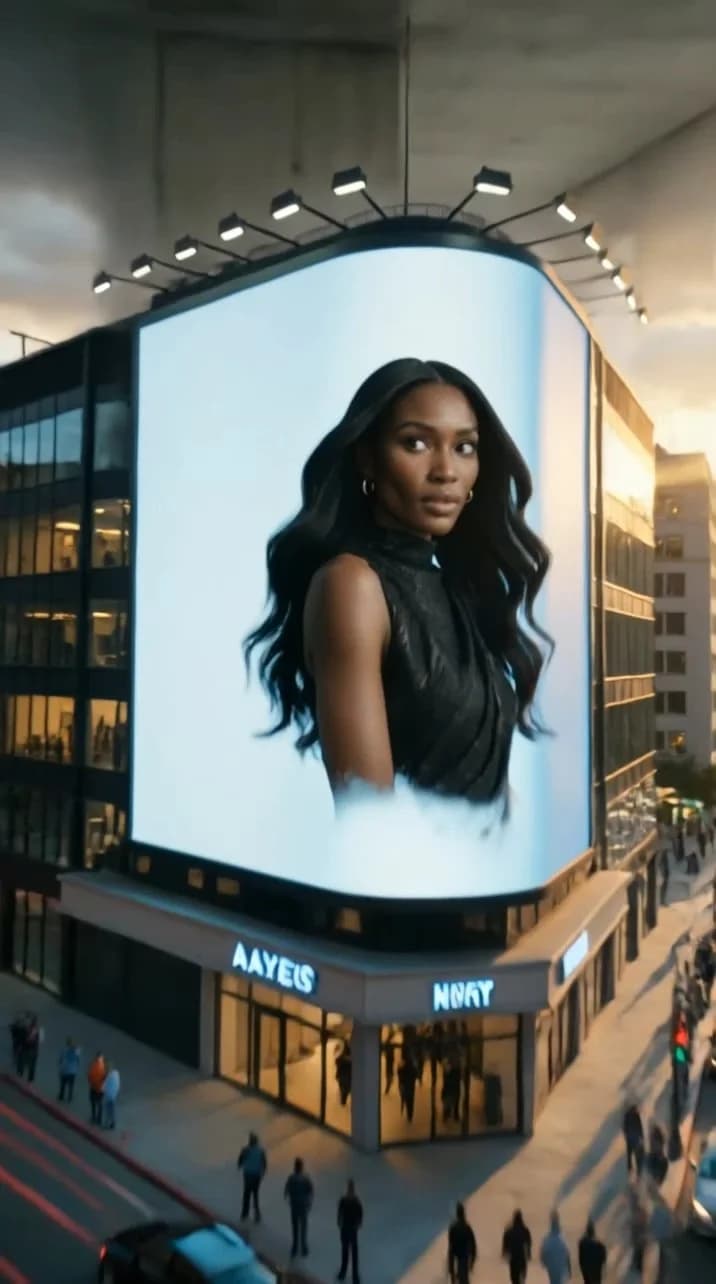
Urban 3D billboard
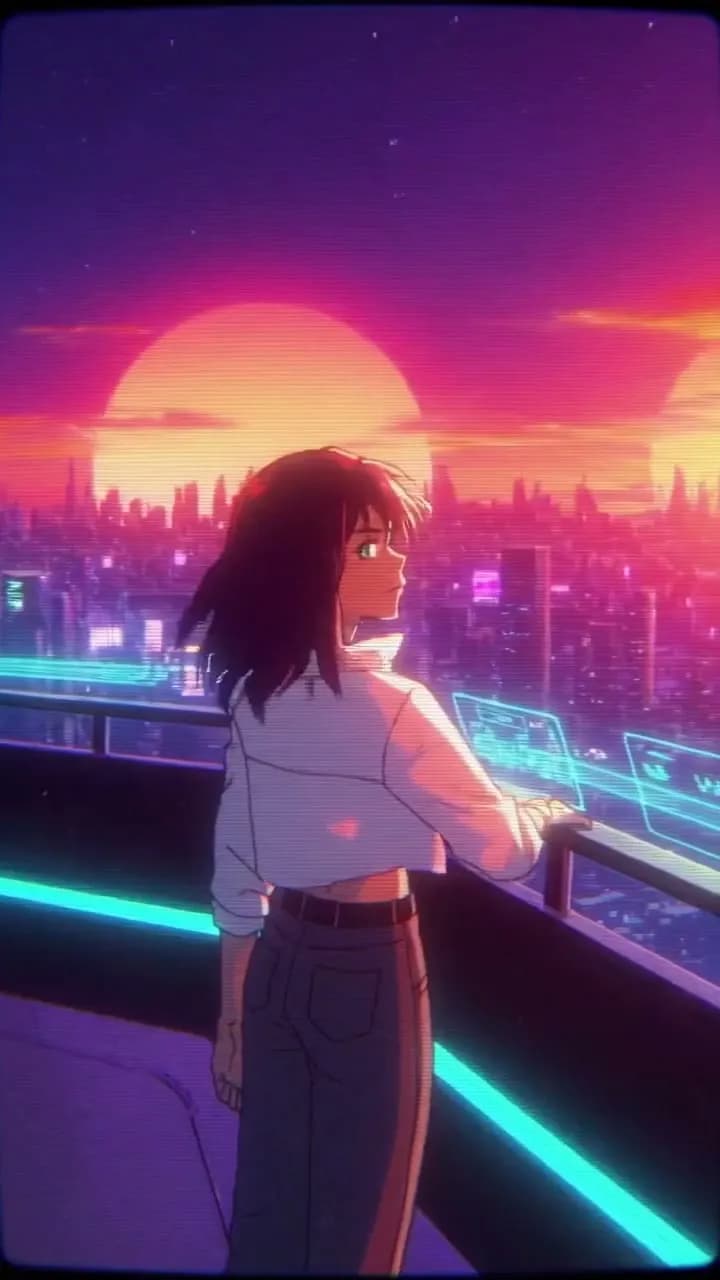
Retro Future
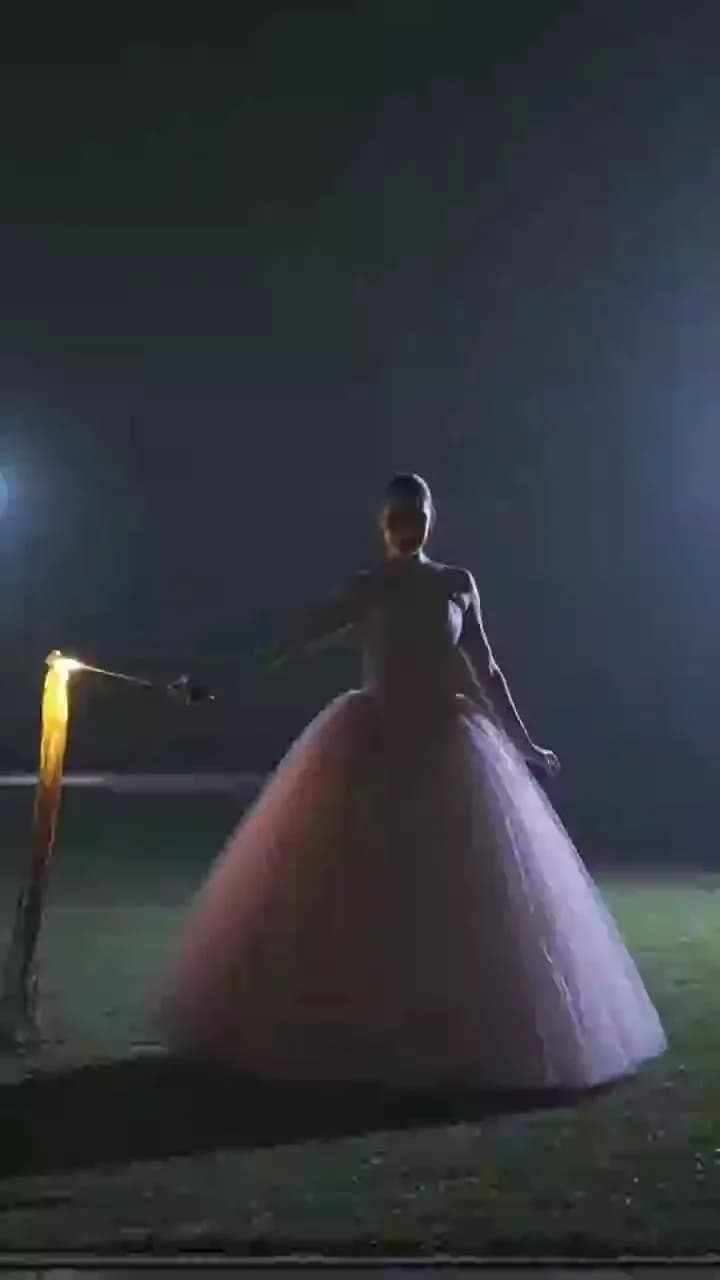
Spinning Pink Gown: Glowing Trails in the Night
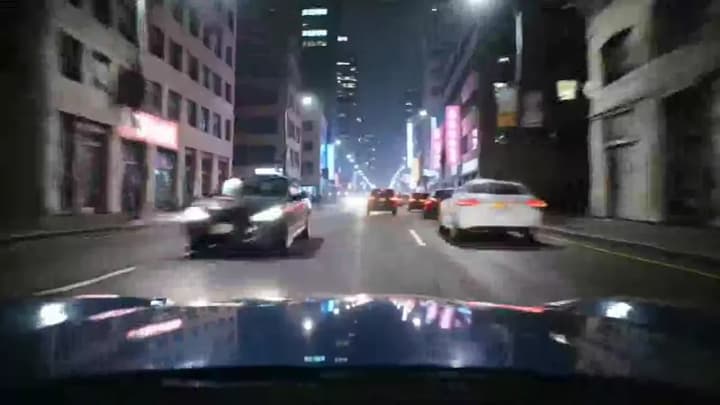
City street racing

Explainer Story
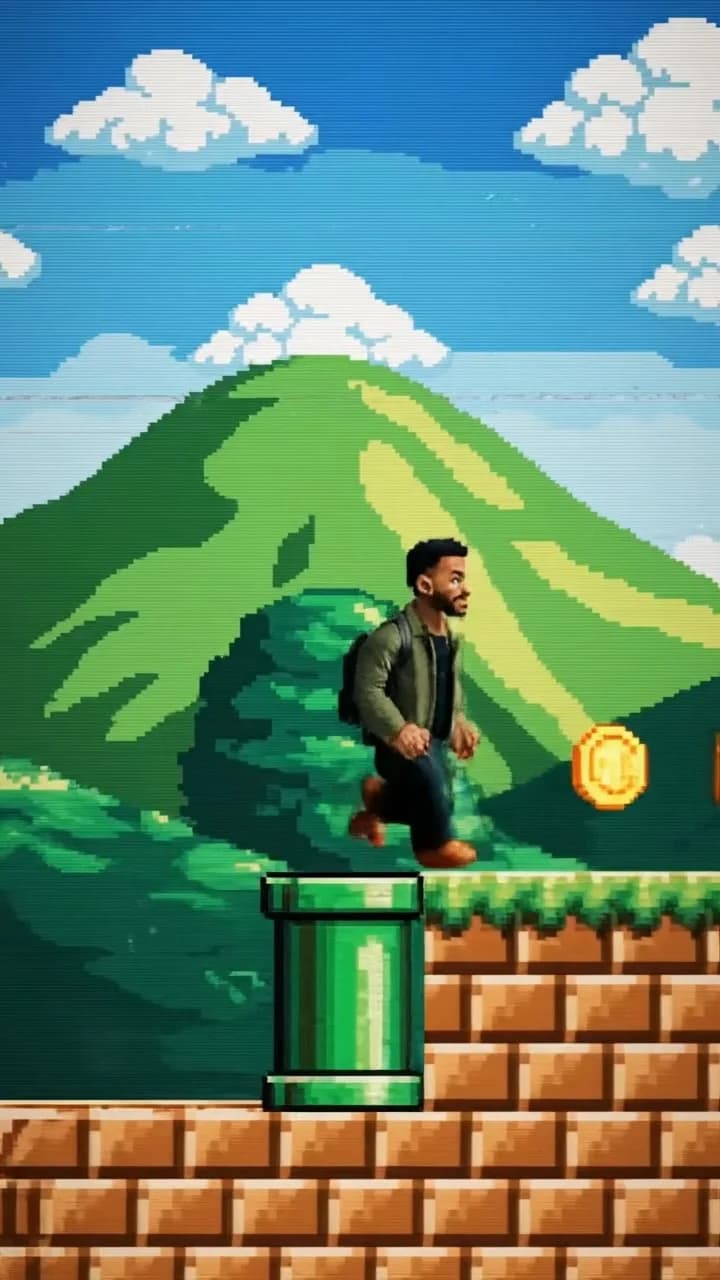
Pixel-art parkour game
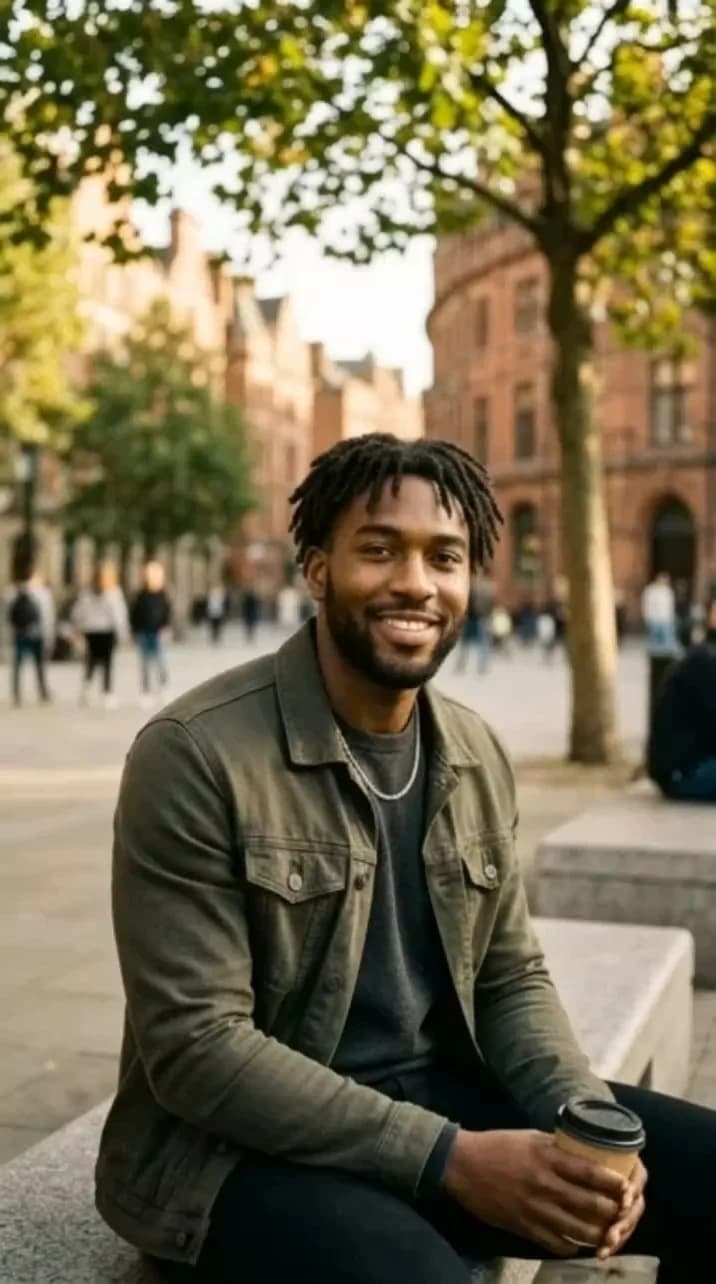
On the subway with Hello Kitty
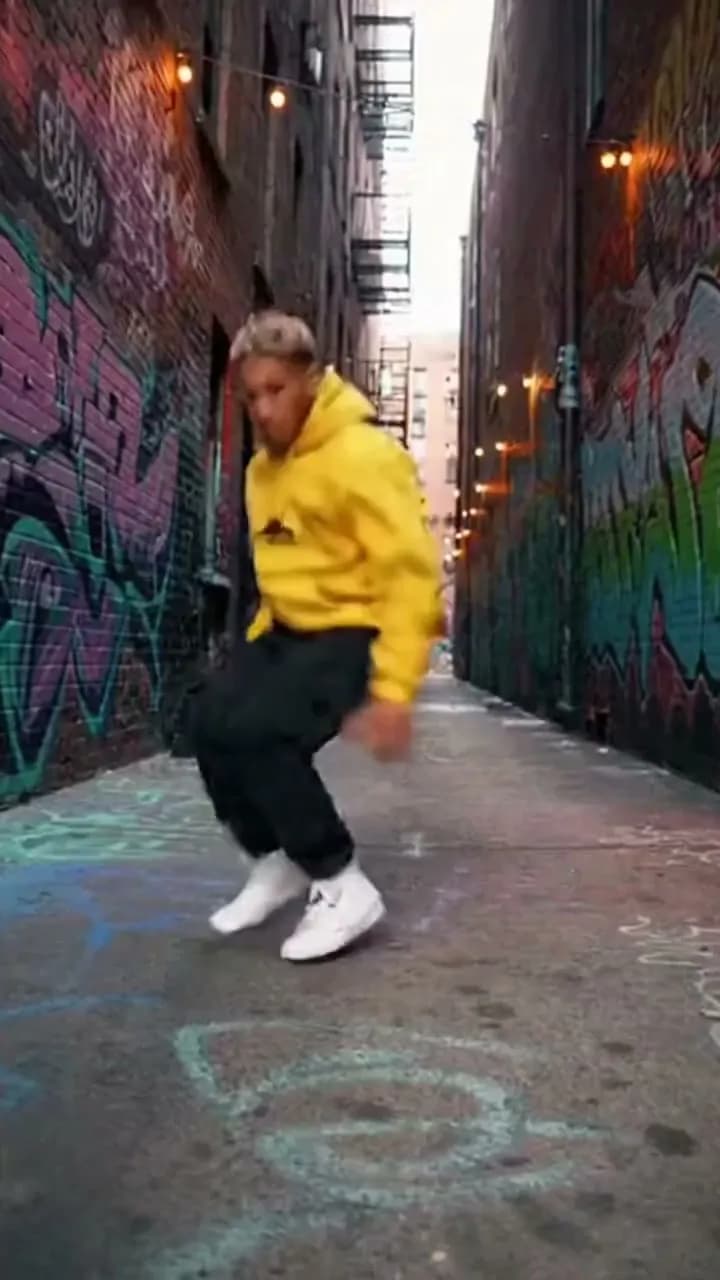
Urban Street Dance
Dark Warrior Awakening
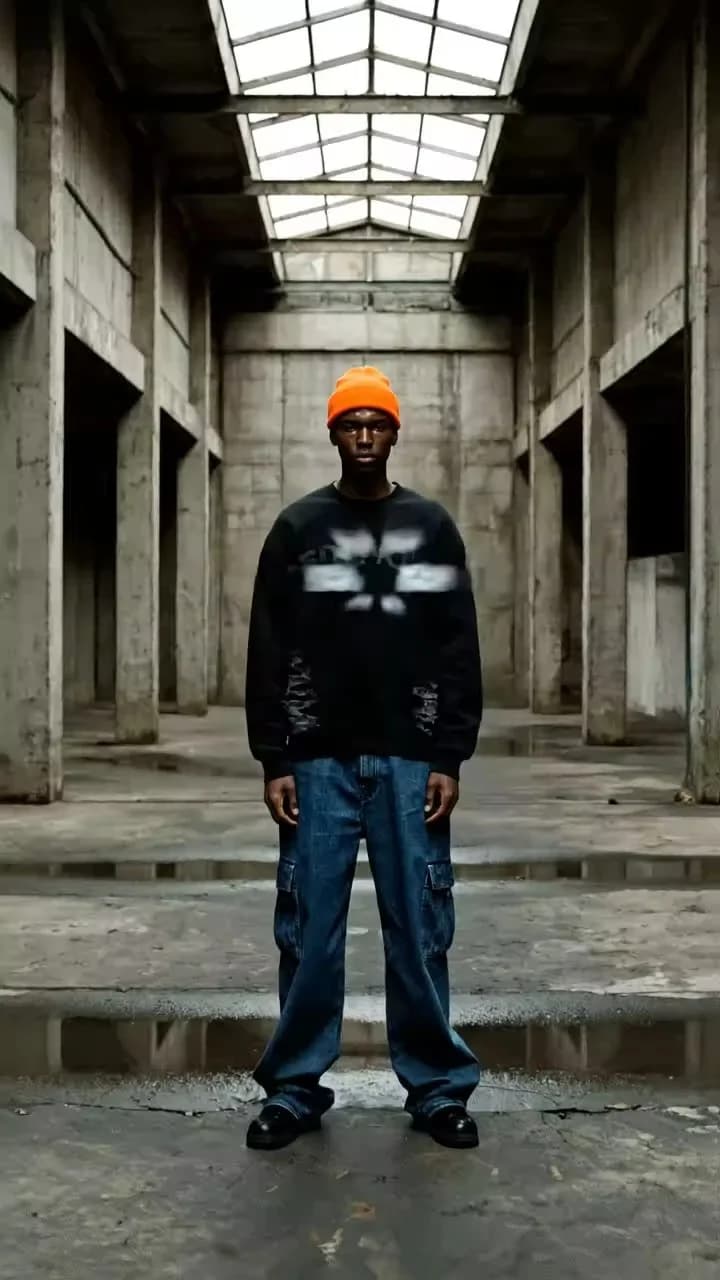
Urban Hologram
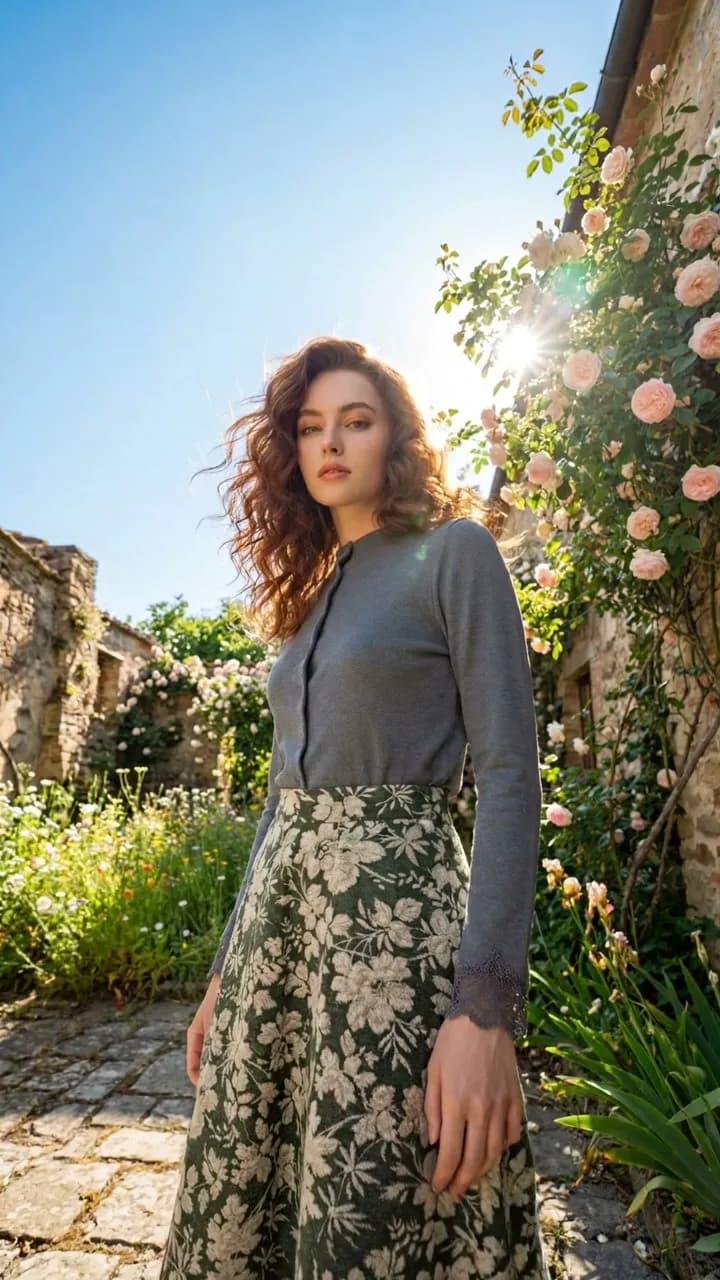
Earth Zoom Out

Abstract Background
Why create with flowith AI video?

Text-to-video, visualize ideas instantly
Drop in a script or a quick prompt, then steer the result with shot types, pacing, and transitions. Turn your raw concepts into visual storytelling without ever needing a physical camera crew.

Image-to-video, bring photos to life
Breathe life into static visuals by transforming any AI-generated image into fluid animation, ensuring character consistency and object stability throughout every frame.

Advanced models, all power in one
Pick the perfect engine for any look—Veo3, Kling, Sora2. Switch effortlessly between models to find the exact artistic signature that fits your creative vision.
What should you include in an AI video prompt?
A strong video prompt answers the searcher immediately: what scene to generate, which model constraint matters, and how the result will be reviewed for platform or brand use.
Start with one clear scene
Name the subject, setting, motion, camera angle, duration, and mood before adding complex style references.
Use model comparison for hard shots
Try the same prompt across video models when physics, character consistency, audio, or text rendering matters.
Add production constraints
Specify aspect ratio, platform, pacing, brand safety, and whether the result is for ads, explainers, product demos, or social clips.
Iterate from a reference frame
Create or upload a still image first when you need visual consistency before generating motion.
Related creative planning tools
Workflow planning
Compare AI video workflows before choosing a model
If you are comparing AI video models, pricing variables, and creator workflows, start with the workflow guide before locking a prompt to one provider.
How flowith compares with traditional AI video generators?
Traditional video generators
flowith
Video creation
Generate videos based on provided prompts with limited control over the final outcome.
More than just text-to-video—set your start and end frames, and choose your preferred export format.
Interface
Conversations are confined to a single vertical stream, making it difficult to organize complex ideas or follow multiple lines of thought.
Utilize a whiteboard-like canvas where you can start by creating reference images, then branch out and visually organize your videos with draggable nodes.
Model Capability
Single Model Lock-in. Restricted to one AI model per conversation
Multi-Model Parallelism. Run Veo3.1, Kling, and Sora 2 simultaneously on the same canvas to compare results or use the best model for each specific task.
How to create?
Input Your Prompt or Image
Begin by entering a text prompt or uploading an image to serve as the foundation for your video.
Select Your Model
Pick from a range of models like Google Veo 3.1 /Kling 2.6 to tailor the video to your requirements.
Generate and Save
Once you're satisfied with the outcome, download your AI-generated video.
Frequently Asked Questions
Start creating today
Join our growing community of creators using Flowith AI.