
AI Website Builder
Quick answer
Turn a business brief into a reviewable sitemap, section plan, copy, and visual direction, then verify implementation, hosting, forms, accessibility, security, and legal needs.
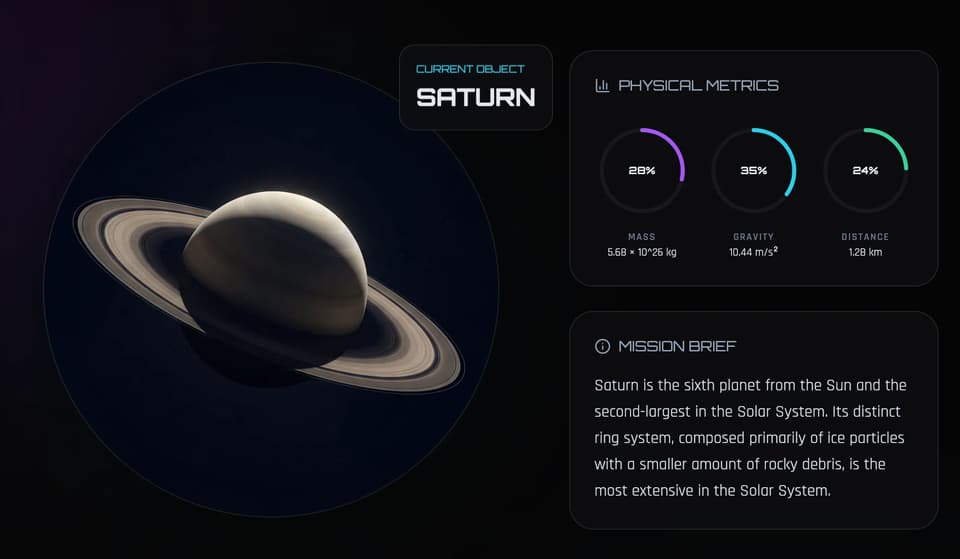
Cosmic Atlas Hub
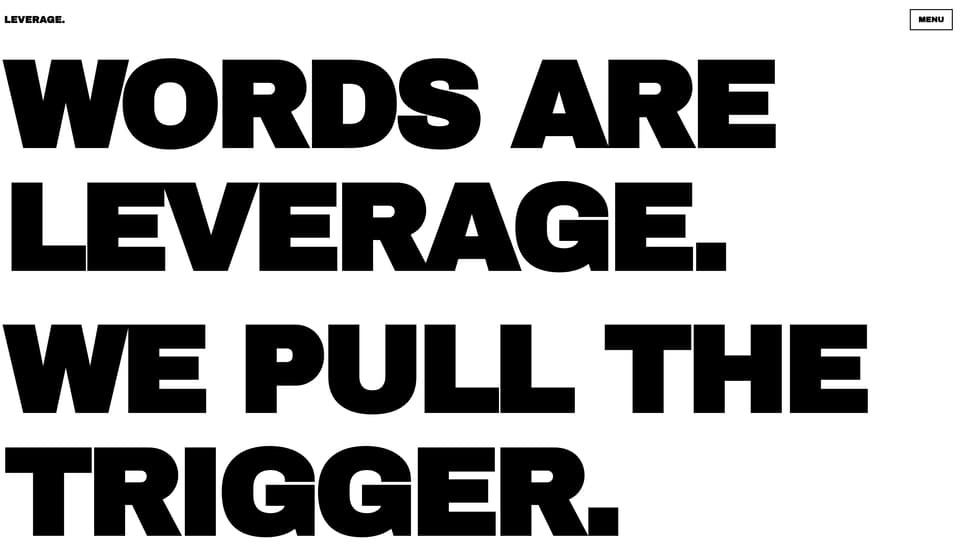
Typography-Only Site
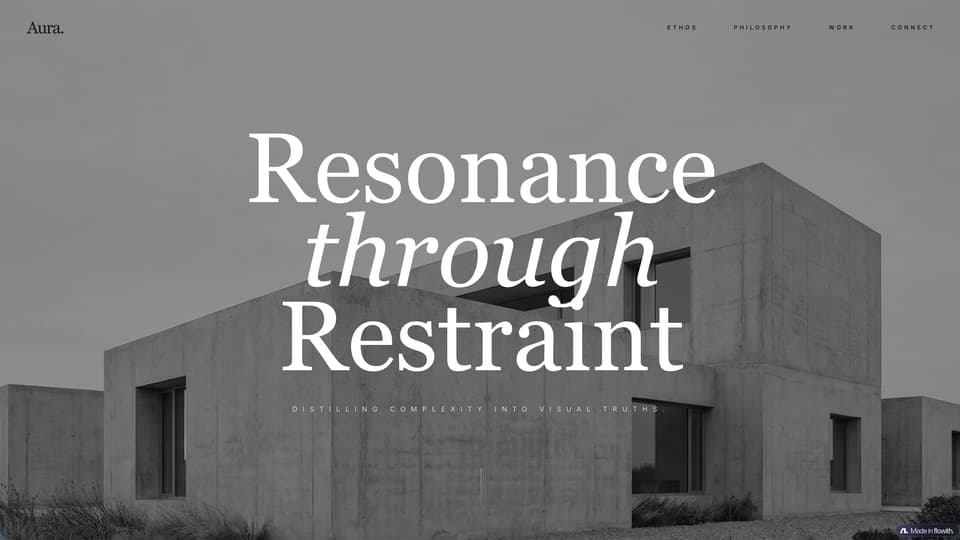
Creative Agency Portfolio
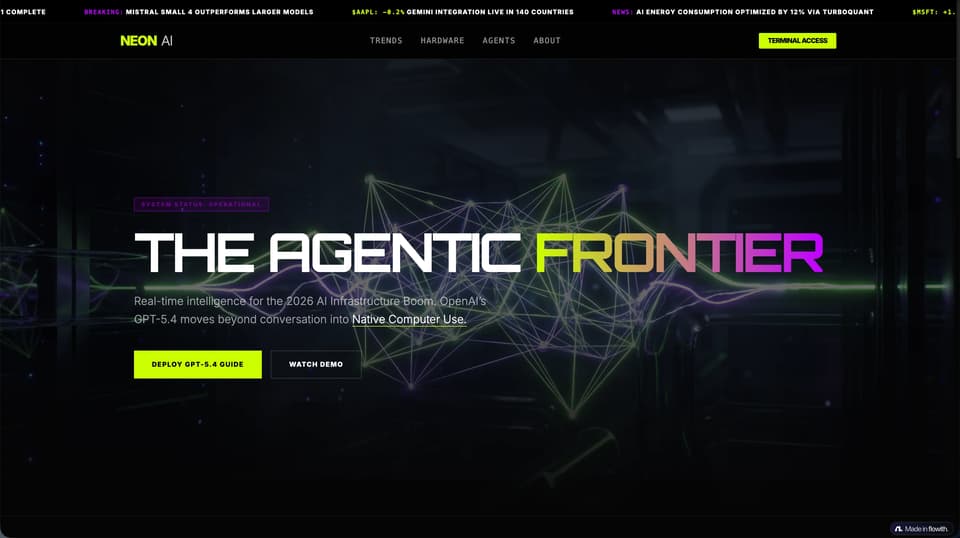
Dark High-Tech Aesthetics

Premium Social Media Intelligence Dashboard

Luxury Travel Agency Website
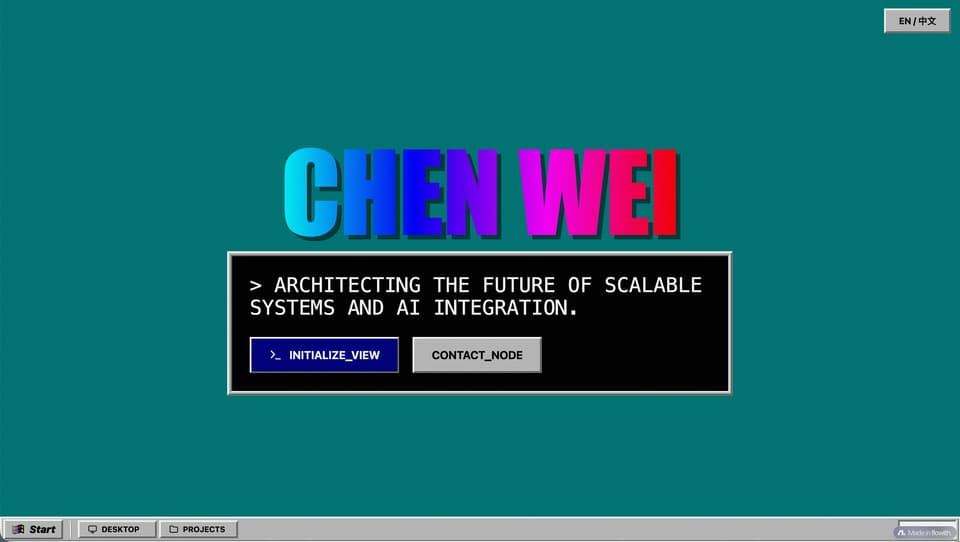
Retro Windows System Website
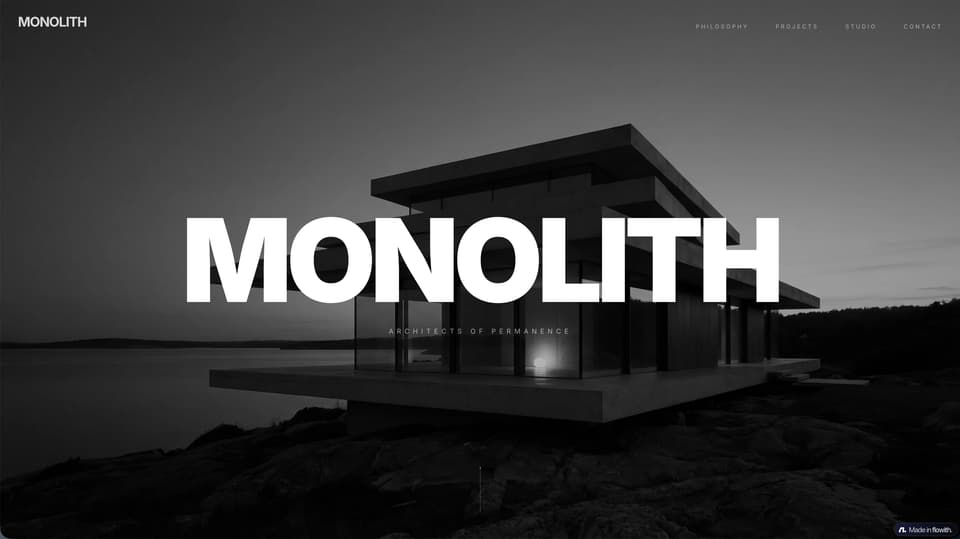
Contemporary Architecture Firm Portfolio
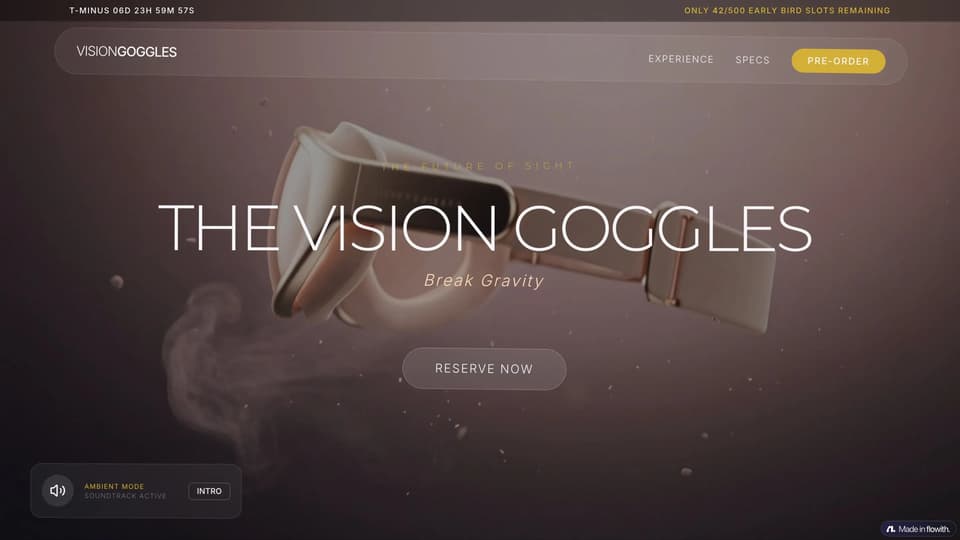
Tech Gadget Pre-order

Architecture Website
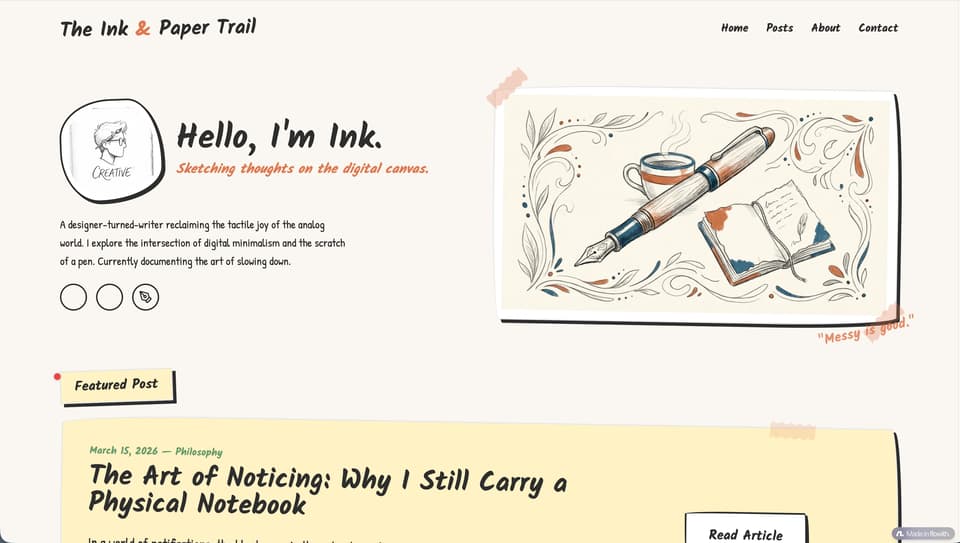
Hand-drawn style blog page
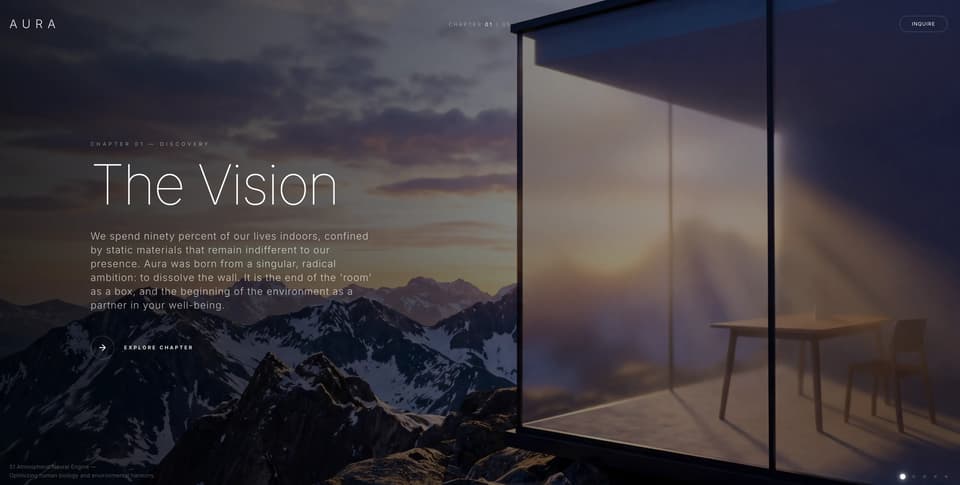
Horizontal Scroll Story
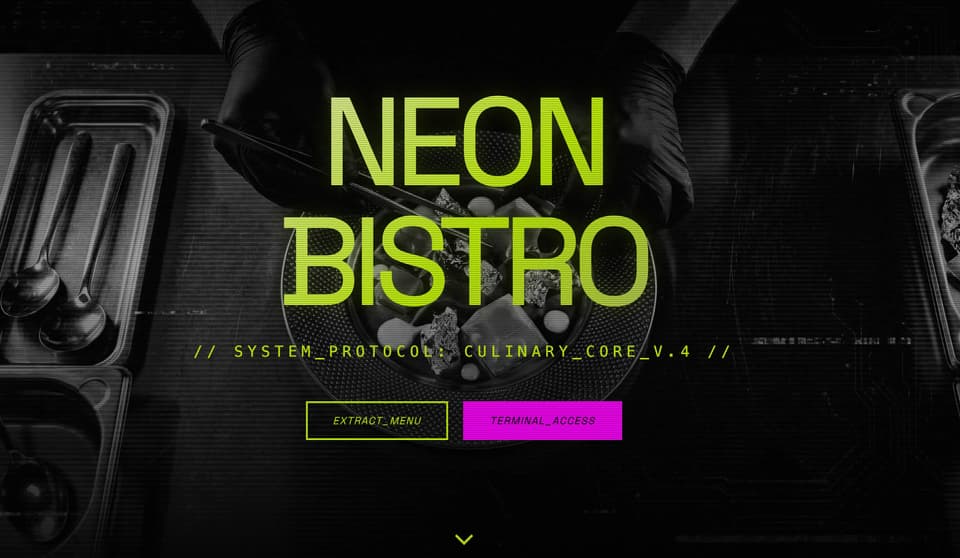
Modern Tech Restaurant
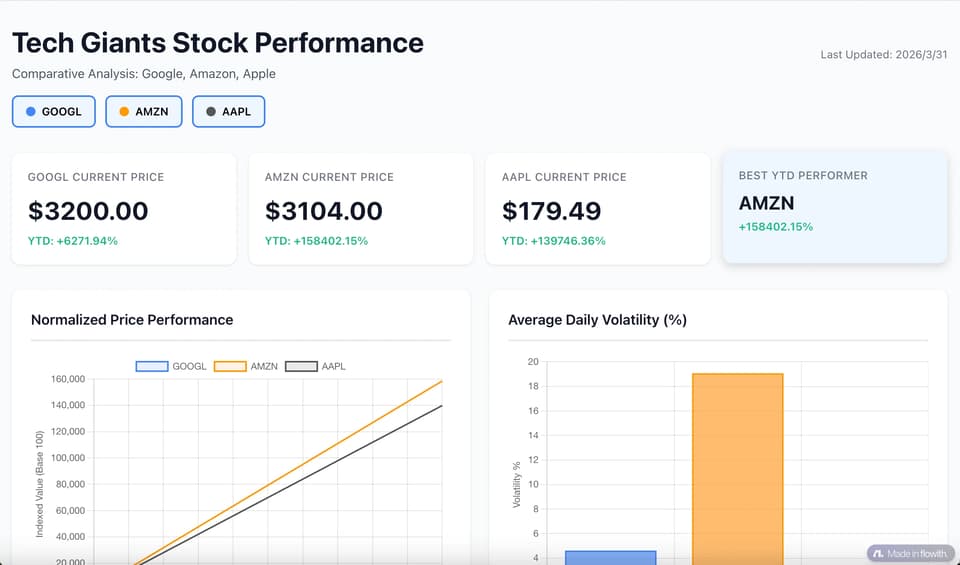
Excel to Dashboard
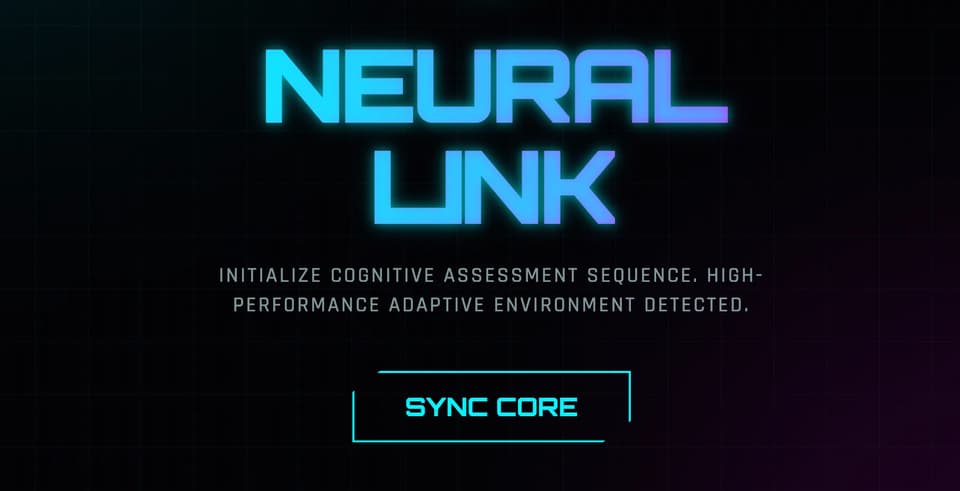
Adaptive Quiz Engine
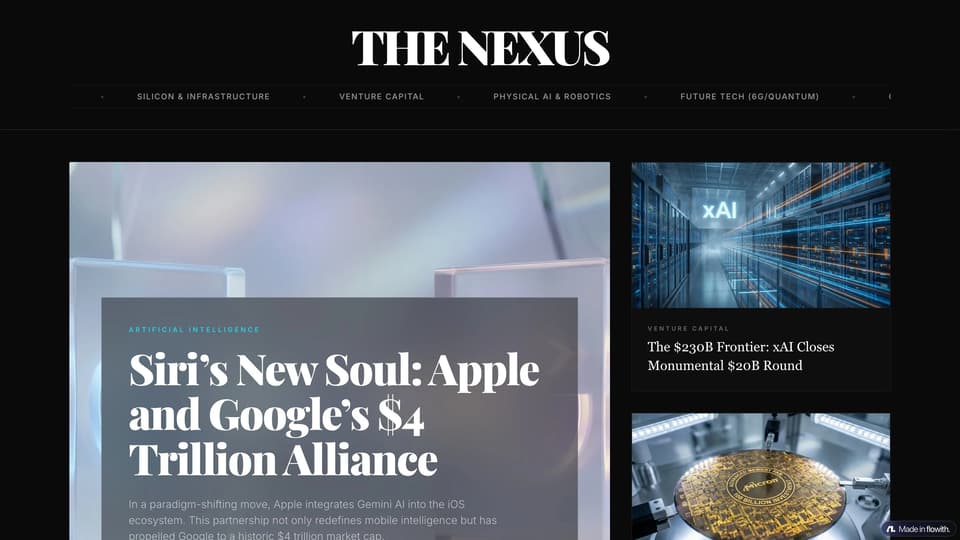
Modern Tech Magazine
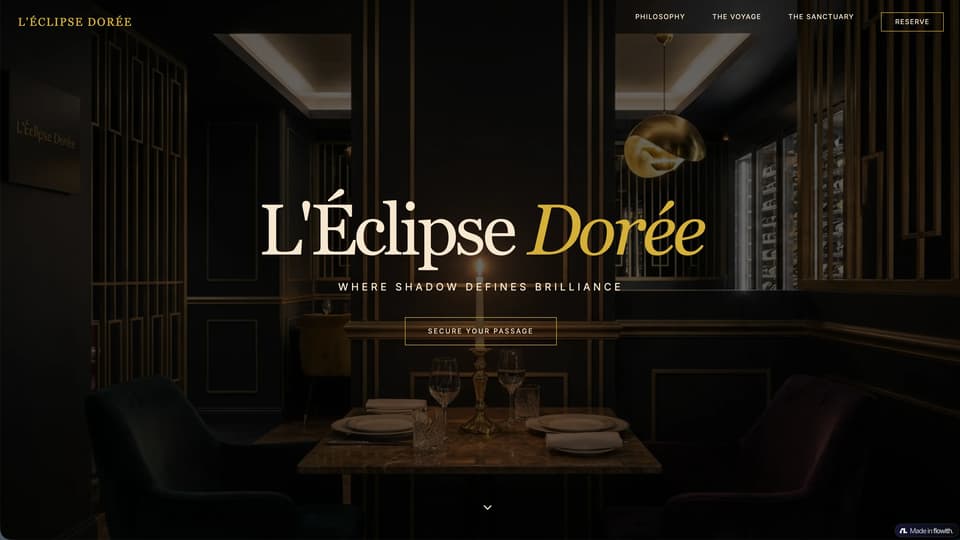
Gourmet Restaurant Branding Website

Student Club Portal
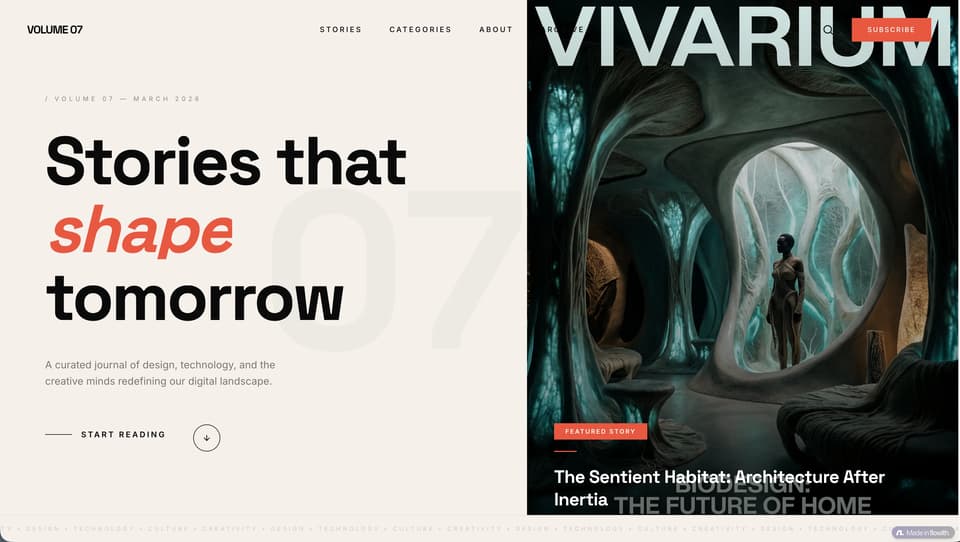
Magazine-quality web page
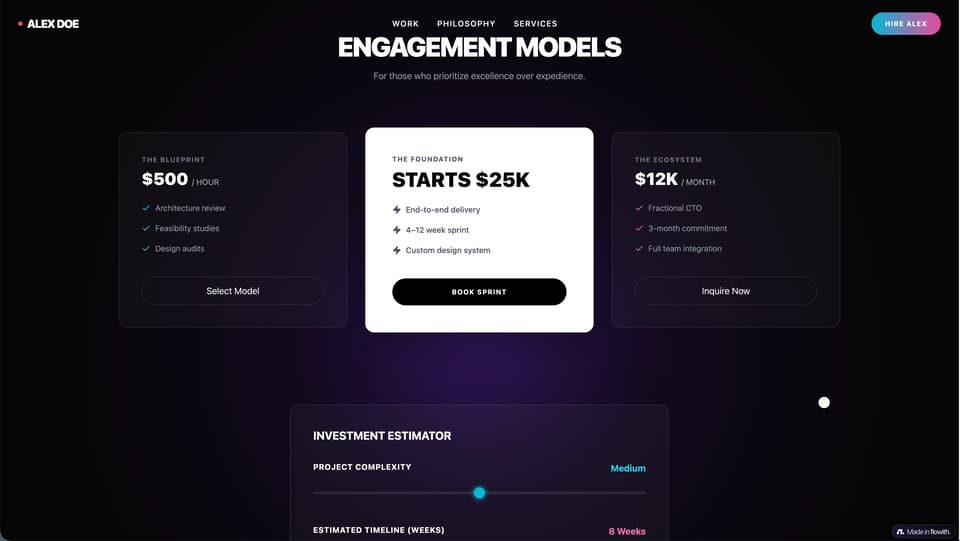
Cinematic Personal Website
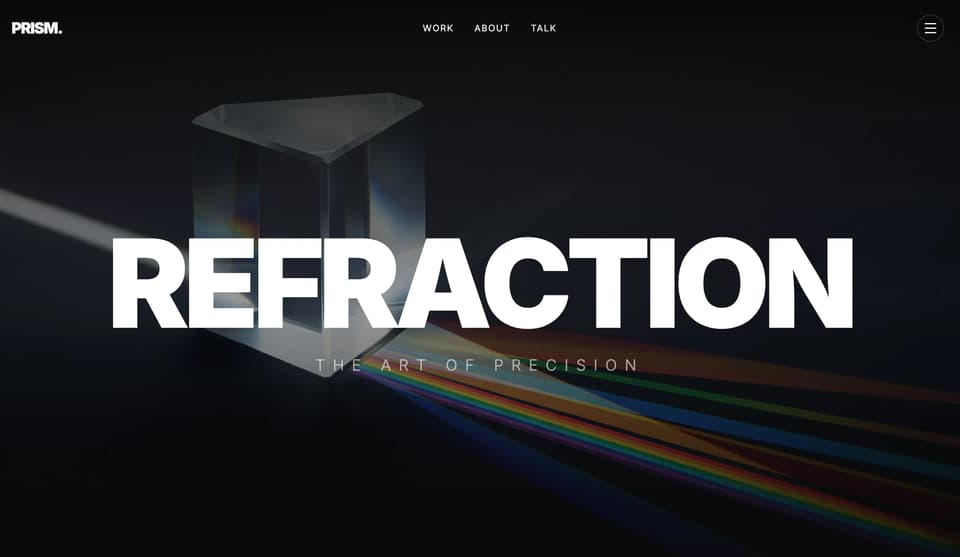
Creative Design Agency
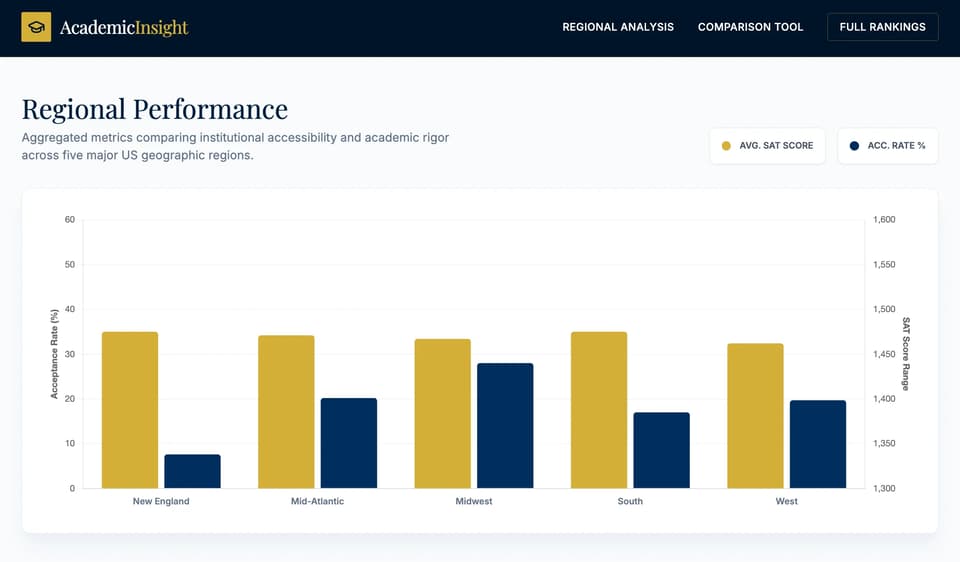
Global Admission Tracker
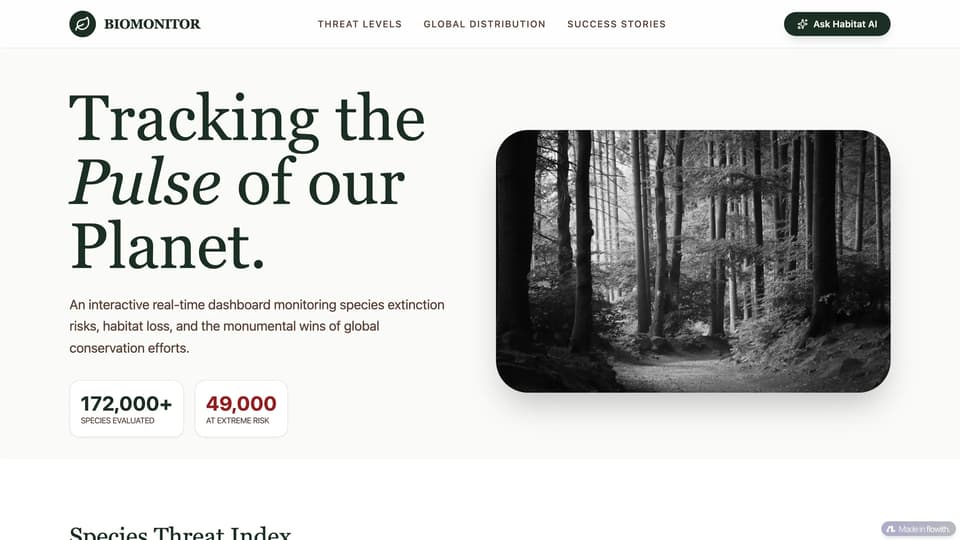
Biodiversity Visualizer
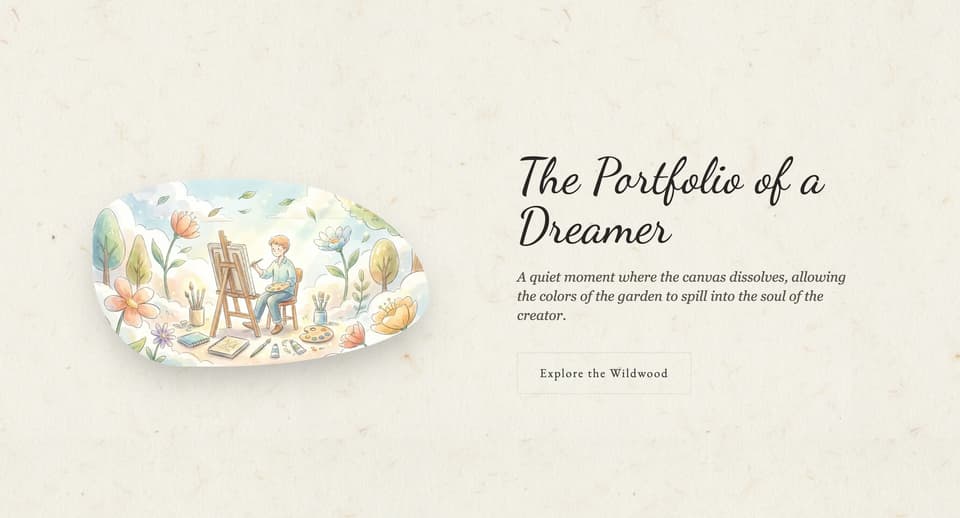
Organic / Hand-drawn Web
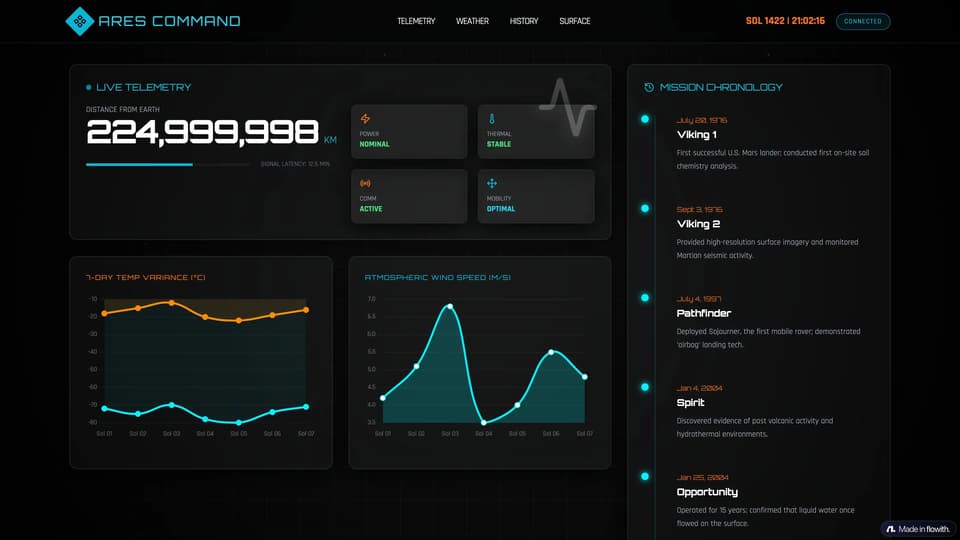
Space Mission Display
Digital Archives Gallery

K-12 Excellence Gateway
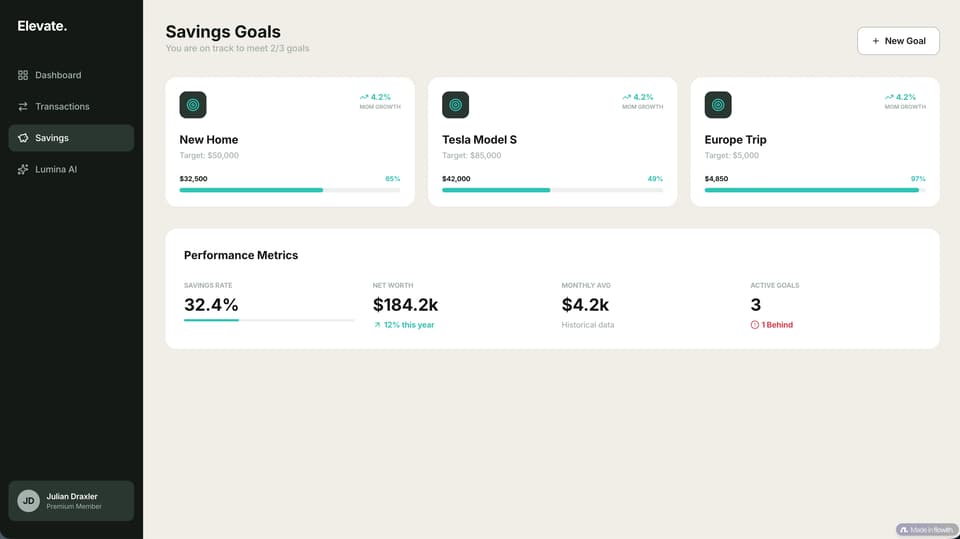
BudgetBuddy Fintech Dashboard
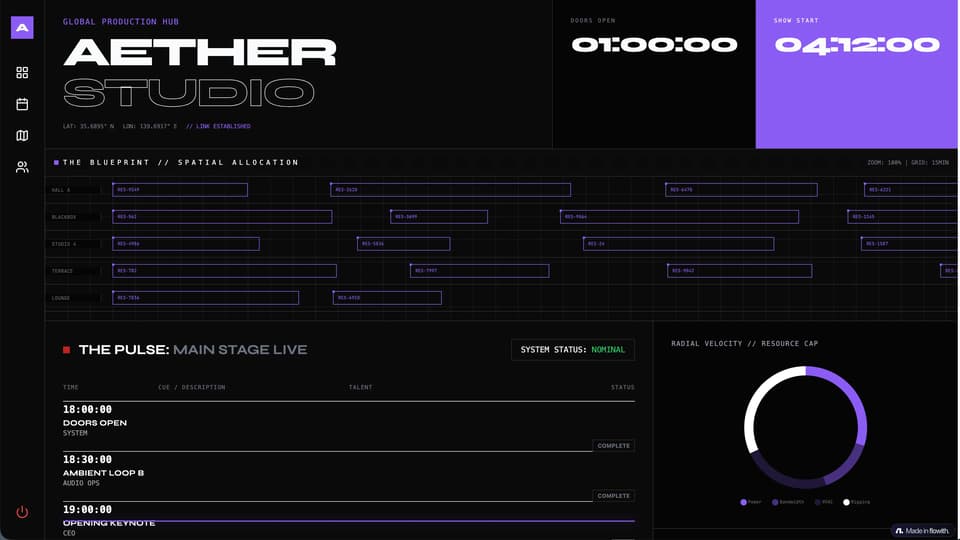
A Bold Creative Studio Aesthetic
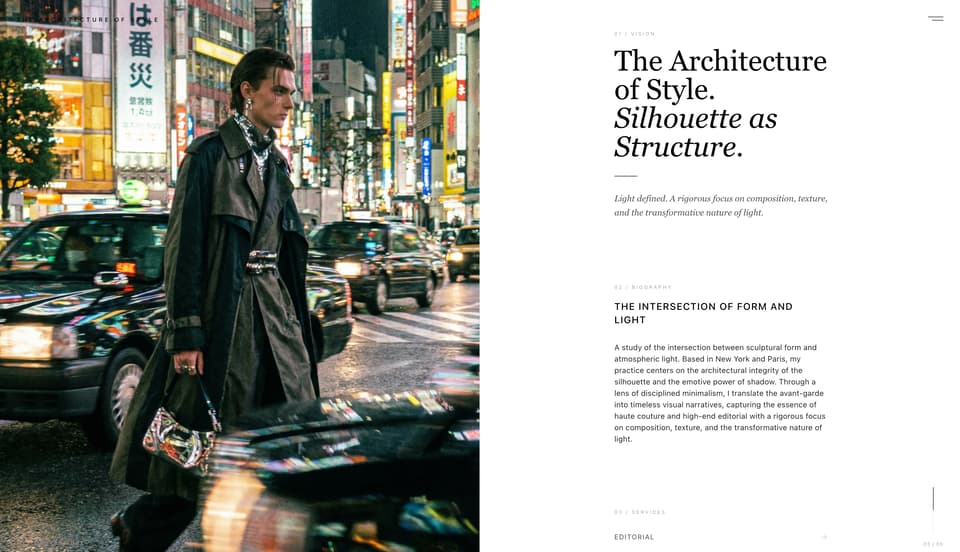
Split-Screen Layout
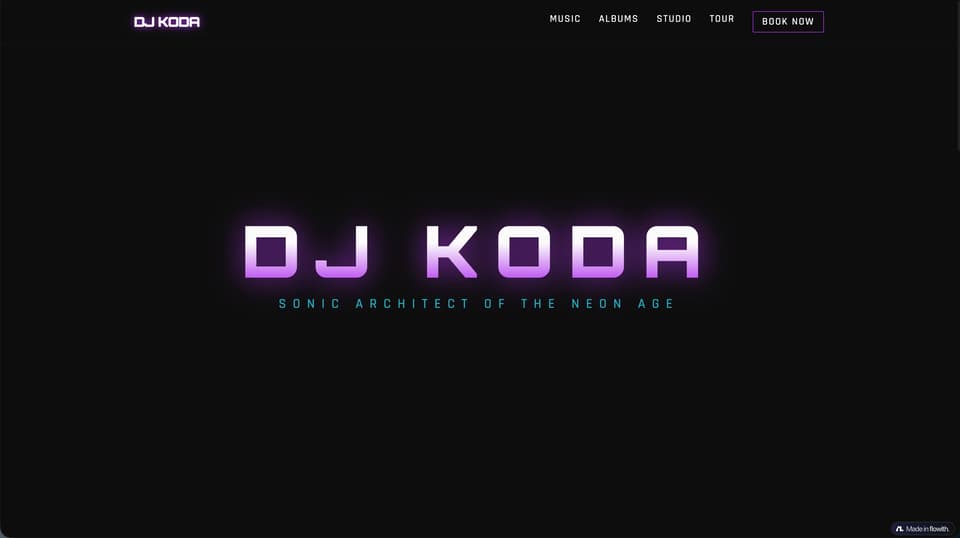
Synthwave Music Producer Homepage
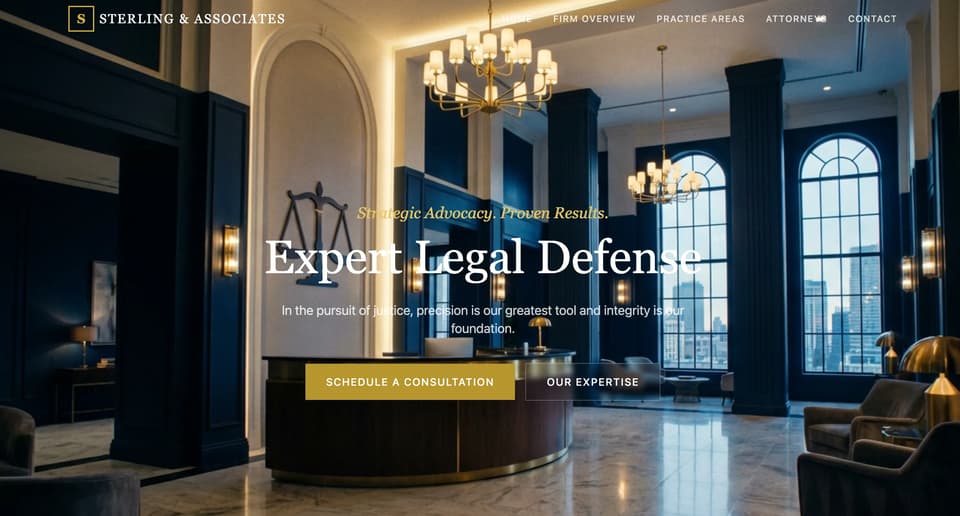
Professional Law Firm
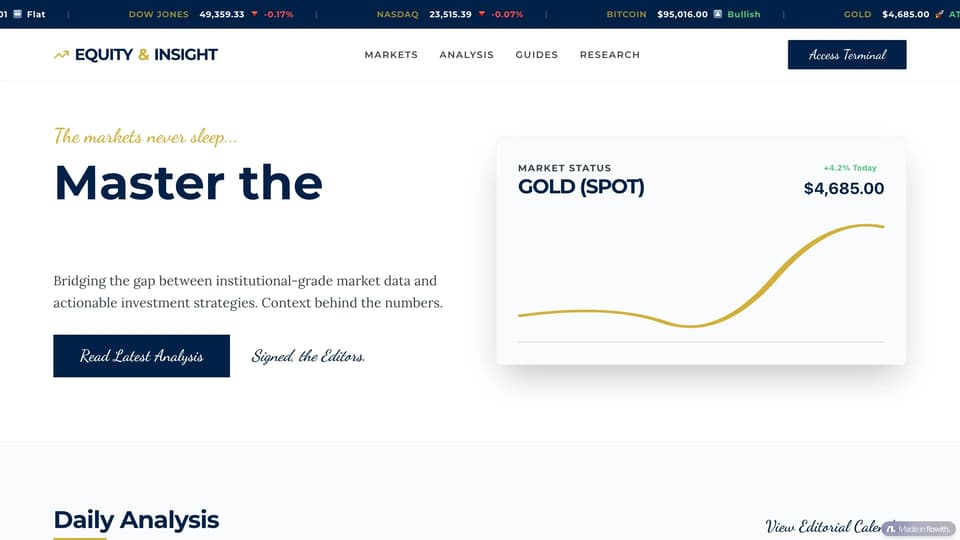
Finance / Crypto Blog
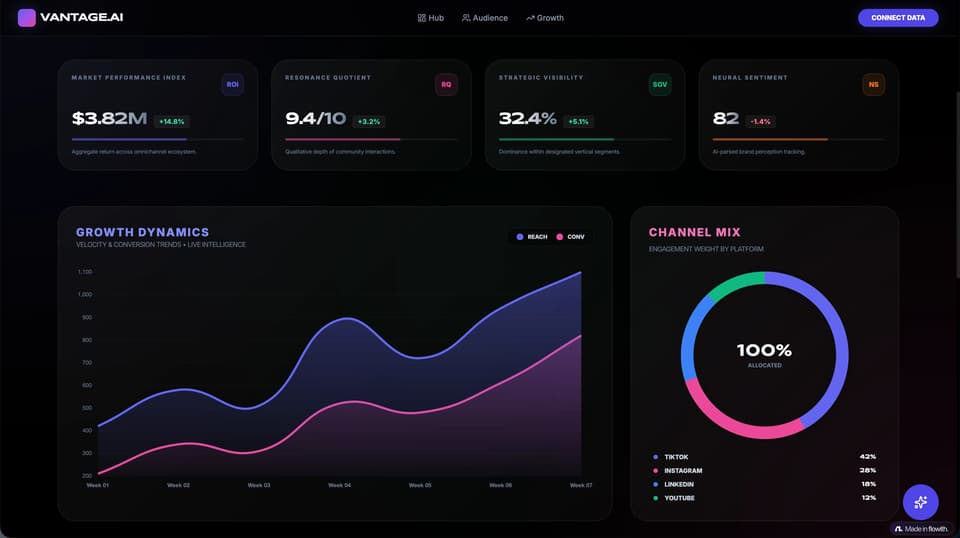
Bilingual Title Premium Social Media Intelligence Dashboard Template
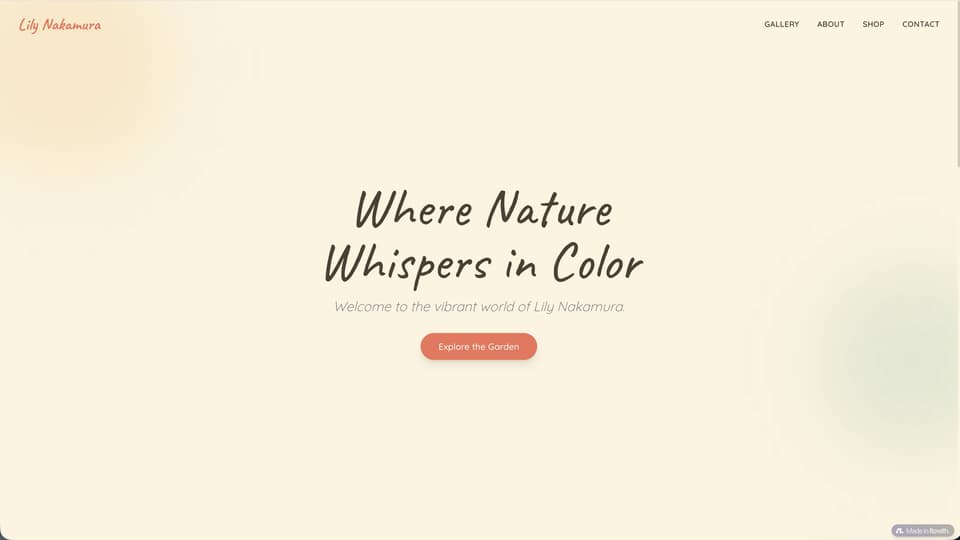
Art Gallery Personal Homepage
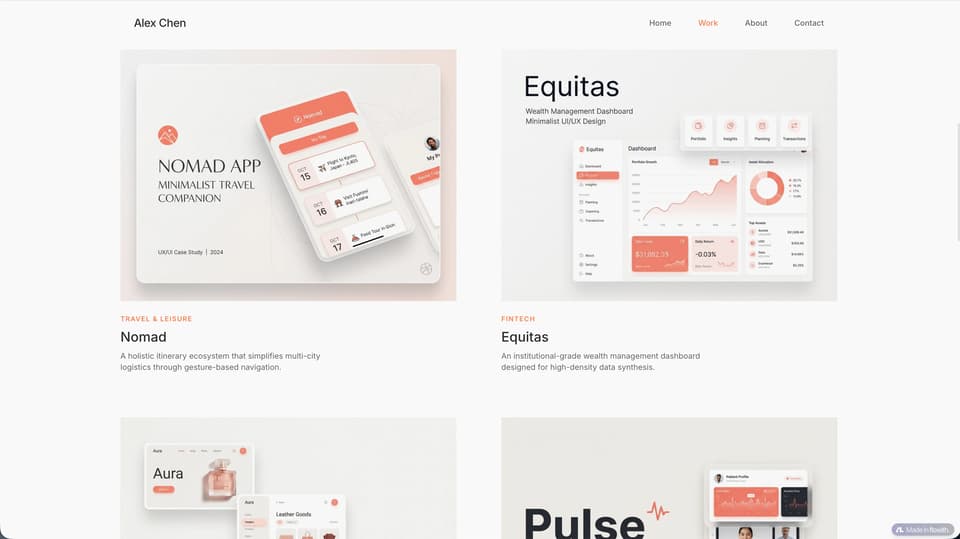
Single-page webpage
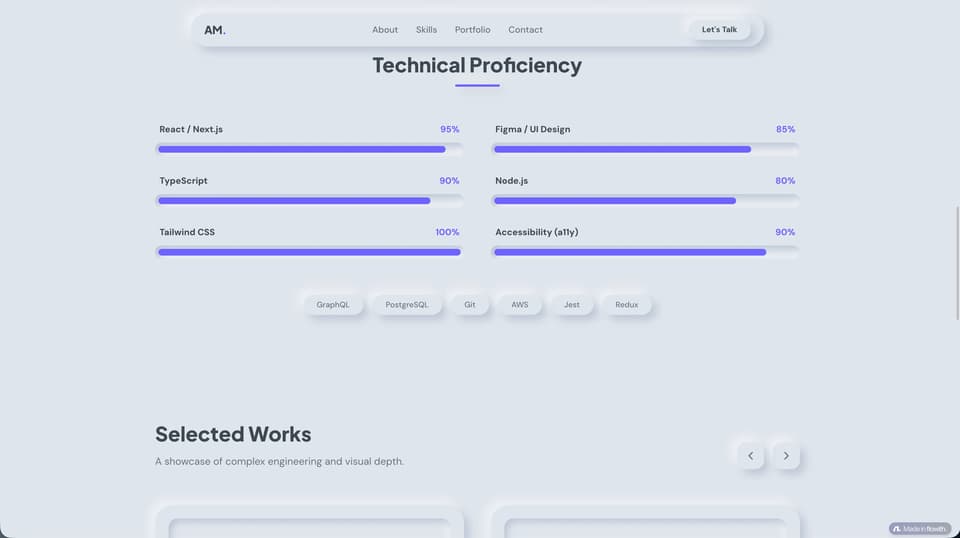
Minimalist Personal Website
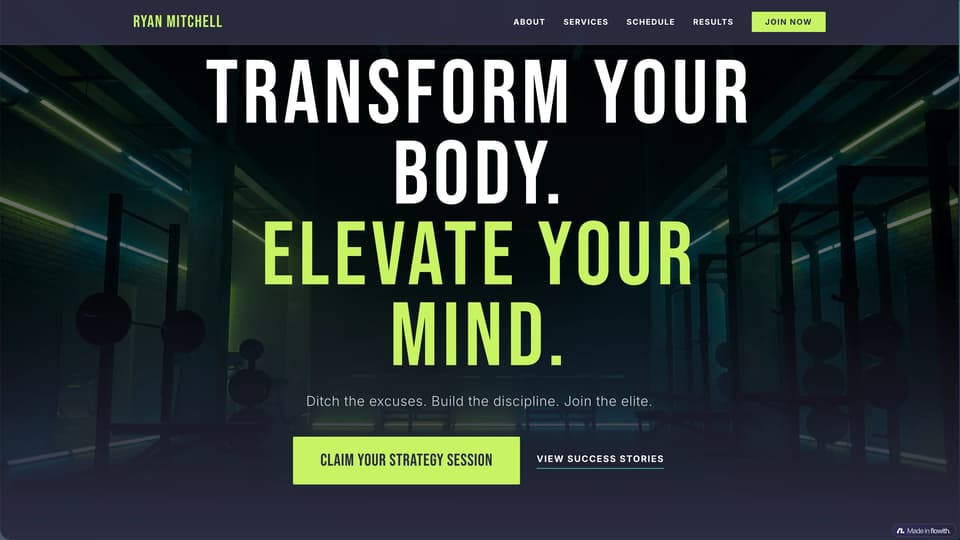
An Energetic Fitness Coach
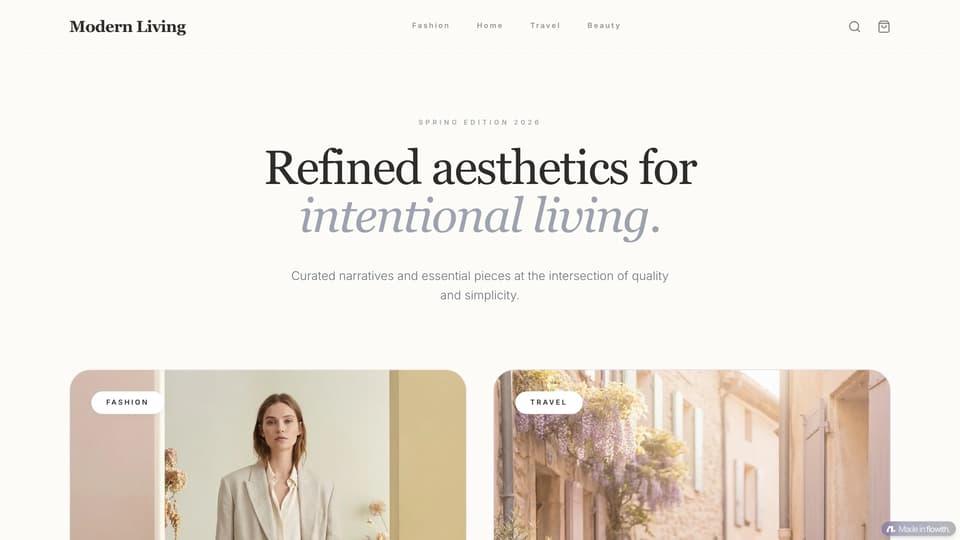
Lifestyle & Fashion

Glitch Art Website
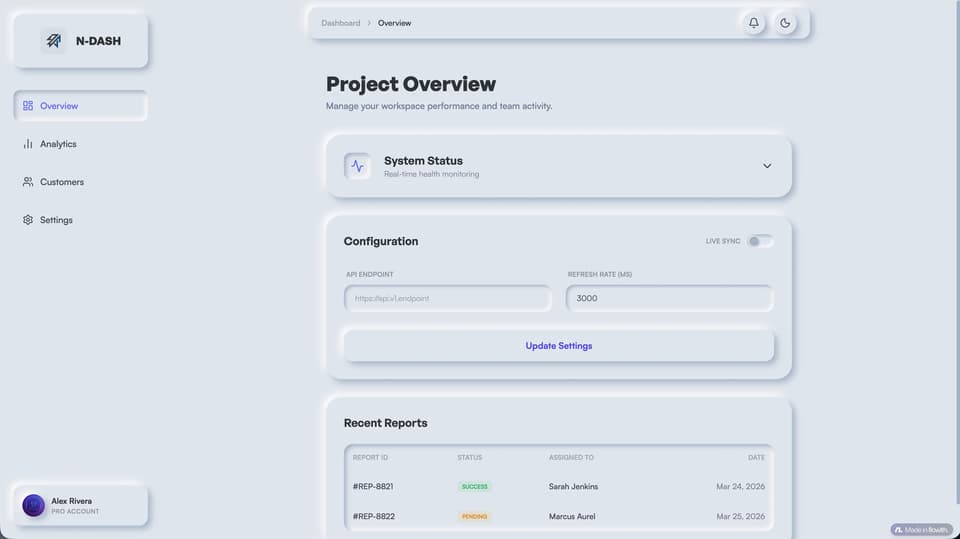
Neumorphic Admin Dashboard
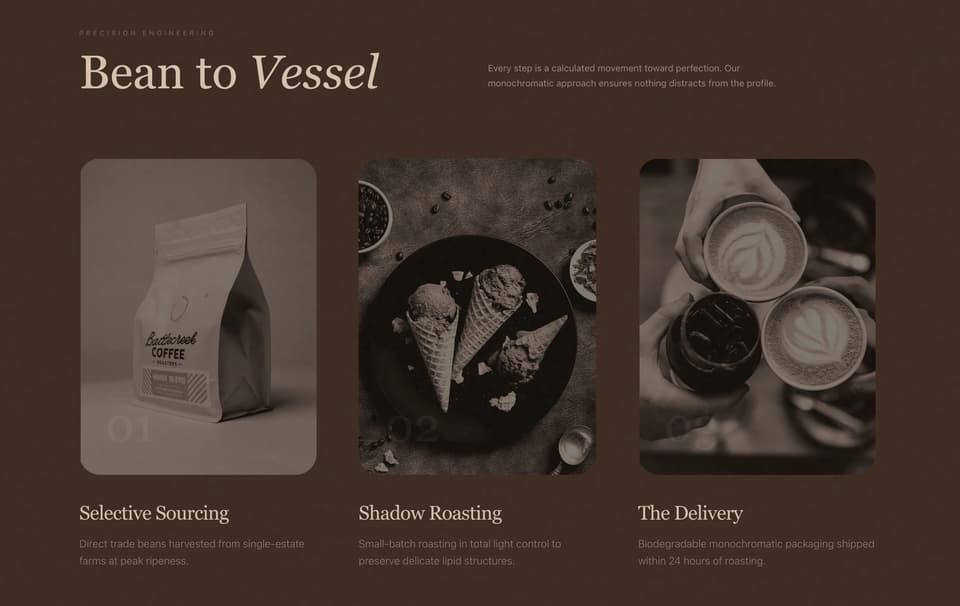
Subscription Box Site
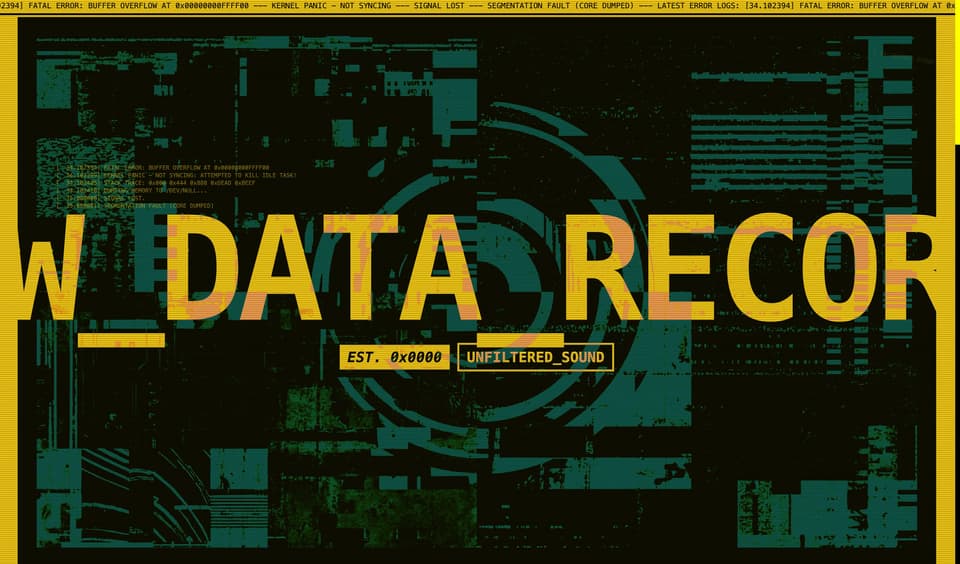
Brutalist Web Design
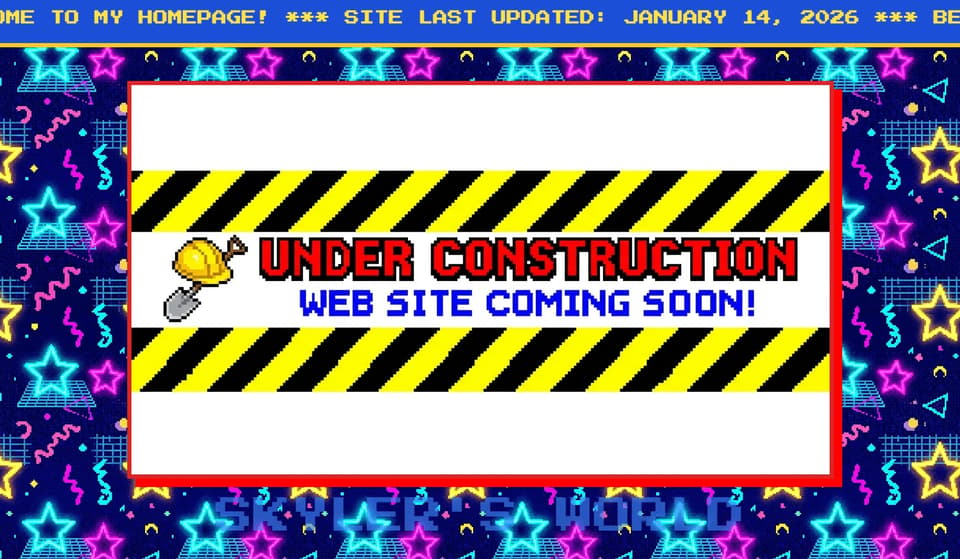
Retro 90s Web Aesthetic
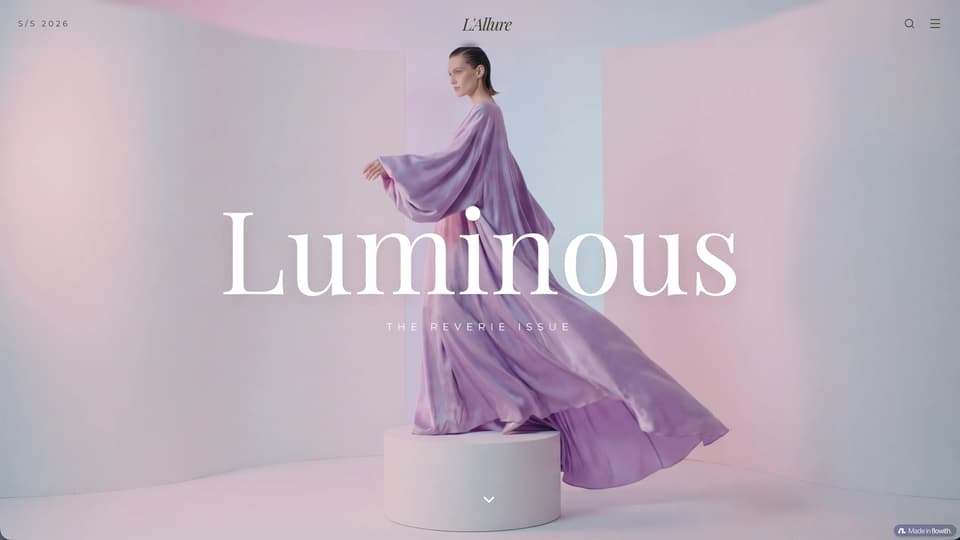
Fashion Magazine Style Blog
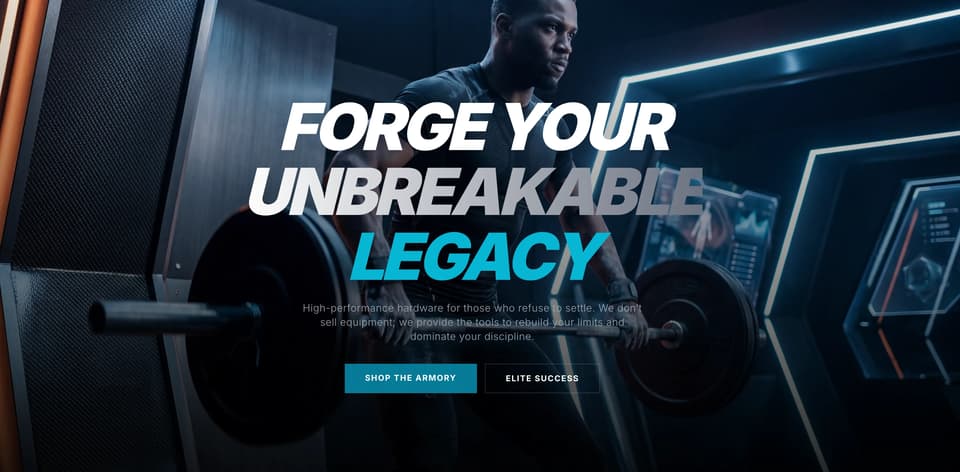
Fitness Equipment Store
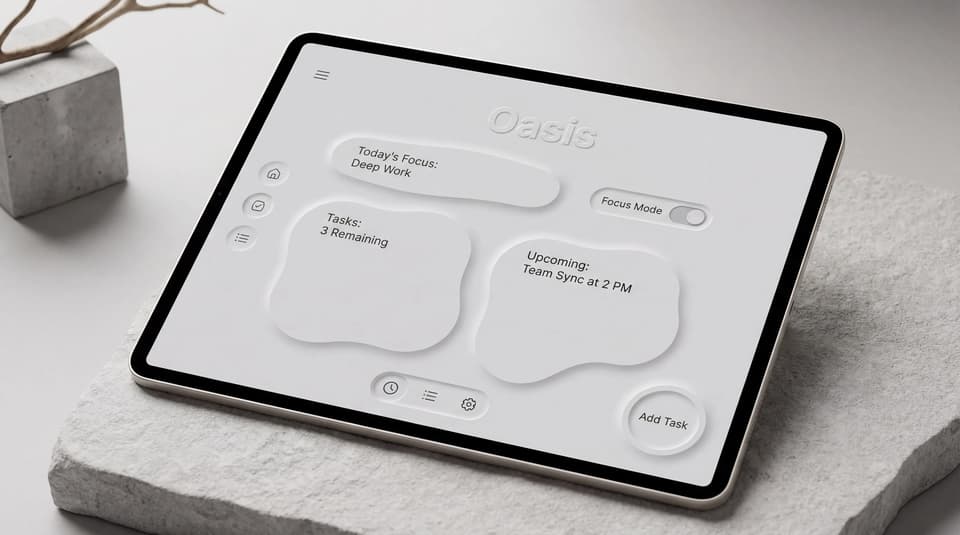
Neo-Morphic Layout
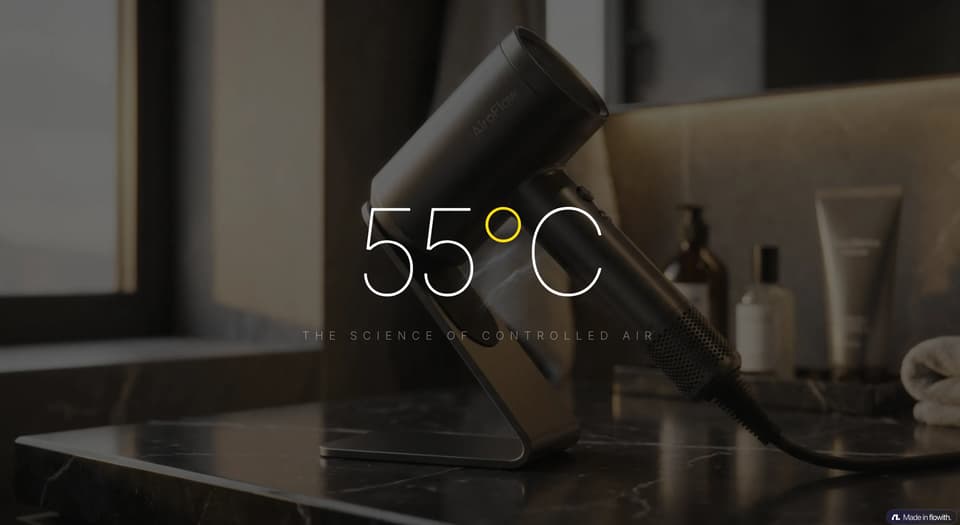
E-commerce Store Setup
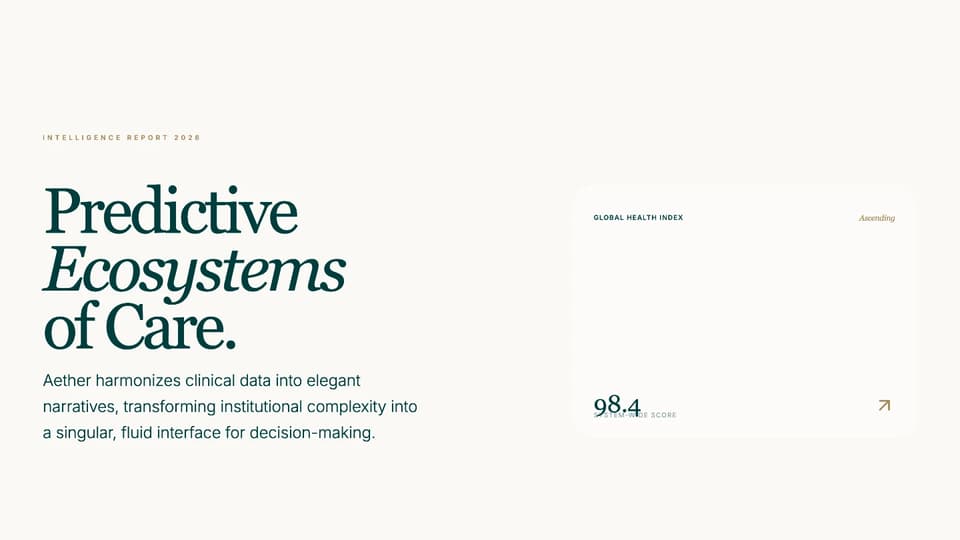
Premium Calm Luxury Healthcare Intelligence Dashboard Template

High-End Sneaker Store
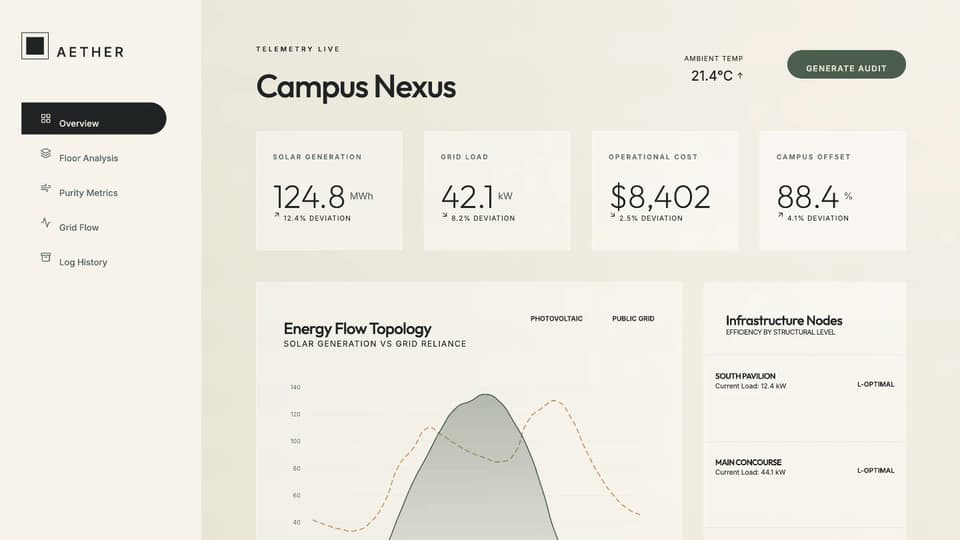
Premium Sustainable Energy Dashboard

Minimalist Jewelry Store

Pet Supply Boutique
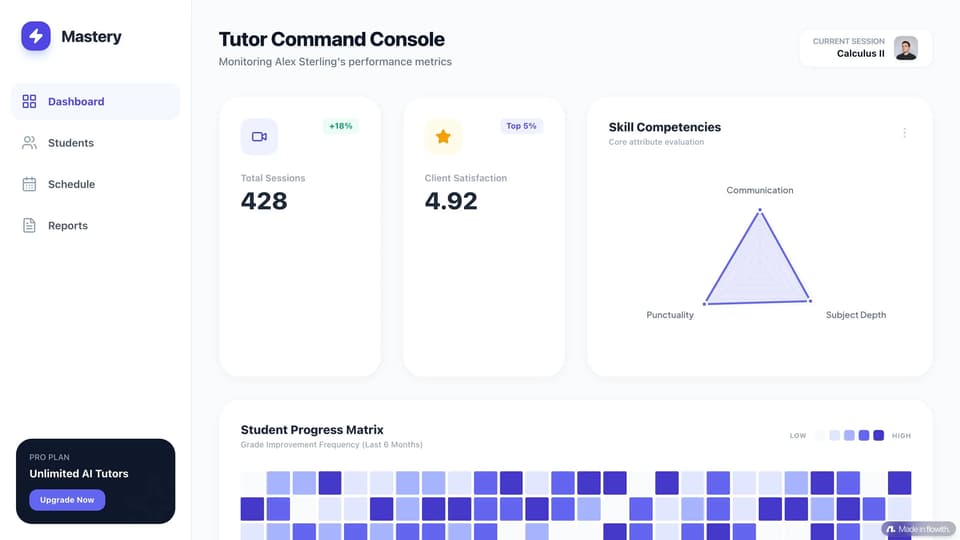
Tutor Performance Hub
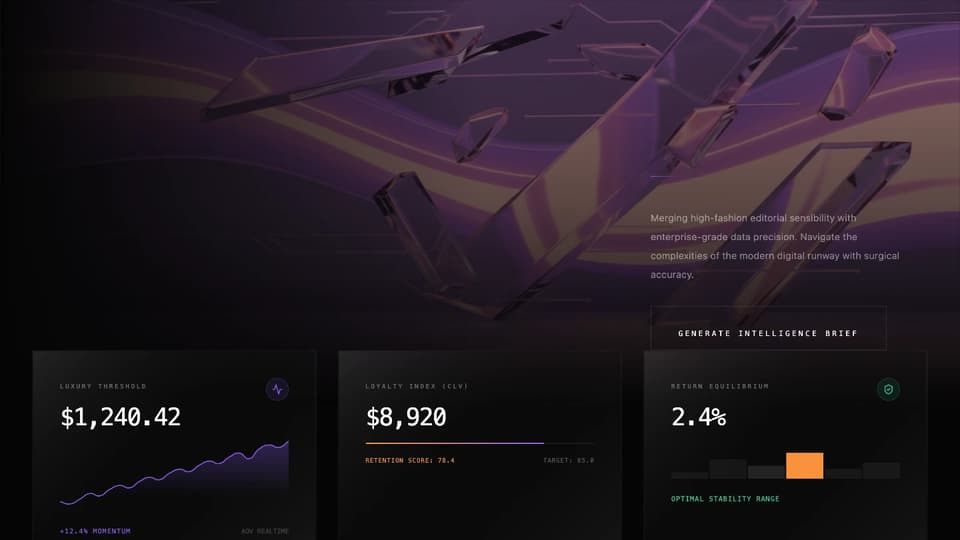
Premium Fashion-Tech E-Commerce Dashboard Template
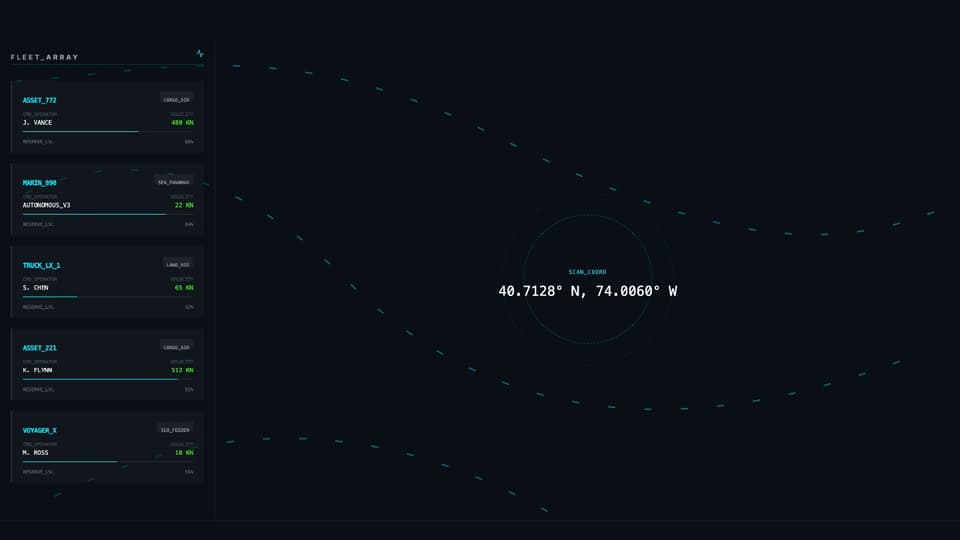
Premium Logistics Control Tower Dashboard Web Template
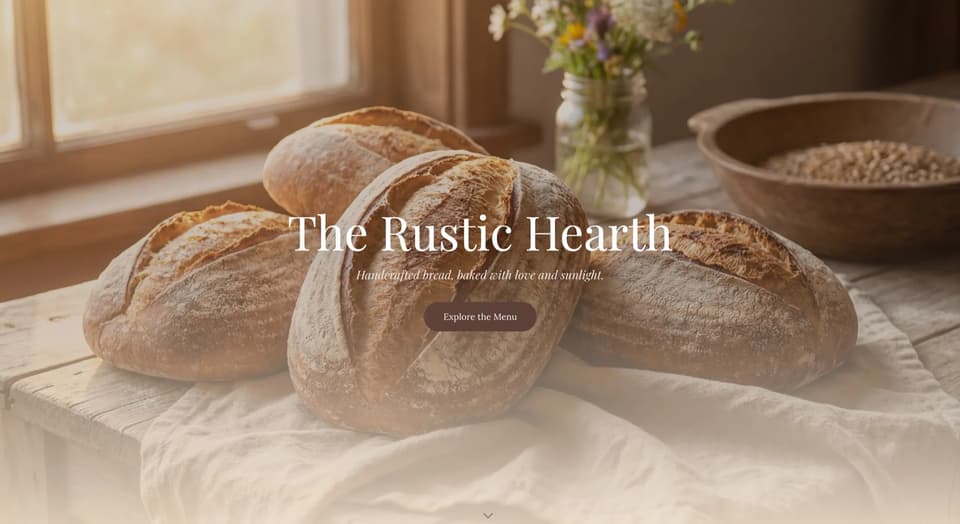
Artisanal Bakery Shop
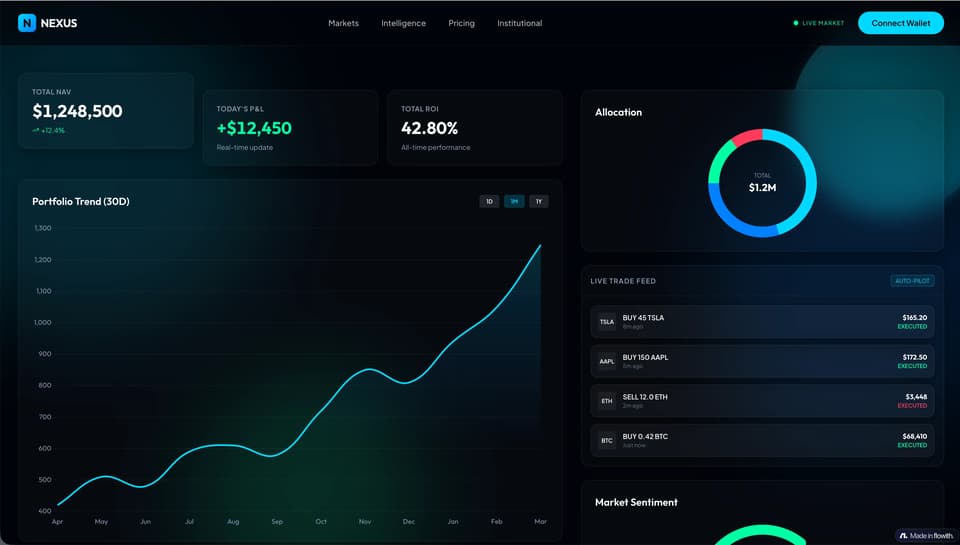
Financial Data Dashboard
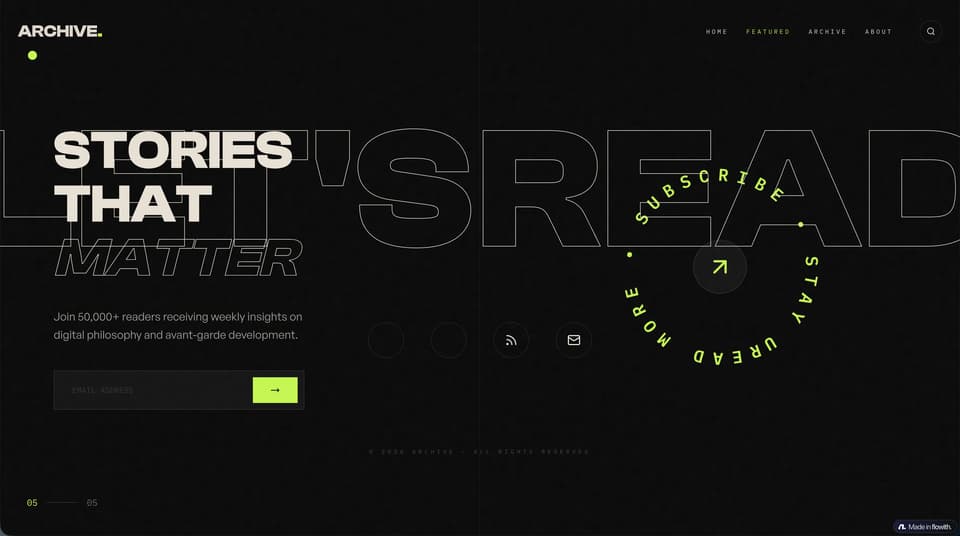
High-End Fluid Animation
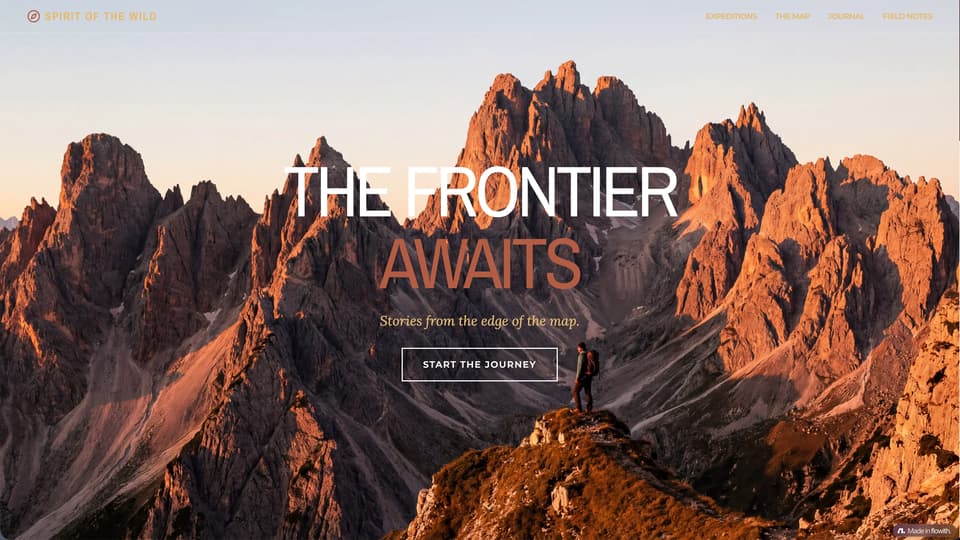
Immersive Travel Blog Template
What Flowith AI Website is best for
Use this page when you want a free AI website builder that turns plain-language intent into a working site draft. It is strongest for first-pass structure, copy, visual direction, and fast iteration before you refine details.
Use Flowith AI Website to turn a project brief into a reviewable sitemap, section plan, starter copy, and visual direction. Treat that output as a planning draft: implementation, hosting, forms, analytics, security, accessibility, legal copy, and launch review remain separate work.
Before publishing the generated website
AI output is a draft, not evidence that a site is accessible, compliant, secure, or production-ready. Complete these checks and review the current Flowith Terms of Service.
Claims and sources
Verify prices, testimonials, metrics, product promises, and legal copy against approved sources.
Function and accessibility
Test navigation, forms, keyboard access, labels, contrast, responsive layouts, and error states.
Operations
Confirm hosting, domain, analytics, consent, privacy, security, backups, and an owner for updates.
Why create with flowith AI website?

No Coding Barrier
Describe a first website draft without writing code, then review structure, copy, links, accessibility, forms, and publishing requirements.

Prompt to website draft
Turn a project brief into page structure and visual direction, then iterate with plain-language changes and manual review.

Built for a reviewable handoff
Use the generated structure as a starting point, then test performance, accessibility, responsiveness, analytics, and forms in the final implementation.
How to create a website with AI?
Input Your Vision
Tell the AI what you need. Example: "A portfolio website for a freelance photographer featuring a dark gallery theme and a contact form."
Watch AI build
Generate a first-pass structure, starter copy, and visual direction from the brief.
Review
Check the preview. If you want to change a section, use natural language commands like "add a testimonials section."
Website production route map
Finish the brand inputs before publishing the site
Use the website draft to expose missing assets and decisions. Create only what the final brief needs, keep names and claims consistent across pages, and return to the publish checklist before launch.
Frequently Asked Questions
Start building today
Draft a website direction, then verify content, accessibility, integrations, and publishing requirements.
Turn a website brief into a reviewable first draft
Use this route when you need a homepage, landing page, service page, or portfolio structure from a short brief. Treat the result as a draft: make the audience, primary action, required pages, and proof points explicit before reviewing the final implementation.
- State the audience, offer, and primary action.
- Name the pages, sections, and evidence the draft needs.
- Review claims, forms, accessibility, and publishing details before launch.
Related Flowith routes: Portfolio website · Brand-first site · New business site