
GPT Image 2 has landed on Flowith.
OpenAI’s latest image model is now available inside the Flowith canvas, bringing stronger realism, sharper prompt following, and cleaner text rendering into a workspace built for actual creative iteration.
This matters because image generation is rarely a one-shot act. You do not just prompt once and leave. You compare directions. You branch ideas. You pin references beside outputs. You rewrite copy, swap compositions, and keep moving until the visual actually works.
That is exactly where Flowith changes the experience. GPT Image 2 is not trapped inside a single chat thread. It lives in a canvas where your references, generations, notes, and next steps stay visible together.
Why GPT Image 2 Matters
- Photorealistic visual output for campaigns, landing pages, product storytelling, and editorial-style brand assets.
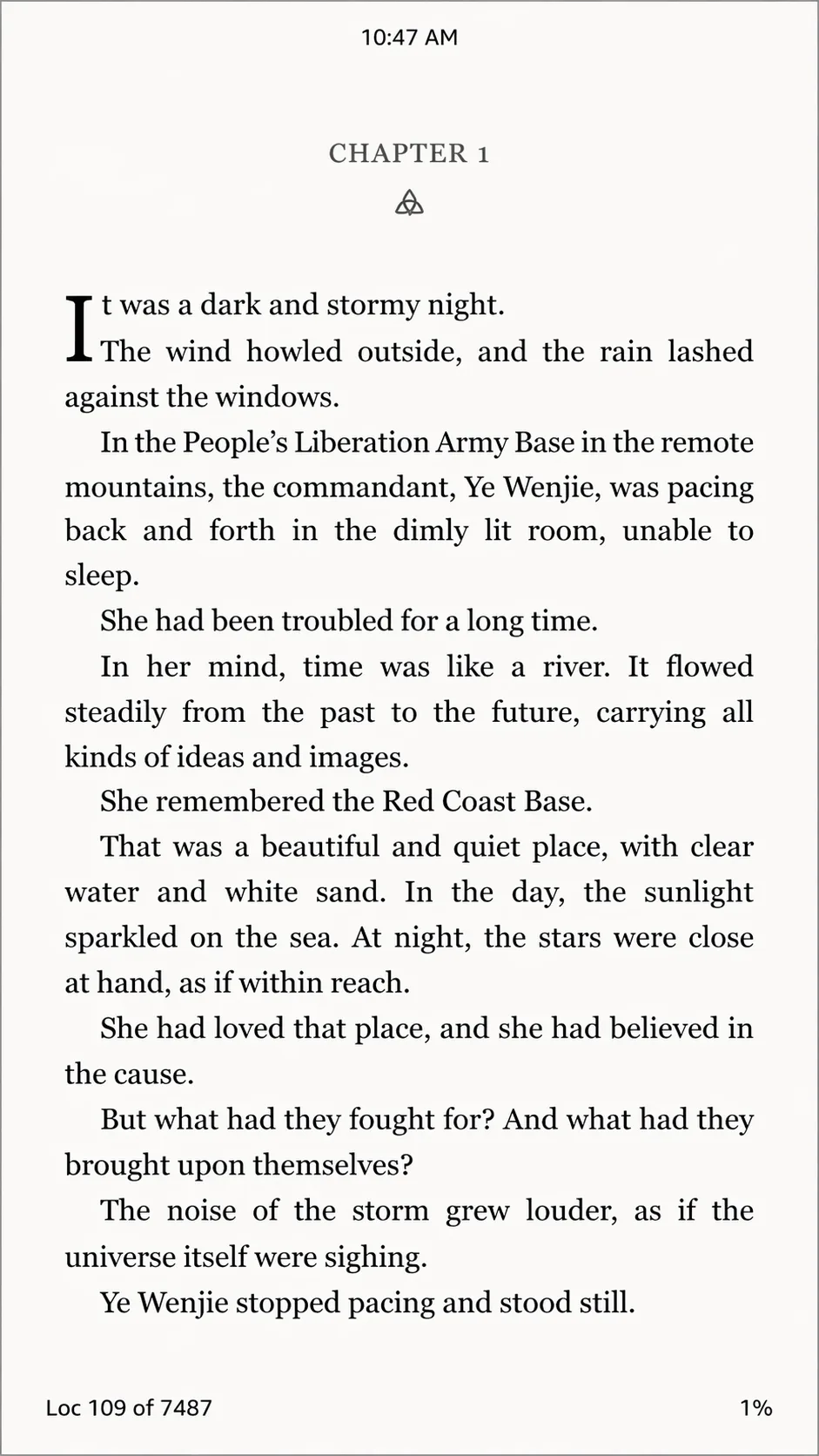
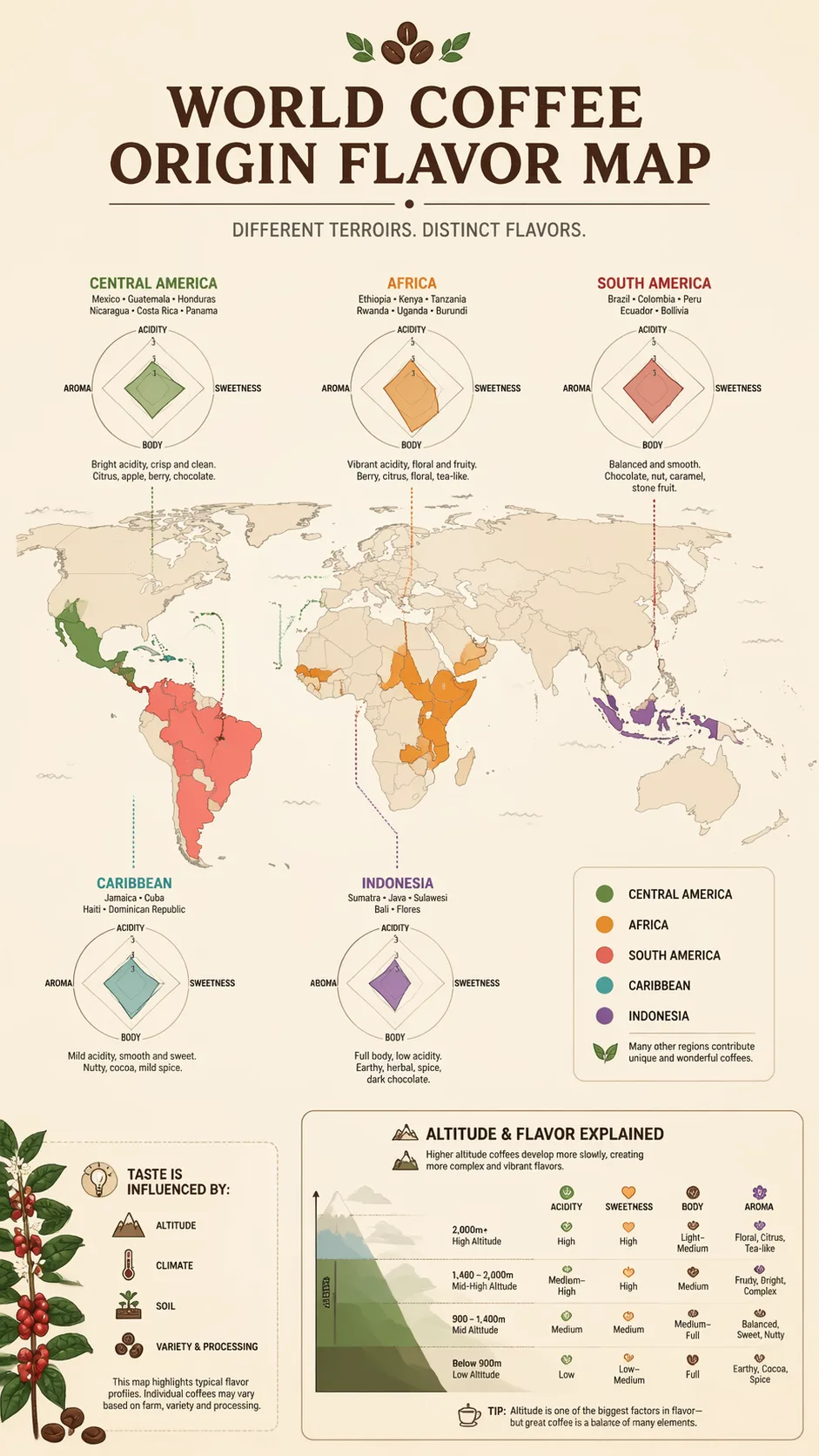
- Cleaner text inside images for posters, packaging concepts, social graphics, menus, and ad creatives where readability matters.
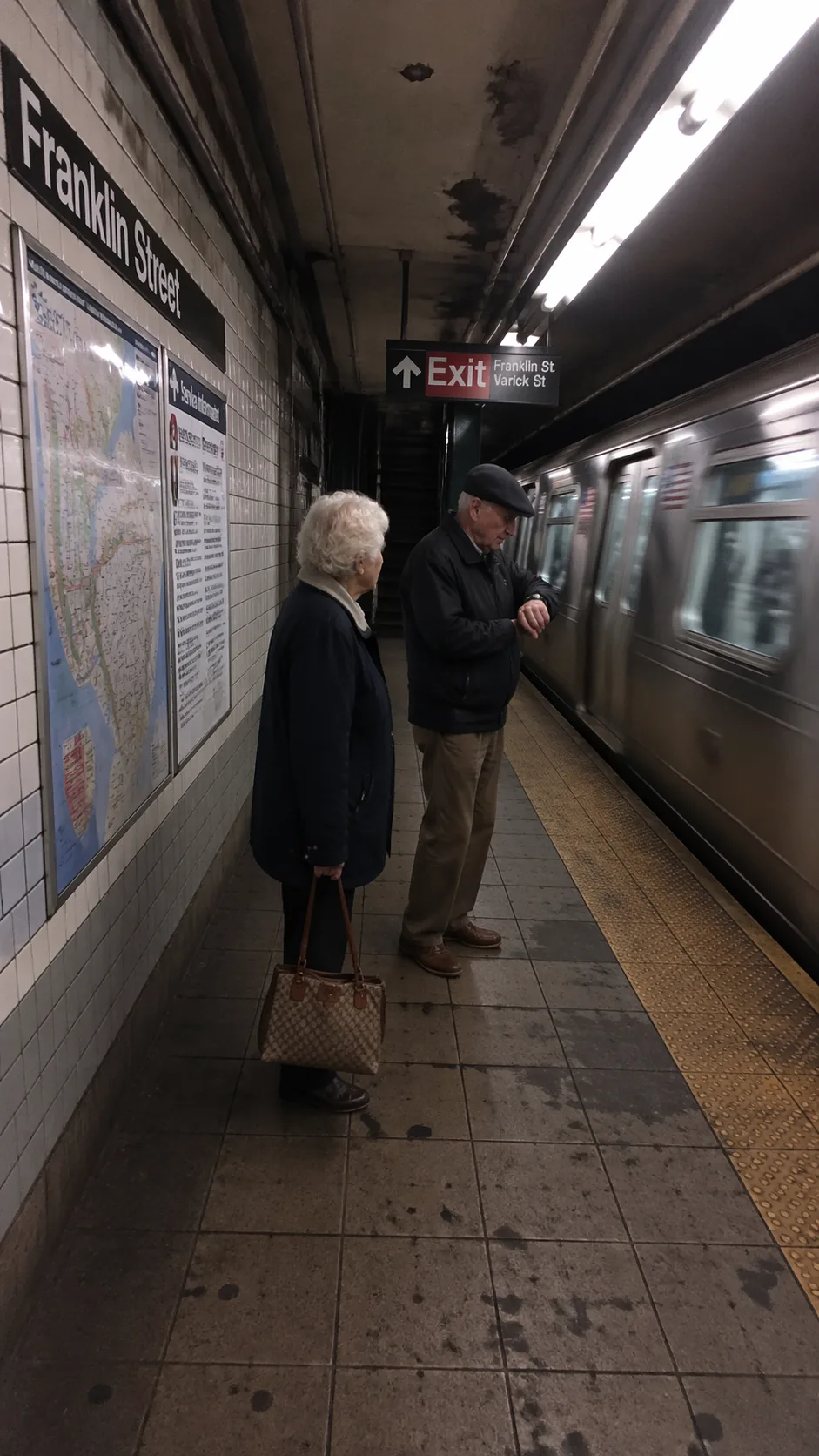
- Better real-world grounding when prompts depend on recognizable objects, environments, or culturally specific visual details.
Inside Flowith, those strengths become more useful because generation is only one part of the workflow. You can place GPT Image 2 outputs next to moodboards, creative briefs, competitor references, product copy, or agent-generated research without losing context.
What It Feels Like to Use
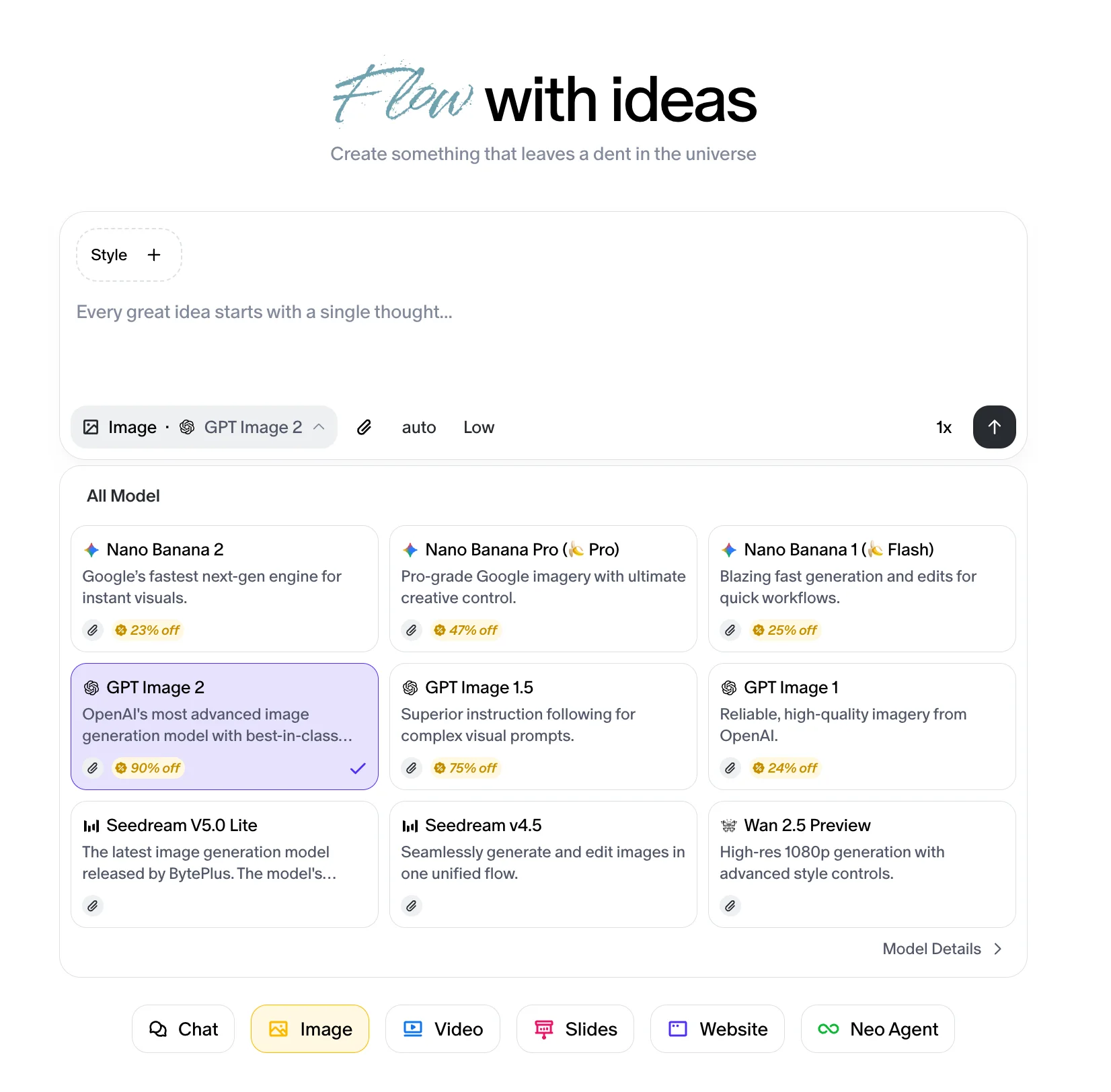
Using GPT Image 2 on Flowith is simple:
- Open image mode in your Flowith workspace.
- Select GPT Image 2 from the model list.
- Add a prompt, references, or surrounding context from the canvas.
Built for Real Creative Work
GPT Image 2 on Flowith is well suited for:
- Marketing teams creating campaign visuals, launch assets, and ad variations.
- Design teams exploring layout directions, visual styles, and text-heavy compositions.
- Founders and operators who need fast, polished images without rebuilding the brief every time.
- Content teams producing social posts, thumbnails, editorial art, and branded image sets.
When a model is strong at image quality but weak at workflow, teams still lose time. Flowith closes that gap by turning every generation into part of a larger creative system.
The Bigger Shift
The interesting part is not just that another powerful model is available.
It is that image generation is becoming native to a broader environment where text, research, visuals, websites, video, and agents all coexist. A product concept can become a moodboard. A moodboard can become image directions. Those directions can become landing-page visuals, ad mockups, and social assets without leaving the same workspace.
That is the real upgrade: not just better images, but better creative momentum.
Start Creating
GPT Image 2 is now available on Flowith.
If you want photorealistic outputs, cleaner text rendering, and a workspace that lets ideas branch instead of vanish, open the canvas and start building.
Start at Flowith.
Ready to create with GPT Image 2?
Open Flowith, choose GPT Image 2, and turn prompts into polished visuals inside a canvas built for iteration.