
Start flowing with FlowithOS
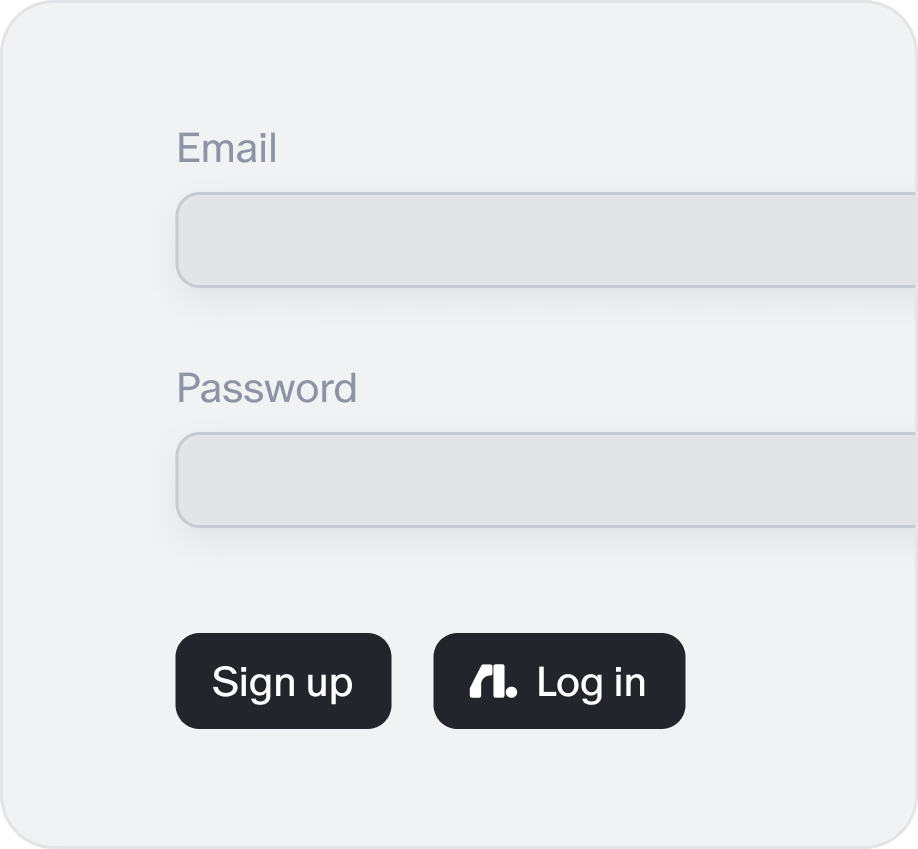
Sign up or log in using your Flowith account.
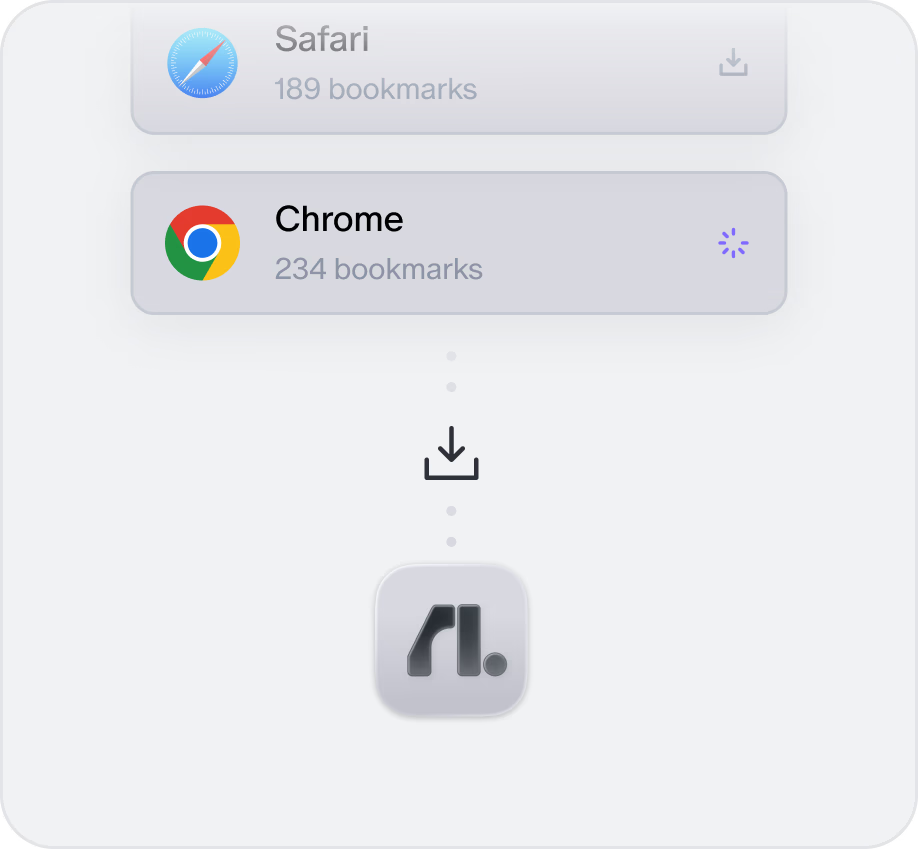
Import your data from another browser (history, passwords, bookmarks).
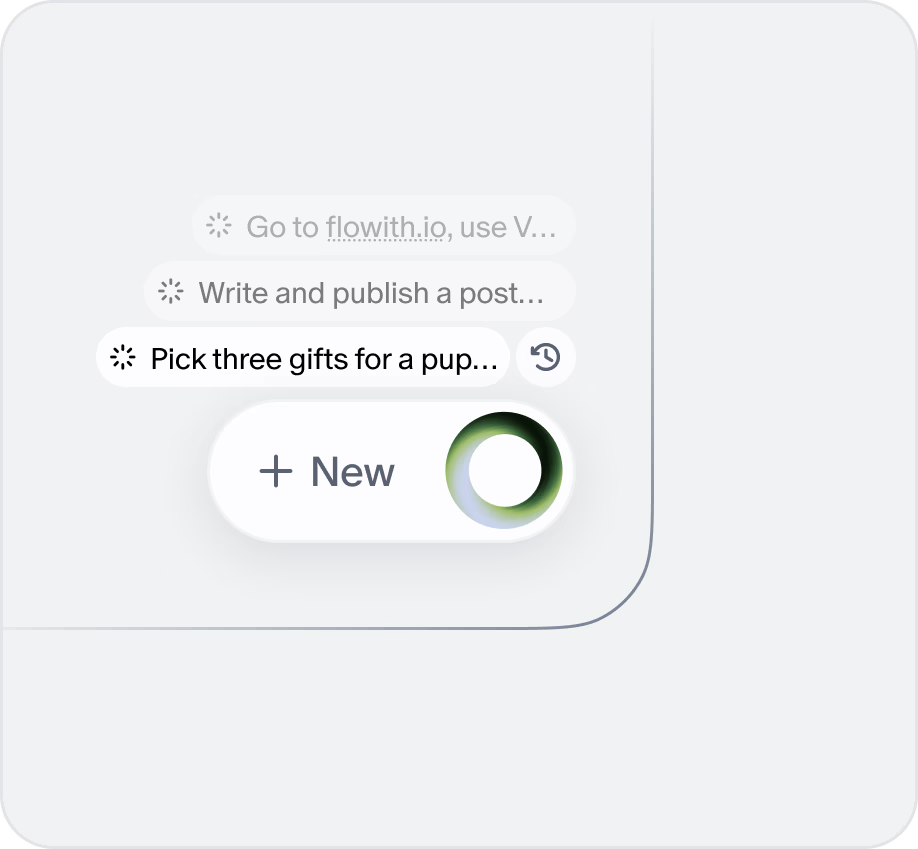
Click the NeoOS icon (bottom right) and describe your task, watch it execute automatically.
FAQ
No, you don't! Every membership plan lets you use your credits across the entire Flowith suite — Flowith Web, FlowithOS, and Flowith iOS.
You can view your credit usage in the FlowithOS settings panel. Navigate to Settings > Account to see your current balance and usage history.
Invitation codes can be found in your account settings under the 'Referrals' section. Share your unique code with friends to earn bonus credits.
You earn additional invitation codes by referring friends who successfully sign up and use Flowith. The more active referrals you have, the more codes you'll receive.