
AI Background Changer
Remove and replace backgrounds instantly. Perfect edges, natural results, zero editing skills required.
Why choose Flowith for background changes?

Perfect Edge Detection
AI precisely identifies subject boundaries, even for complex edges like hair, fur, and transparent objects. Clean cutouts every time.
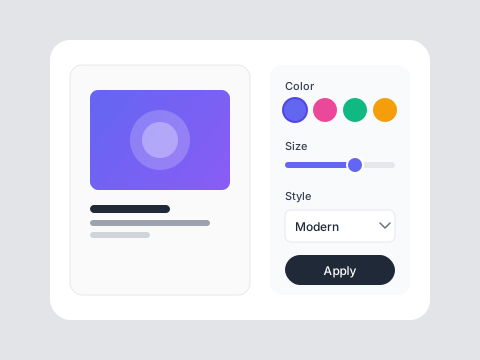
Any Background You Want
Replace with solid colors, gradients, custom images, or AI-generated scenes. Describe your ideal background and the AI creates it.
Lighting Adjustment
AI automatically adjusts your subject's lighting to match the new background. No awkward composites—natural-looking results.
Who is it for?
For E-commerce
Create clean product photos on white or lifestyle backgrounds. Professional listings without studio shoots.
For Photographers
Quickly change portrait backgrounds. Offer more variety to clients without reshoots.
For Content Creators
Create eye-catching thumbnails and social posts. Place yourself anywhere in the world.
AI Background Removal vs Manual Editing
Manual Editing
Flowith AI
Skill Required
Photoshop background removal requires advanced editing skills.
One-click background change with AI—no editing skills needed.
Speed
Manual masking and editing takes 30+ minutes per image.
Change backgrounds instantly in seconds.
Edge Quality
Hair and fine details are difficult to mask cleanly.
AI precisely handles hair, fur, and complex edges automatically.
Cost
Professional editing services charge per image.
Process unlimited images affordably.
How to change your background
Upload Your Image
Select any photo with a subject you want to keep. Works with people, products, animals, and objects.
Choose New Background
Pick from presets, upload your own, or describe a background for AI to generate. Solid colors and gradients also available.
Download Result
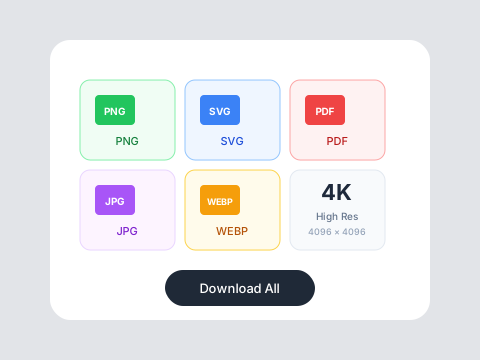
Get your image with the new background. Fine-tune if needed, then download in high resolution.
Frequently Asked Questions
Transform any photo instantly
Change backgrounds with free credits on Flowith.