
AI Banner Generator
Design professional banners for social media and ads instantly. Boost your click-through rates with AI-powered visuals on an infinite canvas.
Why choose our AI Banner Generator?
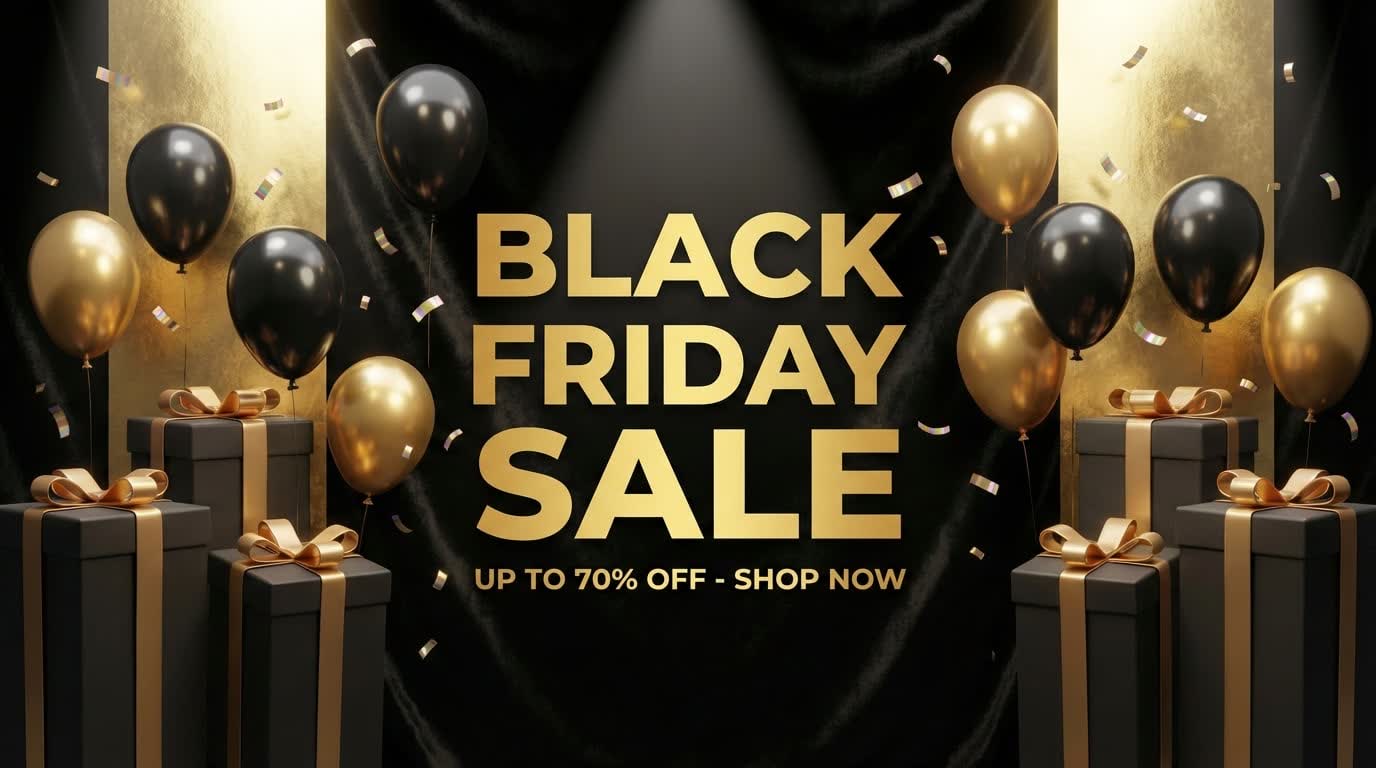
Social Media Optimized
Create perfect banners for YouTube channels, LinkedIn headers, Twitter profiles, and Facebook covers. Our AI understands the safe zones and dimensions for every platform.
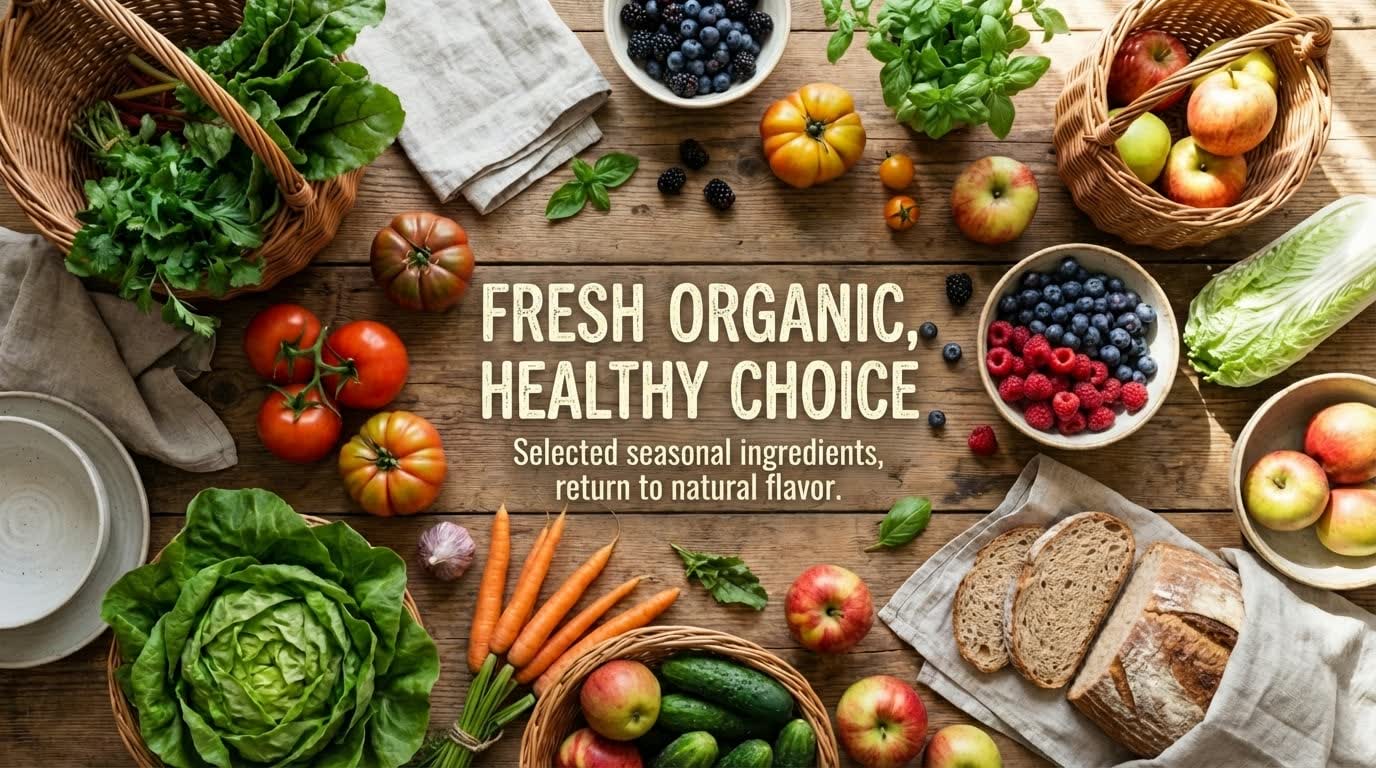
Click-Worthy Ad Visuals
Generate high-converting ad banners for Google Display, Facebook Ads, and Instagram Stories. Describe your product and offer, and get click-worthy visuals instantly.
Consistent Brand Themes
Maintain visual consistency across all your marketing channels. Generate banners that align with your specific style, mood, and color preferences.
Who is it for?
For Marketers
Launch campaigns faster. Generate A/B test variations for your ad creatives in minutes instead of days.
For YouTubers
Update your channel art instantly to match new video series or seasons without needing a designer.
For E-commerce
Create promotional banners for sales, holidays, and new product launches effortlessy.
AI Banner Generator vs Manual Design
Manual Design
Flowith AI
Creation Speed
Designing banners manually in Photoshop or Canva can take hours.
Generate professional banners in seconds by simply describing what you need.
Scalability
Resizing designs for different platforms (YouTube, Twitter, LinkedIn) requires manual adjustment.
Instantly generate banners optimized for any platform and aspect ratio on an infinite canvas.
Design Expertise
Requires knowledge of layout, typography, and color theory.
AI handles the layout, font selection, and composition automatically for a polished look.
Cost
Hiring a graphic designer for each campaign is expensive.
Create unlimited banners for a fraction of the cost of a single freelance project.
How to design banner ads in 3 steps?
Choose Platform
Specify if it's for YouTube, LinkedIn, Facebook, or an Ad. The AI adjusts dimensions automatically.
Describe Your Banner
Enter your brand name, color preference, and style (e.g., 'Modern tech', 'Playful gaming').
Generate & Customize
Get professional options instantly. Add your logo or text overlays on the canvas before downloading.
Frequently Asked Questions
Start designing banners today
Join our growing community of creators using Flowith AI.