
AI Brochure Design Maker
Design professional brochures for marketing and events instantly. Create custom layouts and visuals on an infinite canvas.
Why choose our AI Brochure Maker?
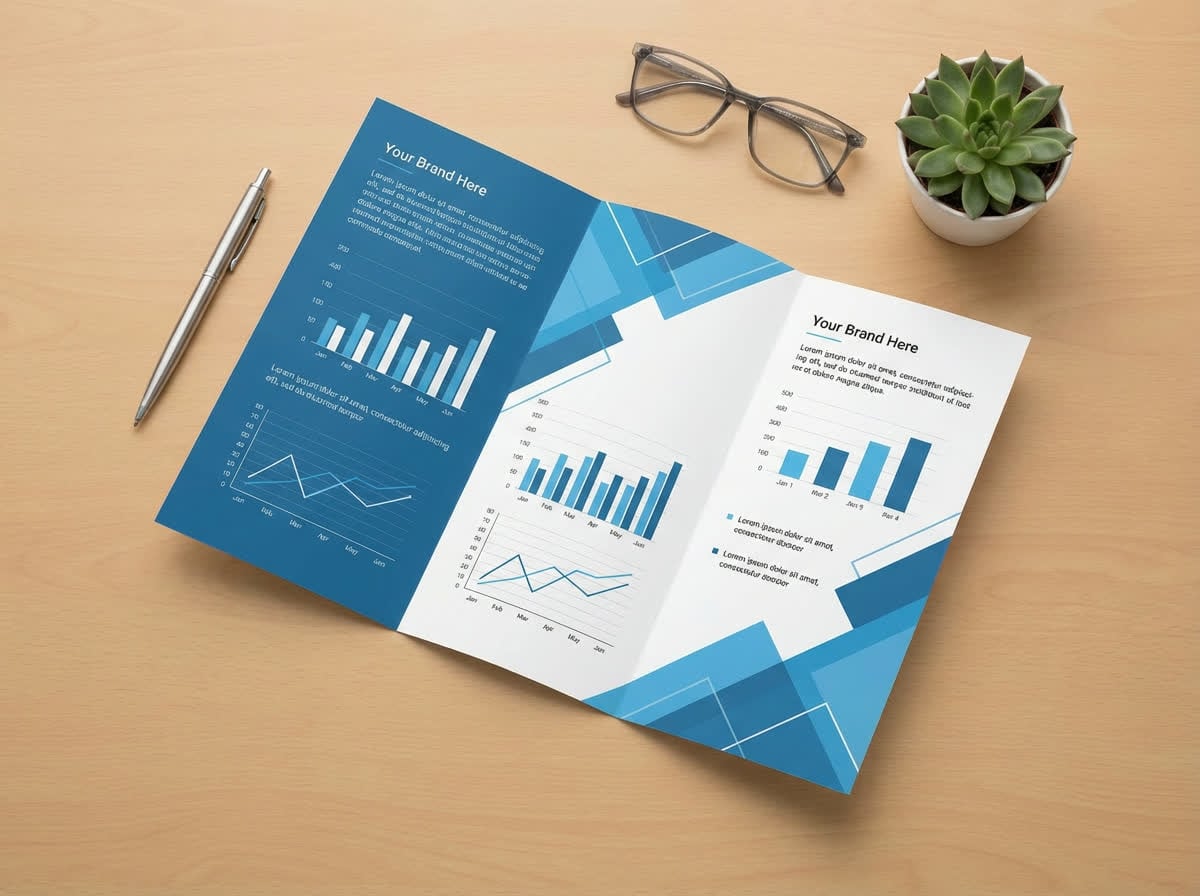
Smart Layout Generation
Don't struggle with grids. Our AI automatically arranges your text and images into professional, balanced layouts optimized for readability and impact.
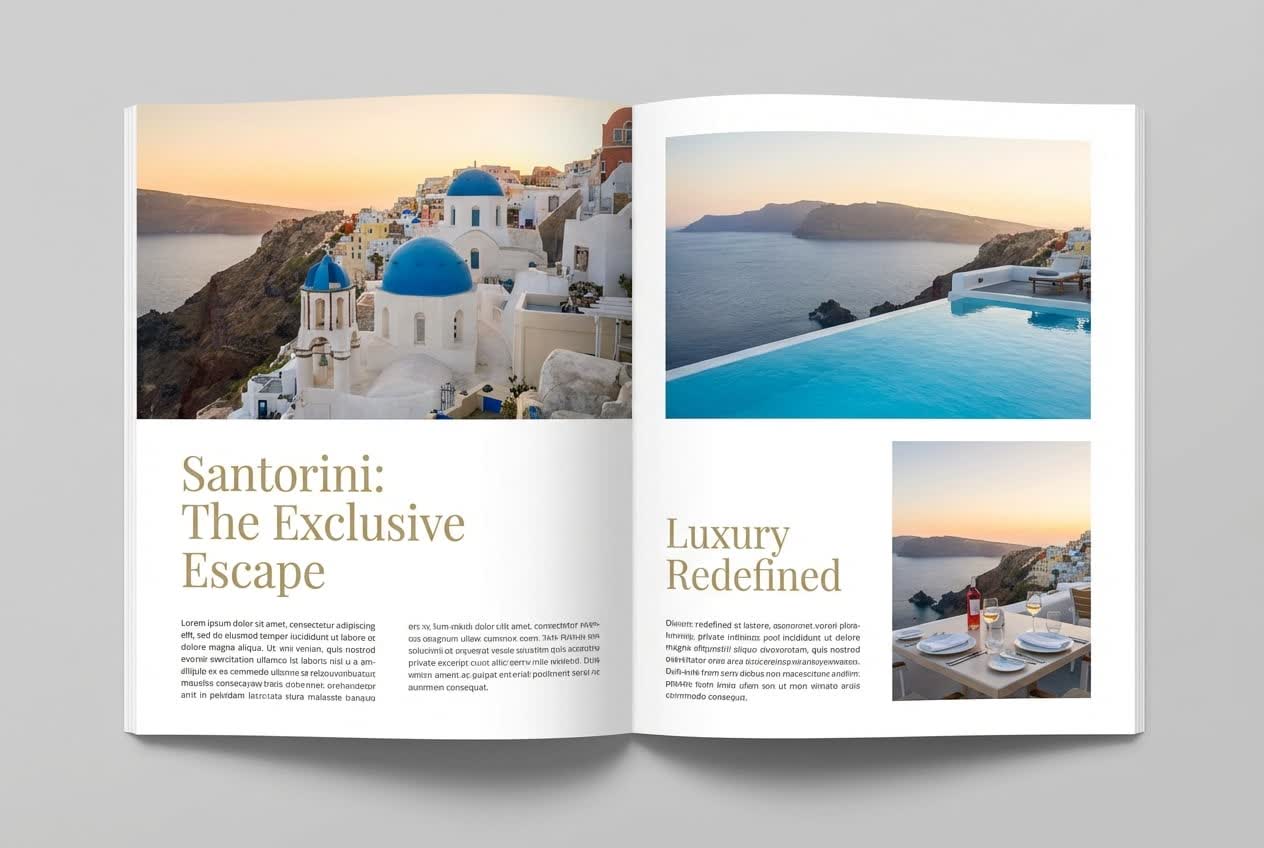
Brand Color Matching
Ensure brand consistency. Upload your logo or specify your color palette, and the AI will apply it perfectly across the entire brochure design.
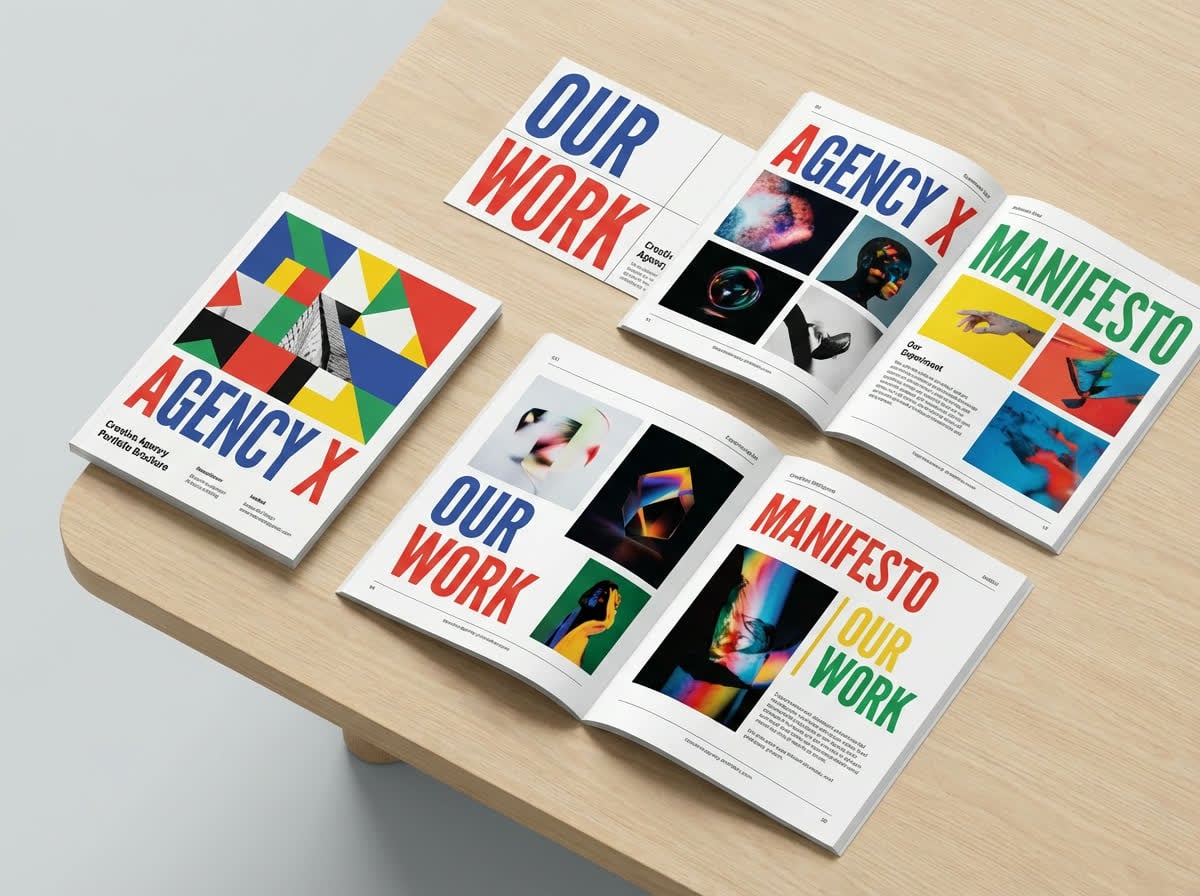
Multi-Fold Formats
Design for any print requirement. Switch effortlessly between Tri-fold, Bi-fold, Z-fold, or Gate-fold formats with correctly placed margins and bleed lines.
Who is it for?
For Businesses
Create professional marketing collateral for trade shows, sales meetings, and product launches.
For Services
Design informative pamphlets for clinics, spas, and real estate agencies to explain your services.
For Events
Make event programs and schedules that attendees will want to keep.
AI Brochure Maker vs Templates
Templates
Flowith AI
Layout Design
Starting from a blank page or rigid templates.
AI suggests professional layouts based on your content instantly.
Asset Creation
Searching for stock photos and icons separately.
Generates custom images and icons to match your brochure's theme.
Copywriting
Writing all the marketing text yourself.
AI helps write persuasive headlines and body copy.
Flexibility
Difficult to reformat for different fold types.
Easily adapt designs for tri-fold, bi-fold, or digital formats.
How to make a brochure in 3 steps?
Choose Format
Select your desired brochure type (e.g., Tri-fold, Bi-fold) and dimensions.
Input Content
Paste your text or let the AI write it for you. Upload your logo and images.
Design & Export
The AI assembles the brochure. Customize the layout and download a print-ready PDF.
Frequently Asked Questions
Start creating today
Join our growing community of creators using Flowith AI.