
AI Chart Generator
Create beautiful charts and graphs instantly. Just describe your data—AI does the rest.
Why choose Flowith for charts?

Natural Language Input
Just describe your data and what you want to show. No need to format spreadsheets or learn charting software. AI understands and visualizes.

Smart Chart Selection
AI analyzes your data and recommends the most effective visualization—bar, line, pie, scatter, or combinations that tell your story clearly.
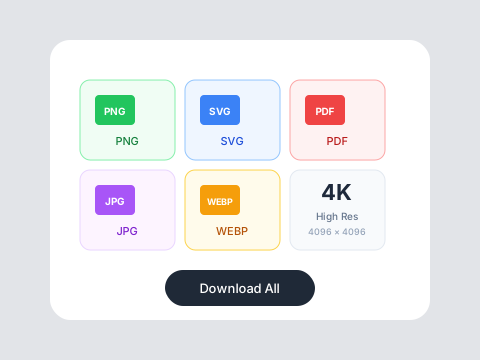
Presentation Ready
Export charts in high resolution for presentations, reports, and documents. Professional styling that impresses audiences.
Who is it for?
For Business Professionals
Create compelling charts for reports and presentations without spending hours in spreadsheet software.
For Students
Generate professional visualizations for papers, projects, and presentations quickly.
For Analysts
Rapidly prototype visualizations and explore different ways to present your findings.
AI Charts vs Traditional Tools
Traditional Tools
Flowith AI
Ease of Use
Excel and spreadsheet charts require learning complex tools.
Describe your data in plain language—AI creates the chart.
Design Quality
Default chart styles look dated and unprofessional.
Beautiful, presentation-ready charts with modern styling.
Speed
Formatting and styling charts takes significant time.
Generate polished charts in seconds.
Chart Selection
Choosing the right chart type requires data visualization knowledge.
AI recommends the best chart type for your data story.
How to create your chart
Describe Your Data
Enter your data or describe what you want to visualize. Paste numbers, explain trends, or upload a simple data set.
Review Chart Options
See AI-generated chart recommendations. Choose from different visualizations and customize colors and styling.
Export Your Chart
Download in PNG, SVG, or other formats. Ready to paste into presentations, documents, or websites.
Frequently Asked Questions
Visualize your data beautifully
Create stunning charts with free credits on Flowith.