
AI Drawing Generator
Create stunning drawings in any style. From sketches to detailed illustrations in seconds.
Why choose Flowith for drawings?
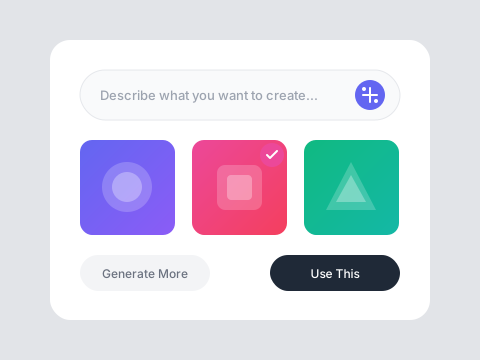
Any Style, Any Subject
Generate drawings in pencil, ink, charcoal, digital art, or any artistic style. From realistic portraits to abstract concepts, the AI adapts to your vision.
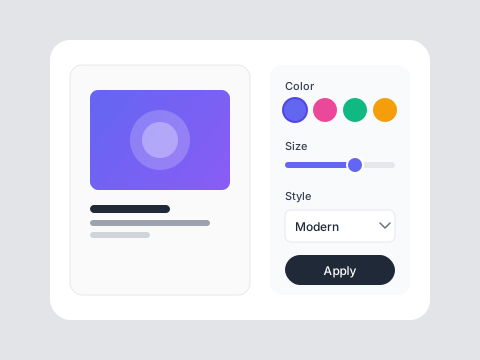
Photo to Drawing
Transform photographs into artistic drawings. Convert any image into sketches, illustrations, or stylized artwork while preserving the essential details.
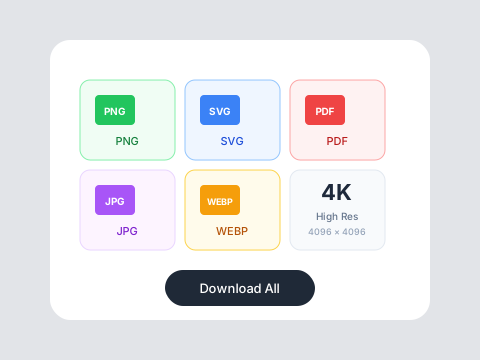
Detailed Precision
Get intricate details, proper proportions, and clean linework. The AI understands artistic fundamentals to create drawings that look hand-crafted.
Who is it for?
For Artists
Quickly visualize concepts and explore new styles. Use AI drawings as references or starting points for your own work.
For Students
Create illustrations for projects and presentations. Learn about different drawing styles by generating examples.
For Professionals
Generate concept art, storyboards, and illustrations for business presentations without hiring illustrators.
AI Drawings vs Traditional Drawing
Traditional Drawing
Flowith AI
Skill Required
Years of practice to master drawing techniques and styles.
Describe what you want and get professional drawings instantly.
Time
Hours or days to complete a single detailed drawing.
Generate detailed drawings in seconds with AI assistance.
Versatility
Limited to styles and techniques you've personally mastered.
Access any drawing style—pencil, ink, charcoal, digital, and more.
Iteration
Starting over means redrawing from scratch each time.
Generate unlimited variations and refine until perfect.
How to create your drawing
Describe Your Drawing
Tell the AI what you want to draw—subject, style, mood, and details. Be specific about the artistic style like pencil sketch, ink drawing, or digital art.
Generate Variations
Review the generated drawings and request adjustments. Refine details, change styles, or explore different interpretations of your concept.
Download Your Art
Save your finished drawing in high resolution. Use it for personal projects, portfolios, prints, or commercial applications.
Frequently Asked Questions
Draw anything you imagine
Start creating with free credits on Flowith.