
AI Graphic Design Tool
Create professional graphics and marketing visuals without design skills. Transform text into stunning designs on an infinite canvas.
Why choose our AI Graphic Design Tool?

Text to Design
Simply describe what you need—'A minimalist instagram post for a coffee shop sale'—and watch as our AI generates a complete, polished design ready for publishing.
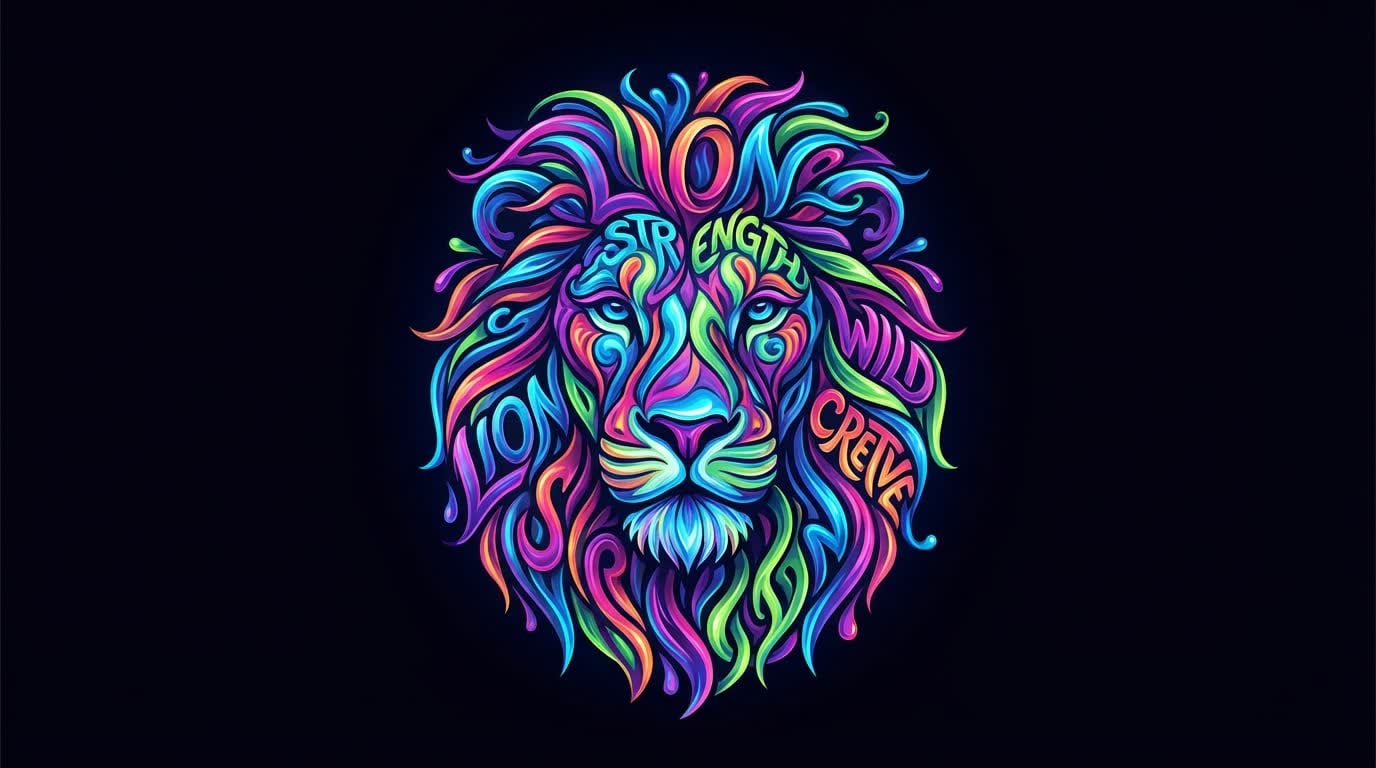
Social Media Graphics
Create eye-catching posts, stories, and headers for Instagram, Facebook, LinkedIn, and Twitter. Our AI knows the best practices for engagement on each platform.
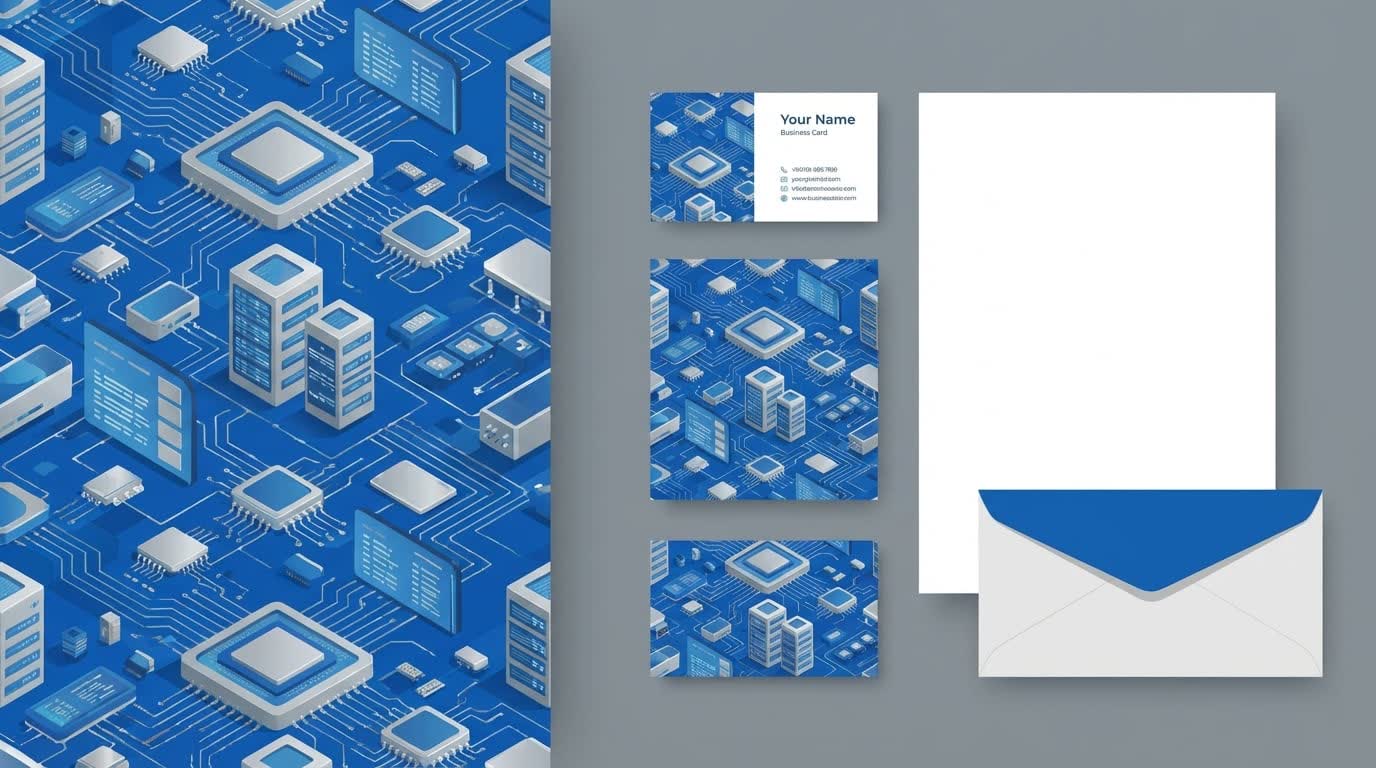
Marketing Materials
Design professional flyers, posters, business cards, and banners. Get print-ready high-resolution outputs that elevate your brand's physical presence.
Who is it for?
For Small Businesses
Create your own professional marketing materials without the budget for an agency.
For Social Media Managers
Scale your content production. Generate weeks worth of engaging posts in minutes.
For Non-Designers
Produce professional-looking visuals for presentations, reports, and personal projects effortlessly.
AI Graphic Design vs Traditional Design
Traditional Design
Flowith AI
Speed
Designing graphics manually takes hours of layout and asset searching.
Generate professional designs in seconds from simple text descriptions.
Skill Requirement
Requires mastering complex tools like Photoshop or Illustrator.
No design skills needed. AI handles composition, typography, and color automatically.
Consistency
Hard to maintain brand consistency across different designs manually.
AI ensures consistent style, fonts, and colors across all your generated graphics.
Variety
Limited by your own creativity and time.
Explore unlimited design variations and styles instantly to find the best look.
How to create graphic designs in 3 steps?
Describe Design
Tell the AI what you need to create (e.g., 'A Facebook ad for a summer sale').
Customize
The AI generates a layout. You can tweak text, colors, and images on the canvas.
Download
Export your final design in high-quality PNG, JPG, or PDF format.
Frequently Asked Questions
Start creating today
Join our growing community of creators using Flowith AI.