
AI Image Generator
Quick answer
Turn a permission-safe brief into image drafts, compare available model routes, branch revisions on canvas, and review text, anatomy, identity, rights, and export quality before publishing.
Spotify Screenshot
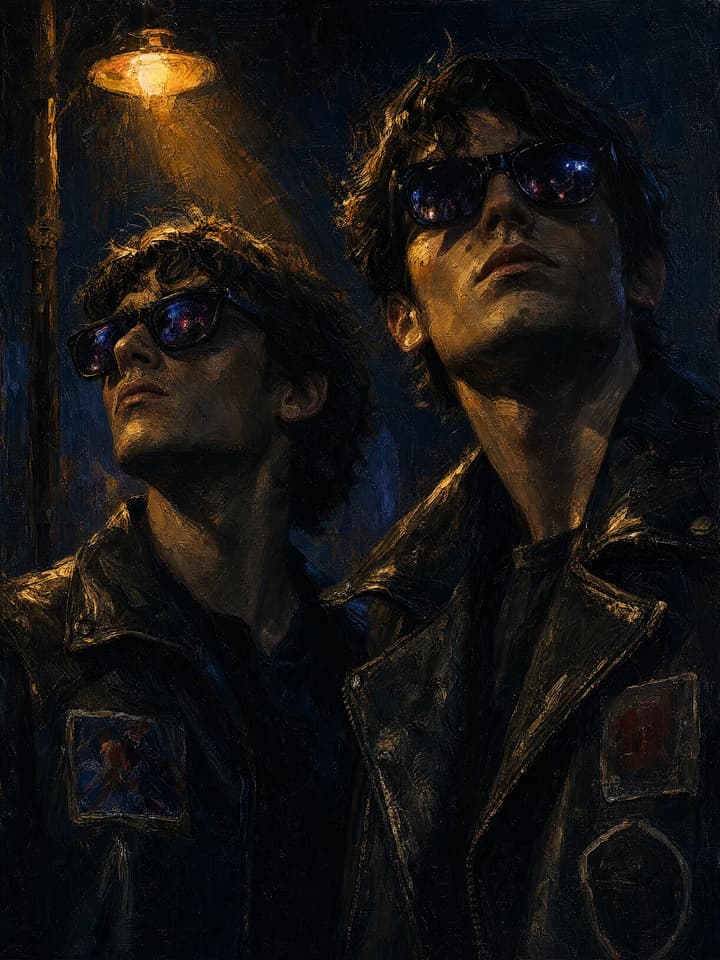
Oil painting Night scene Portrait
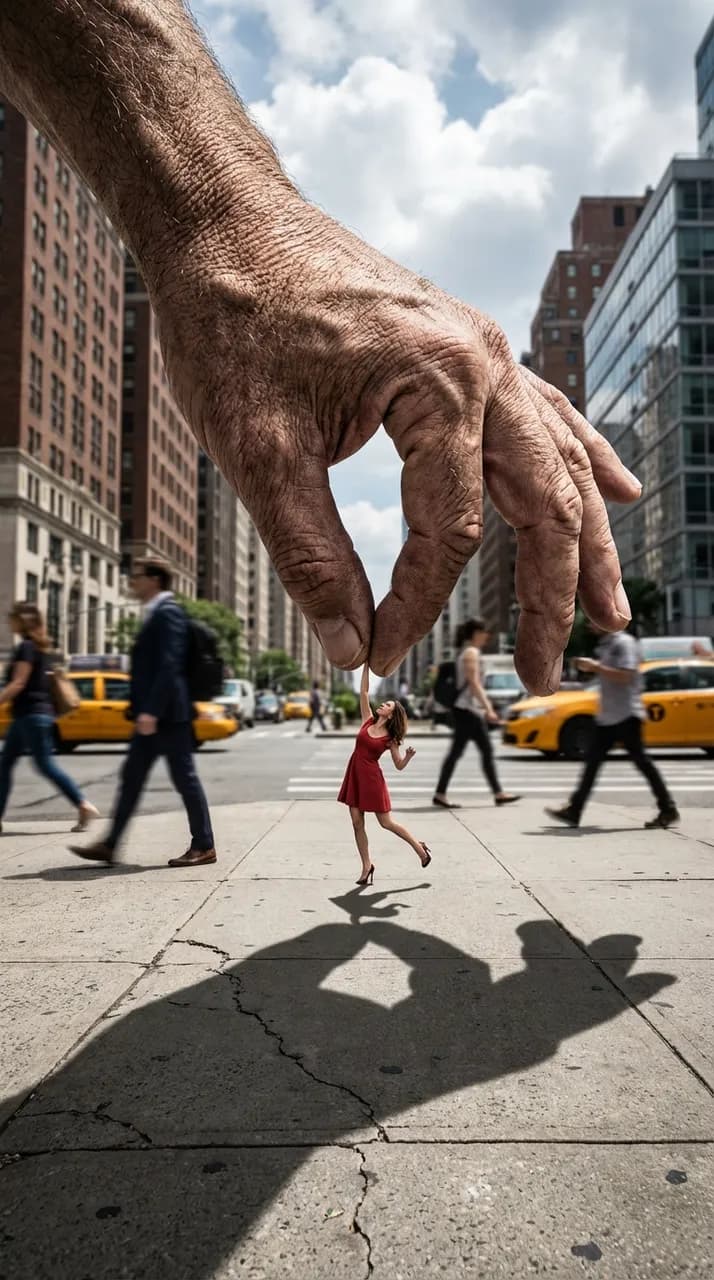
Giant Hand, Tiny Dancer

Quiet Nook Star Realm
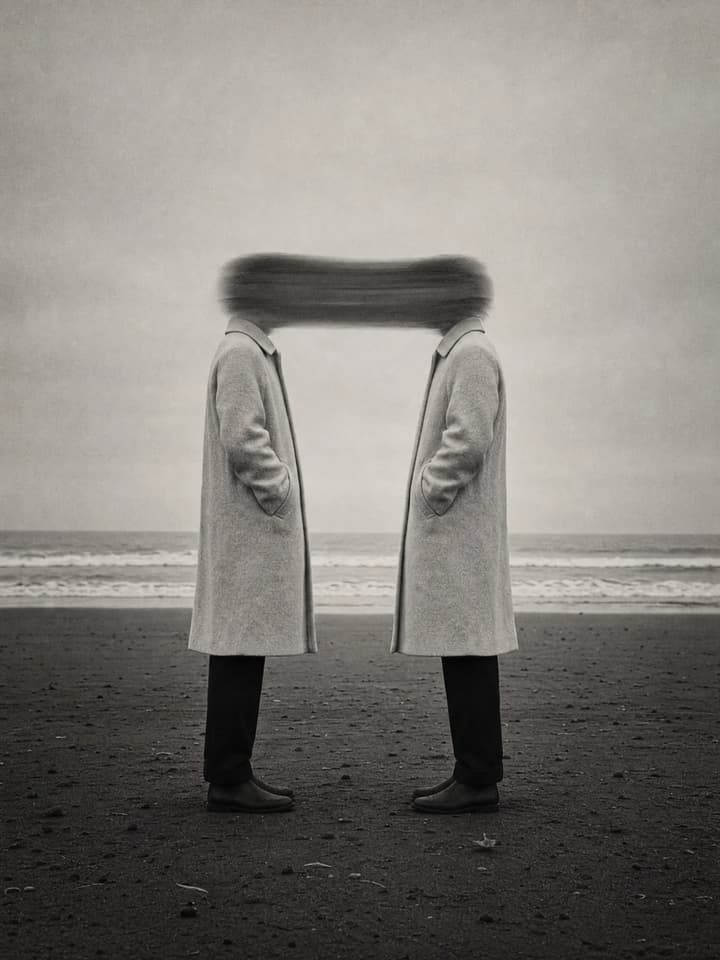
Misty Grey‑Toned Mutual Gaze
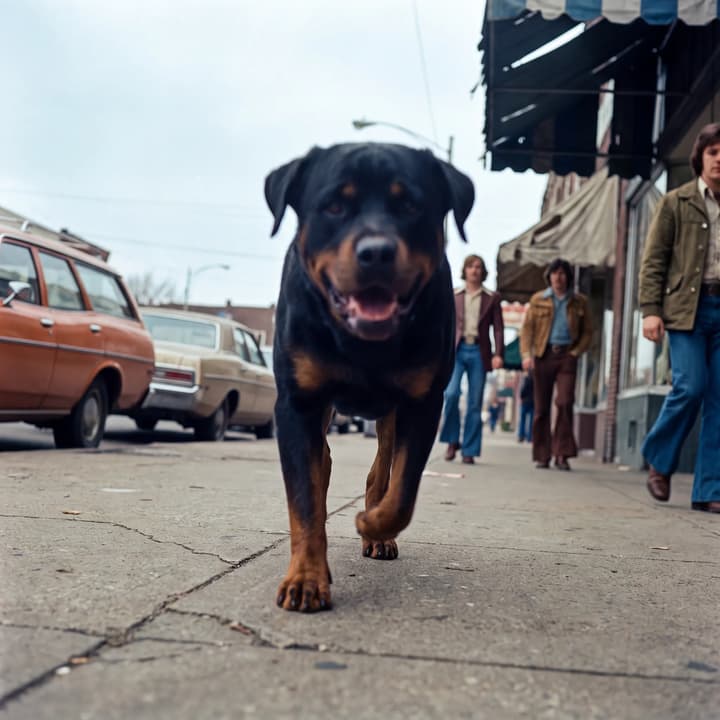
Vintage Snapshot Street Photography

Blue Dusk Shorebank
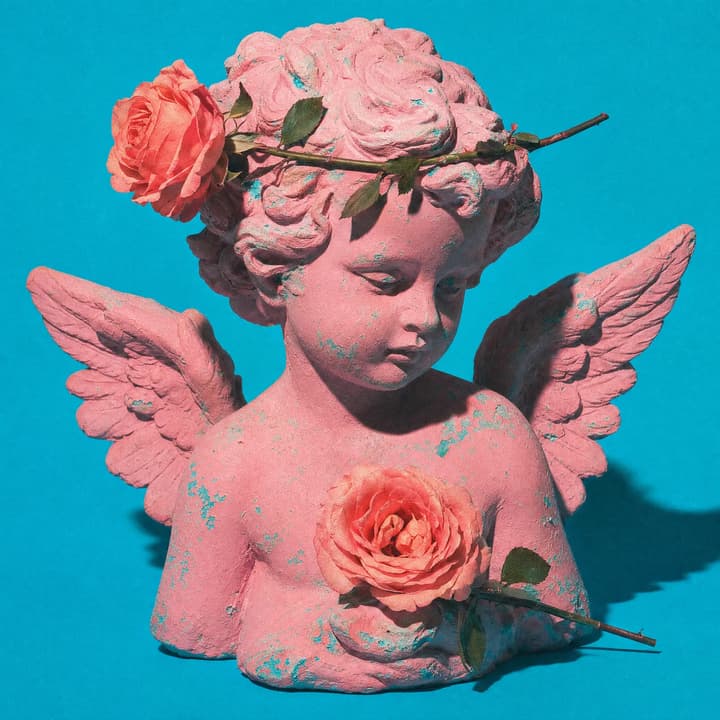
Vintage Surreal Angel Statue
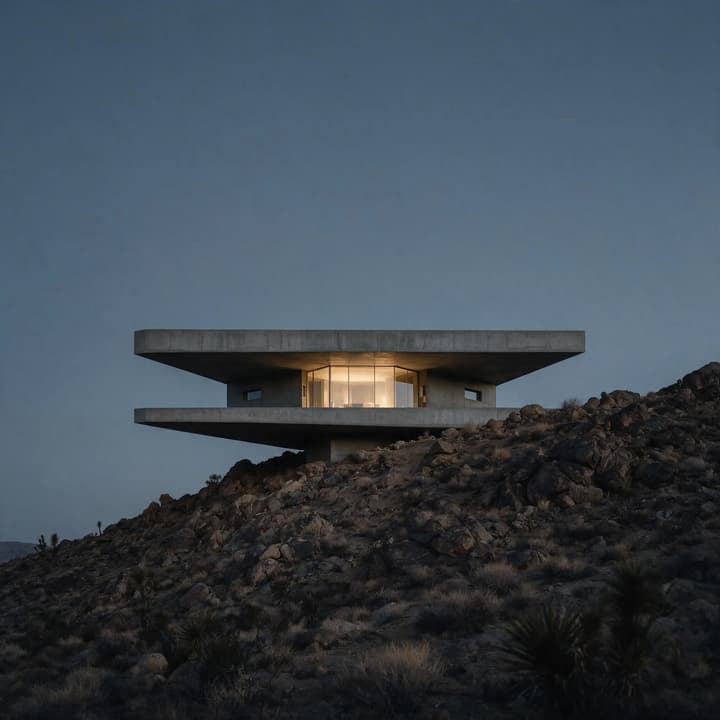
Twilight Future Residence
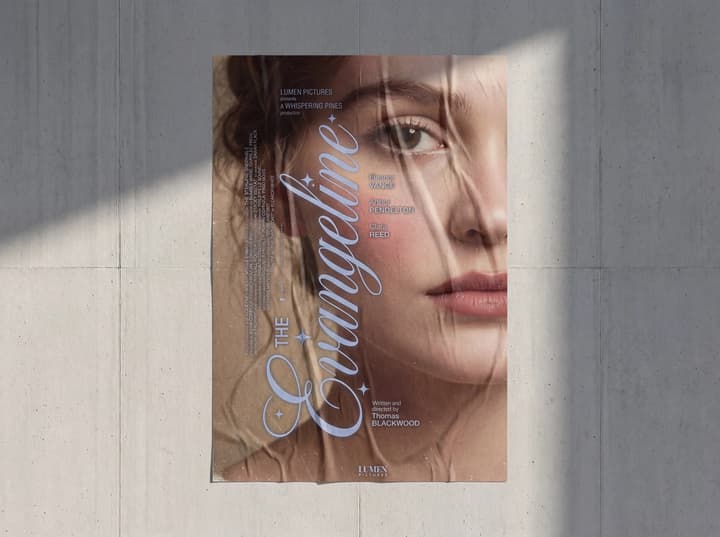
Movie Poster Mockup Visualization
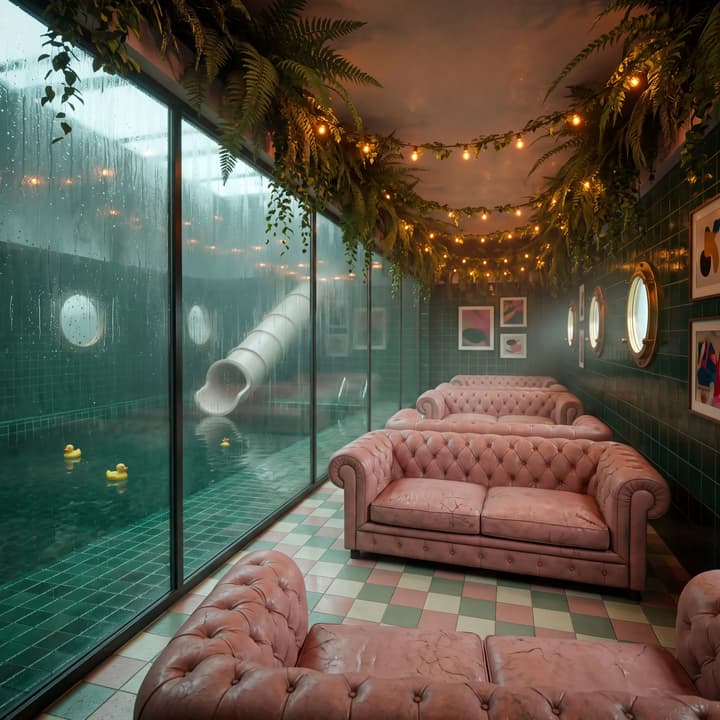
Illusory Dream Private Domain Club
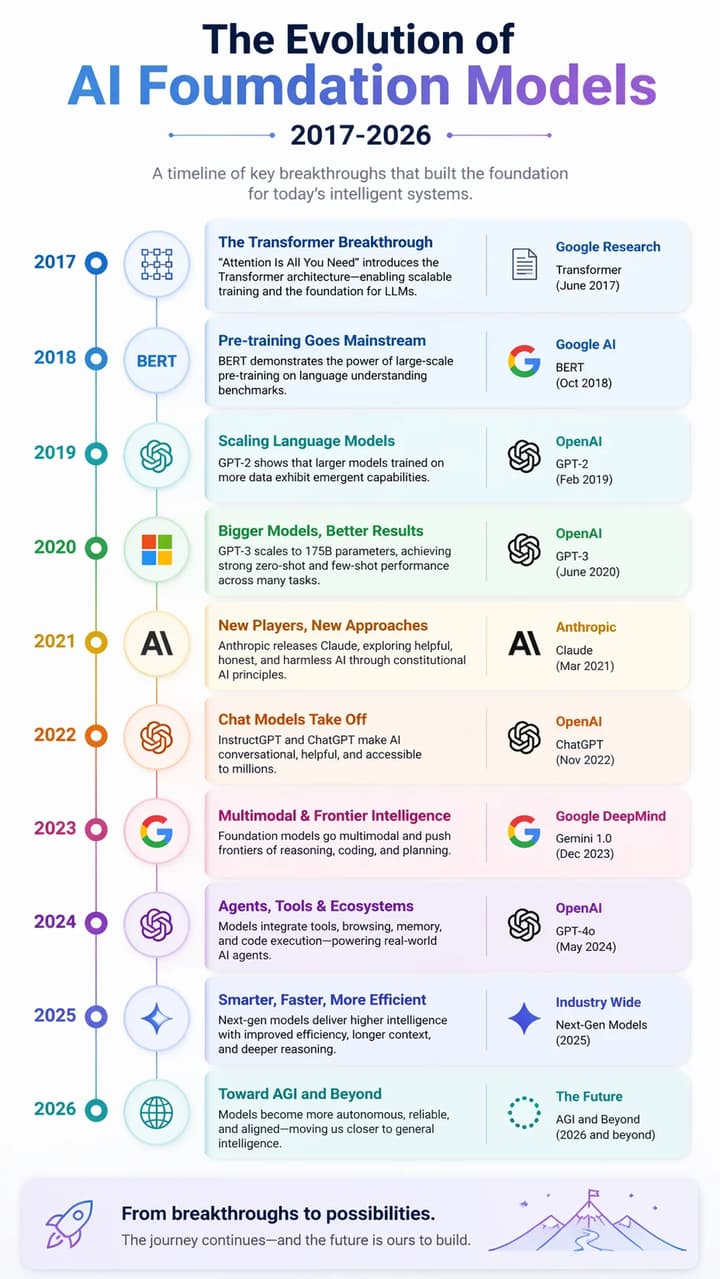
AI Model Evolution
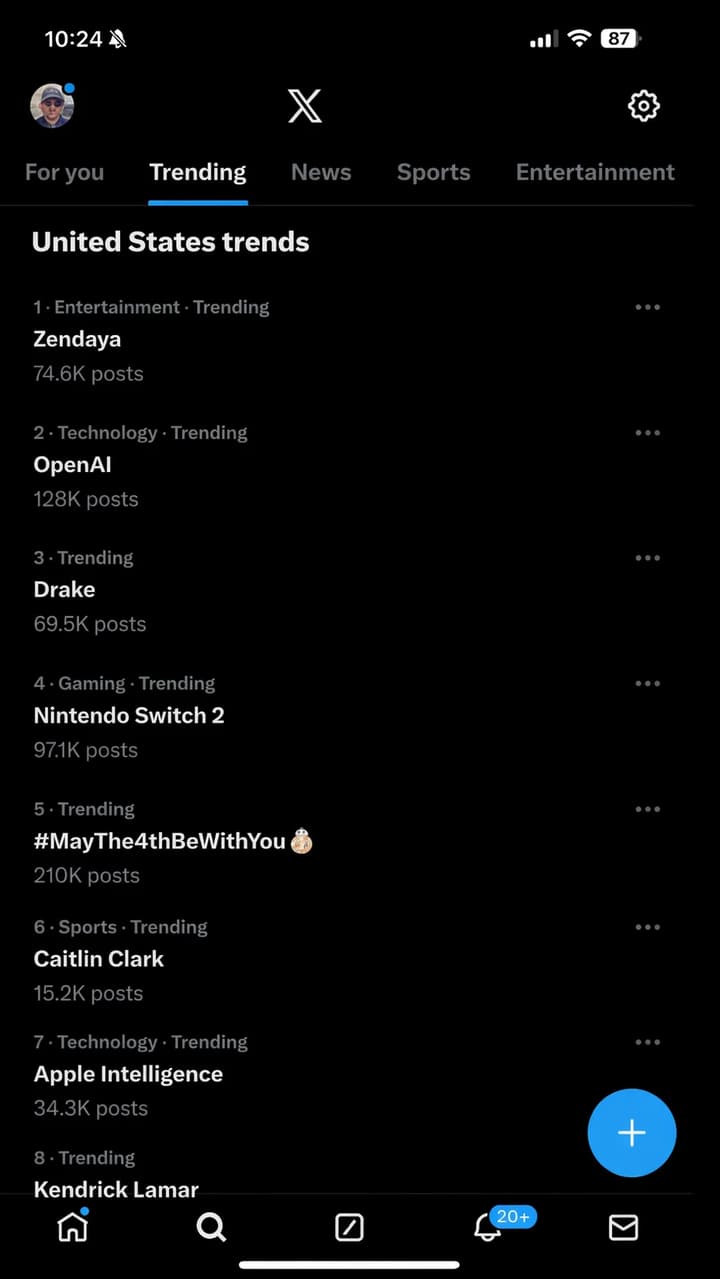
X screenshot
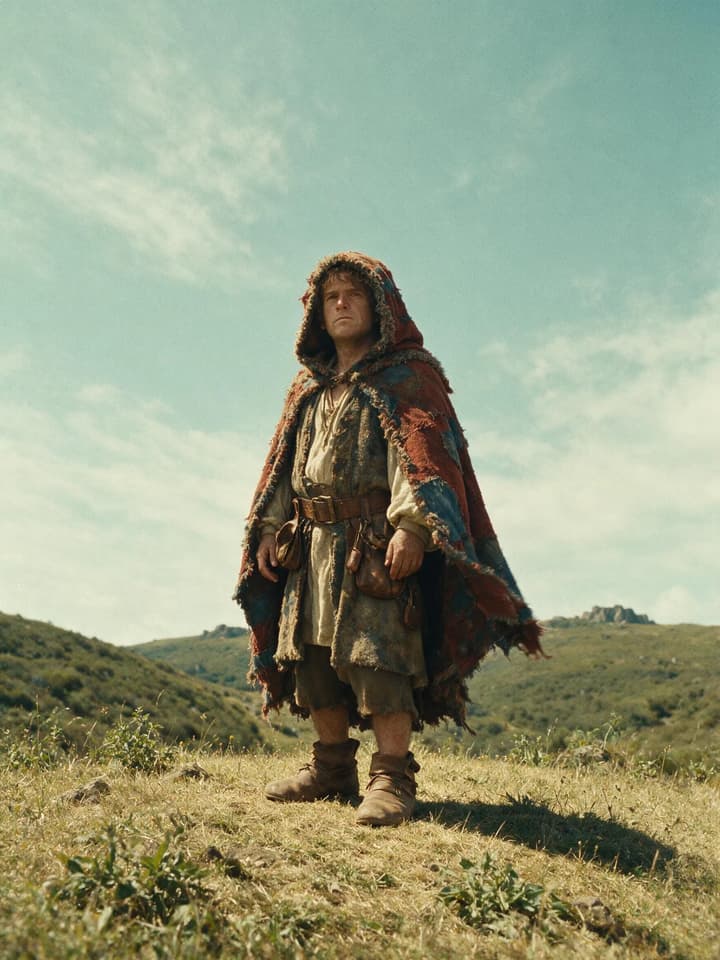
Wanderer in the Old‑Shadow Wilderness
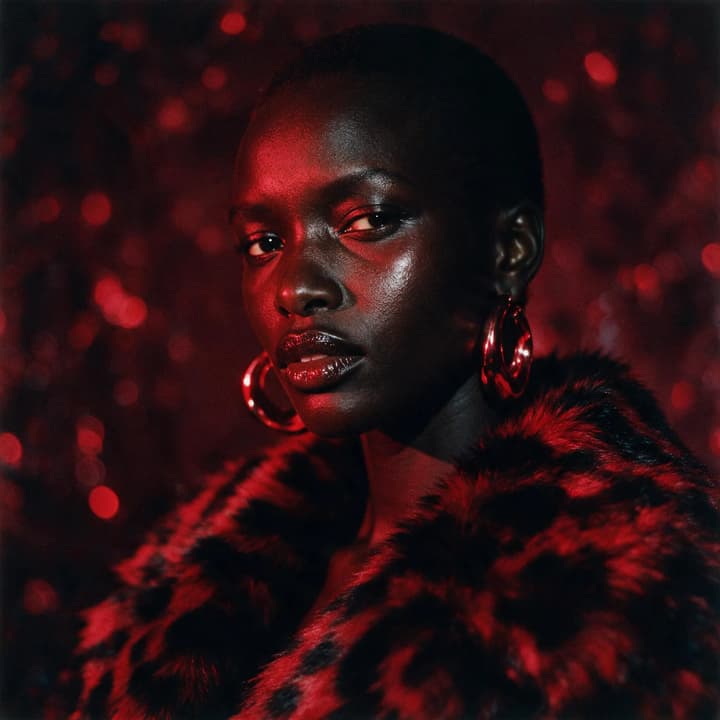
Film‑style red‑toned portrait
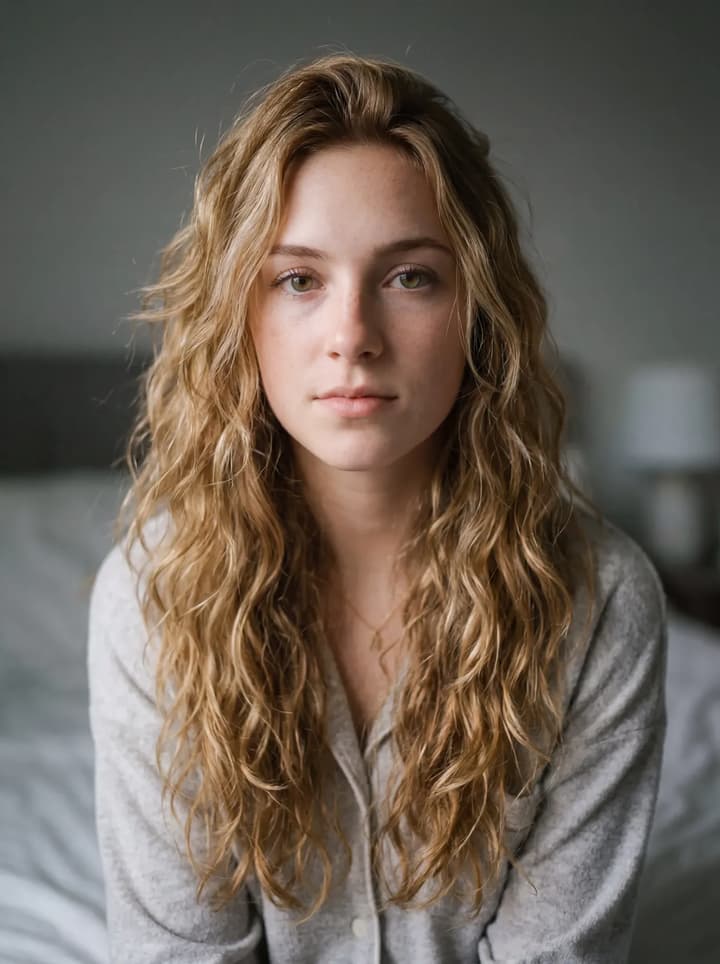
Effortless Long-Hair Beauty
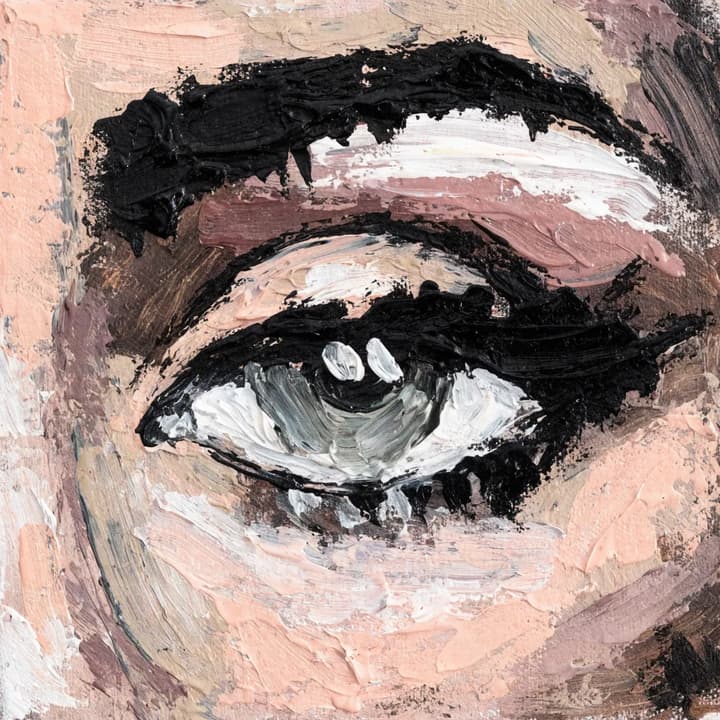
Close‑up of a human eye in oil painting
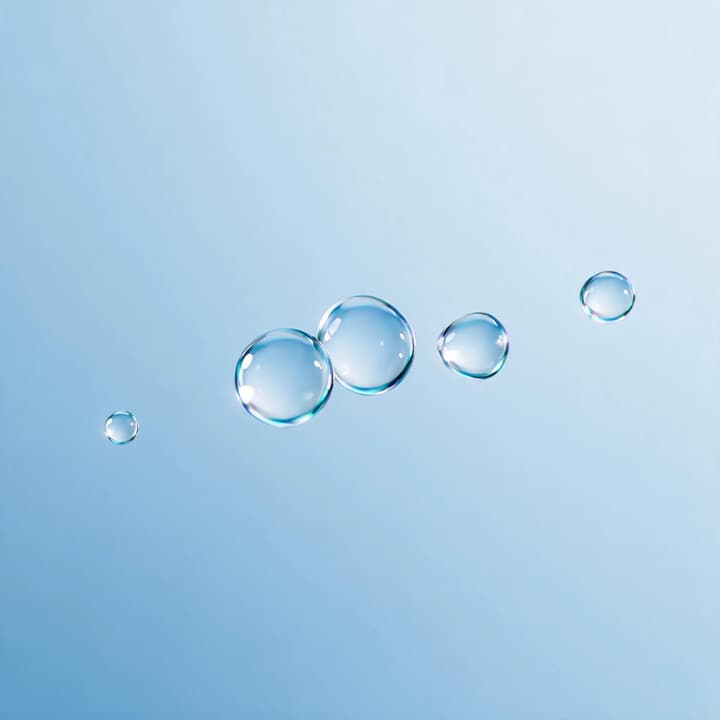
Floating water drop composition
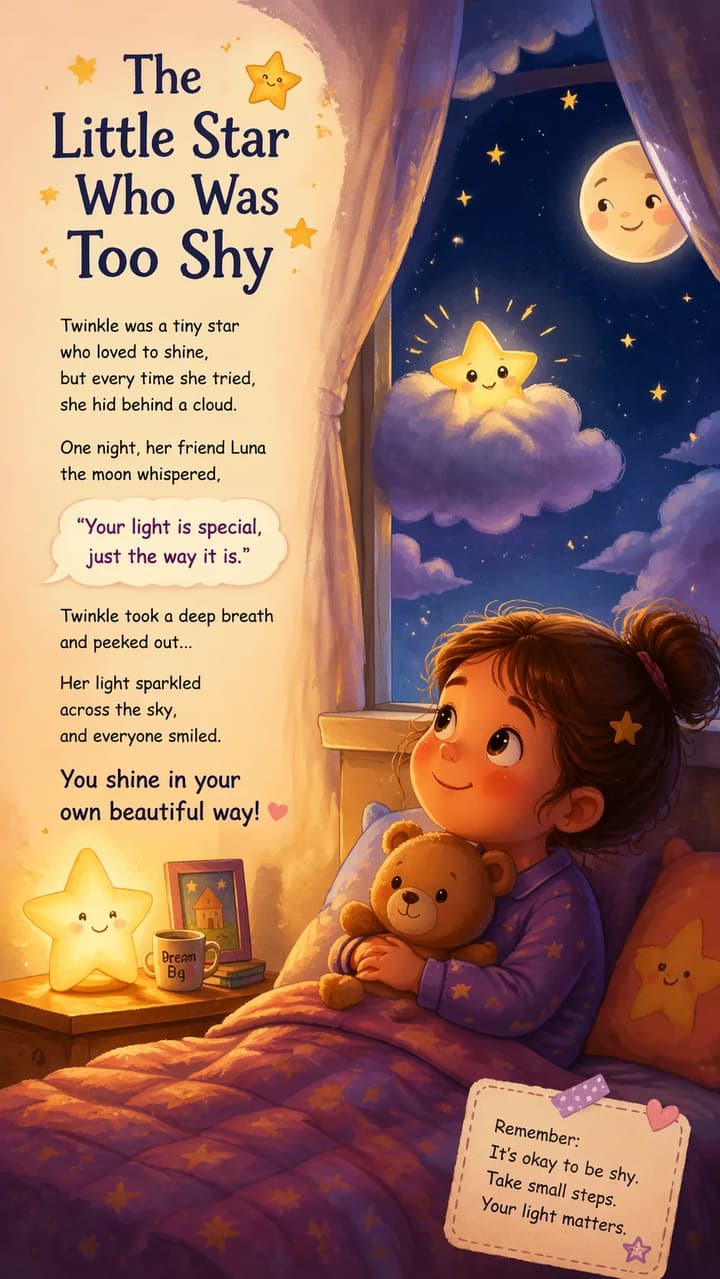
Children'sPicture-book
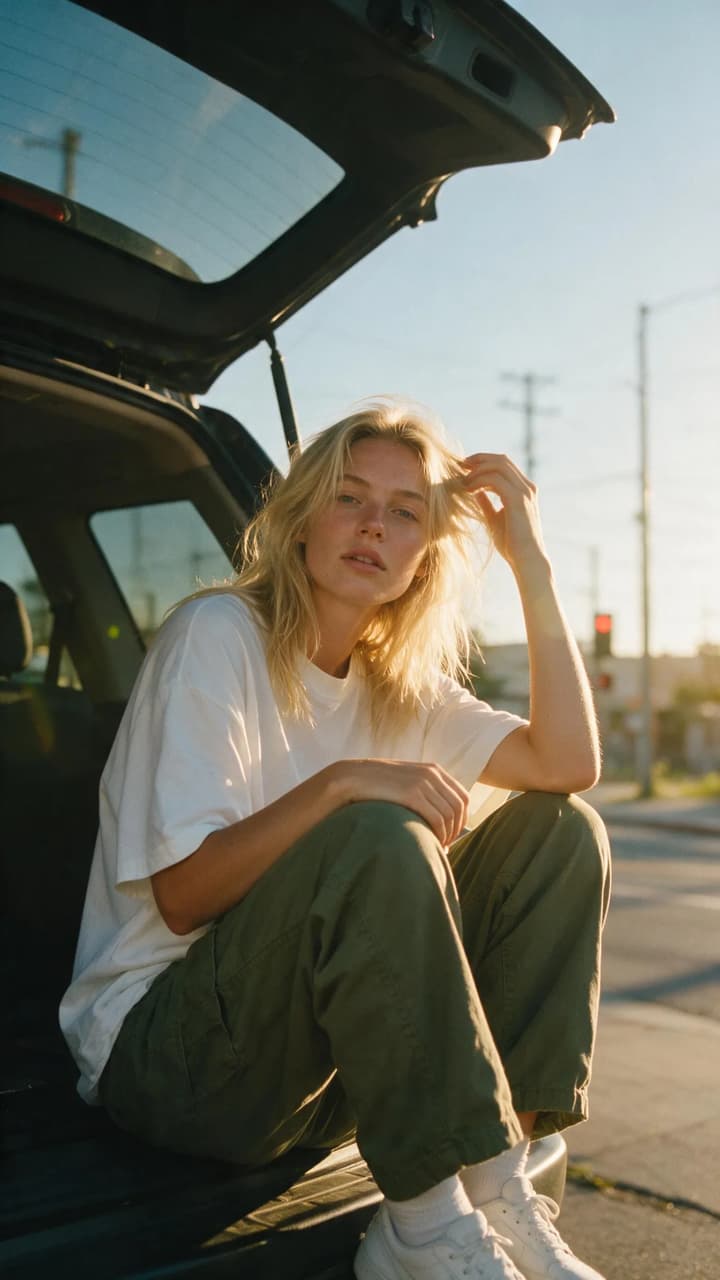
Street Portrait at Dusk
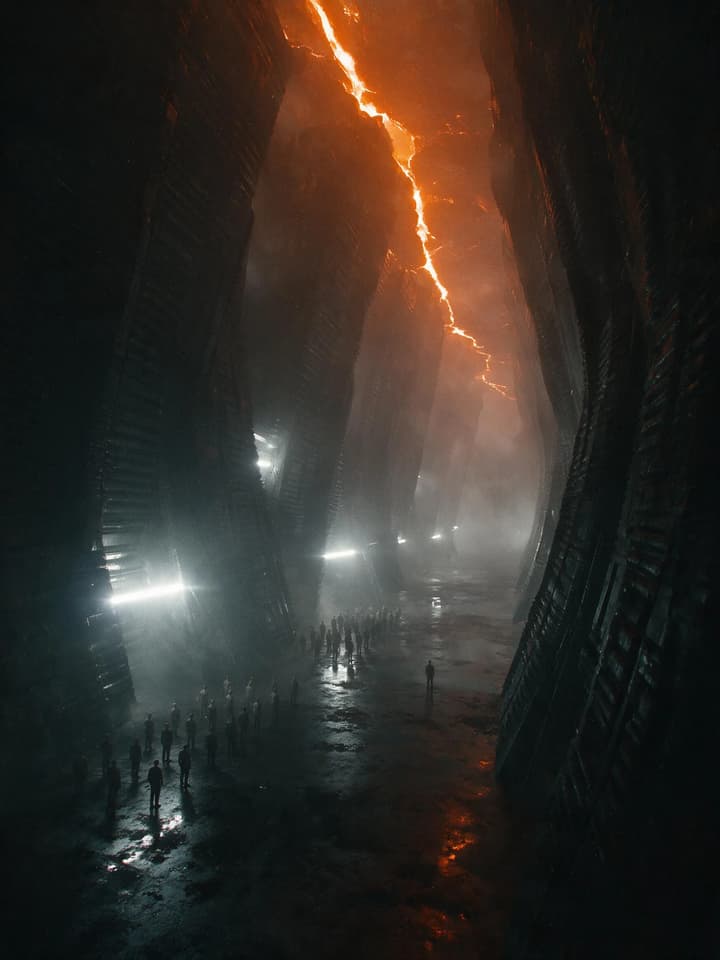
Black Rock Sci‑Fi Vaulted Corridor
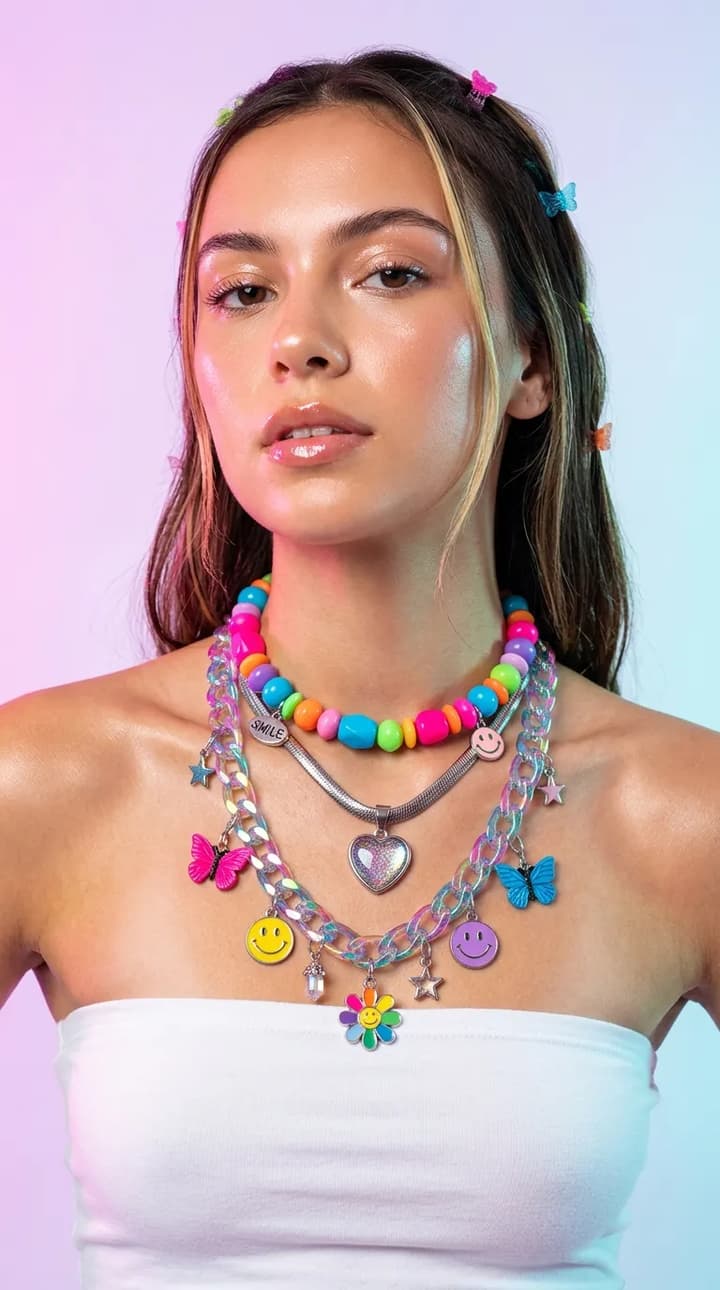
Y2K Necklace
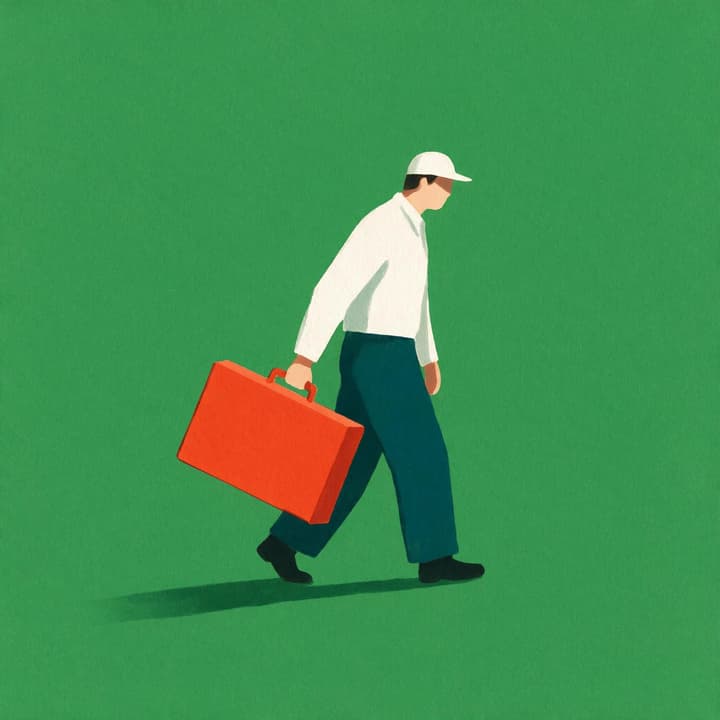
Plain‑colored commuter
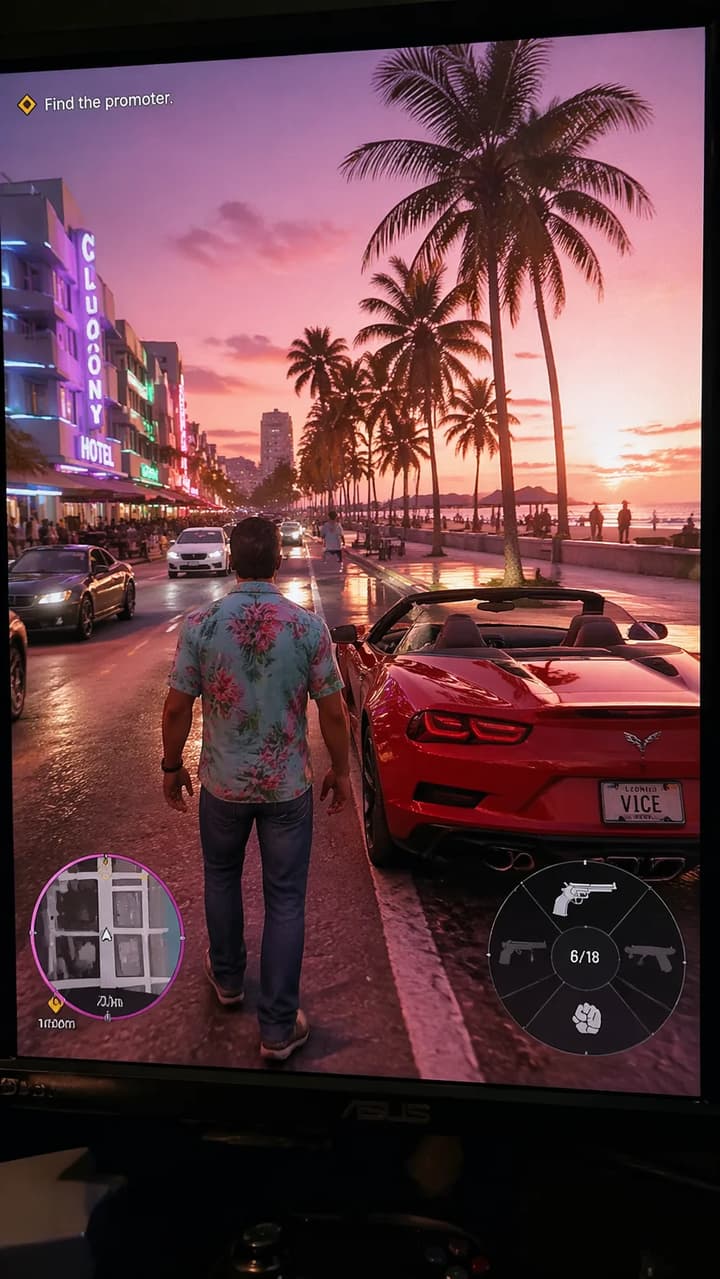
In-game Screenshot
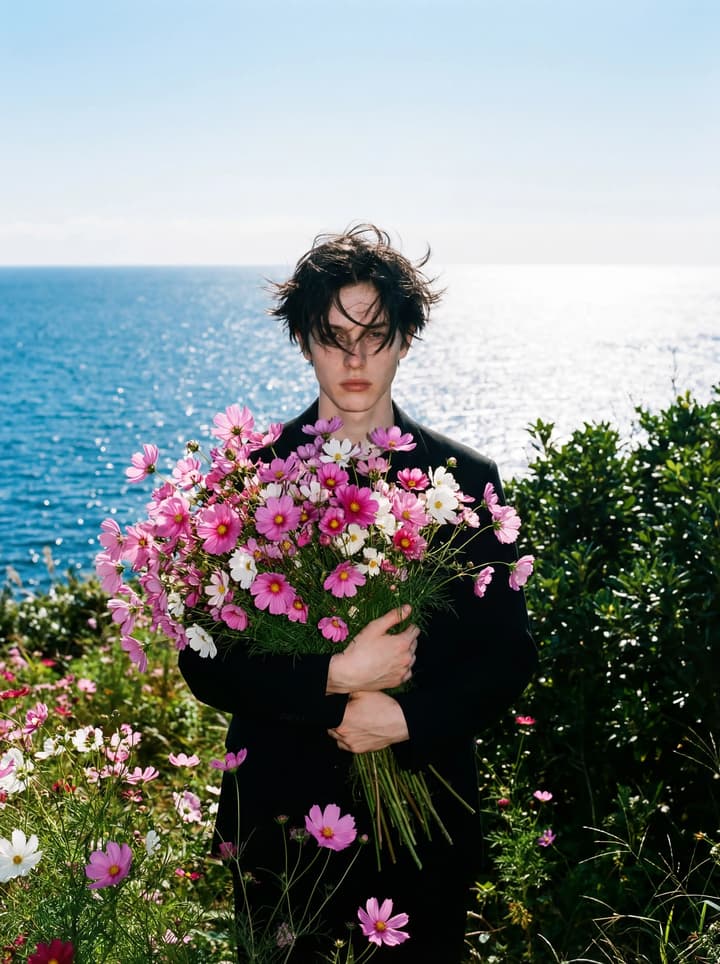
Coastal Bloom
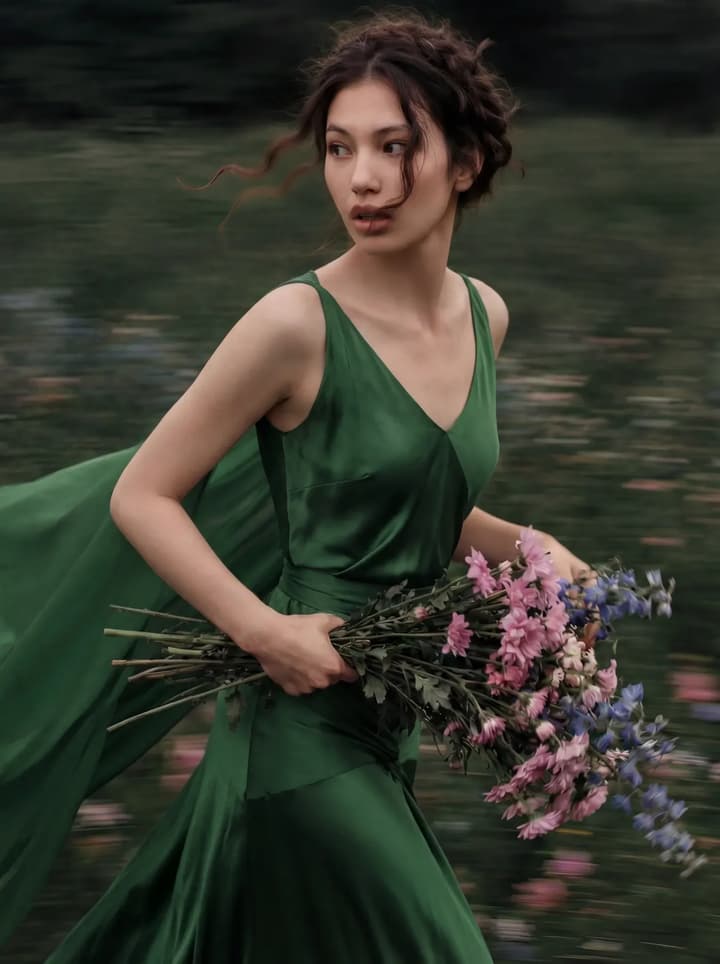
Cinematic Escape Portrait
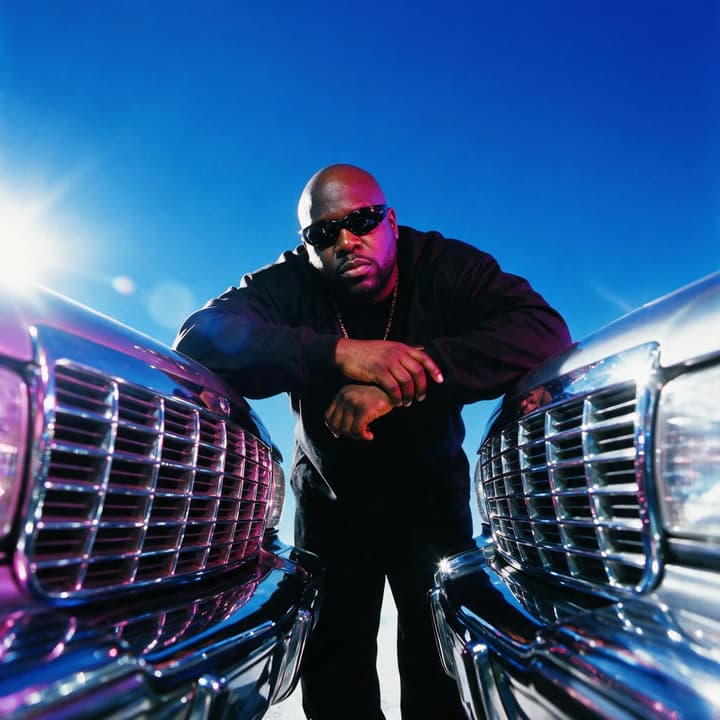
Y2K Chrome‑Style Fashion Shoot
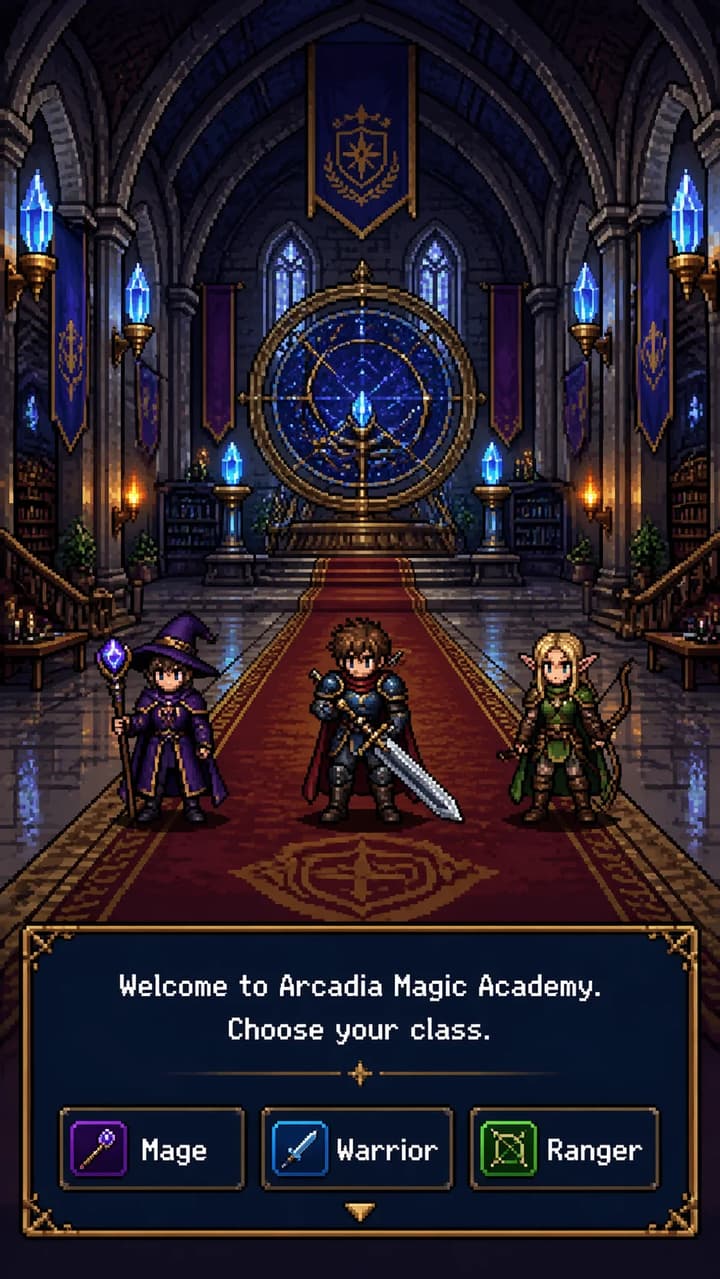
RPG Game Interface
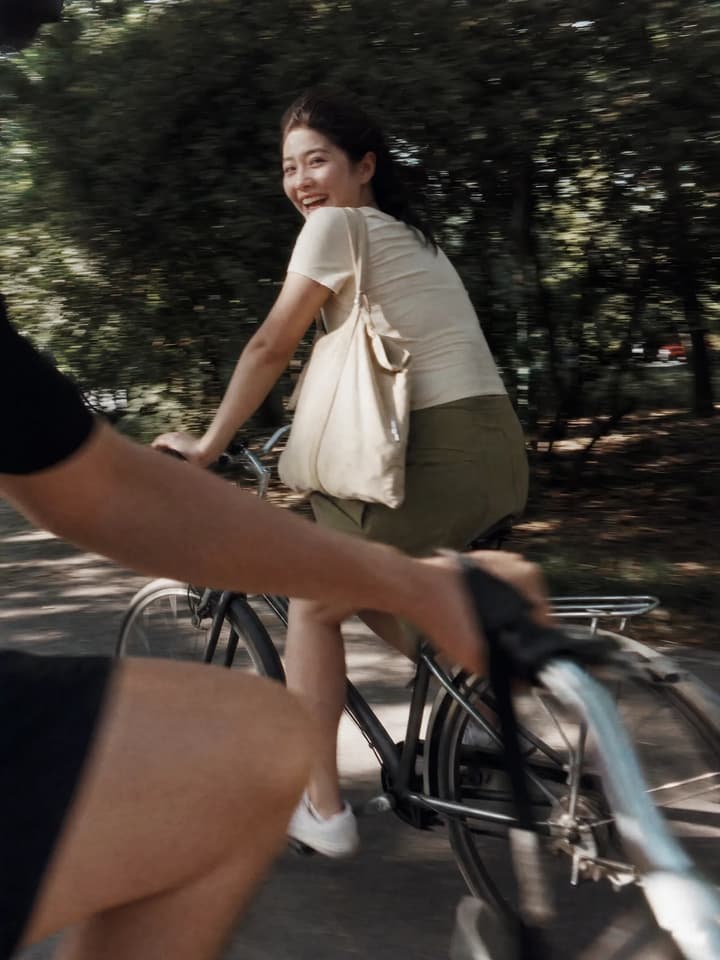
Casual Street Glimpse
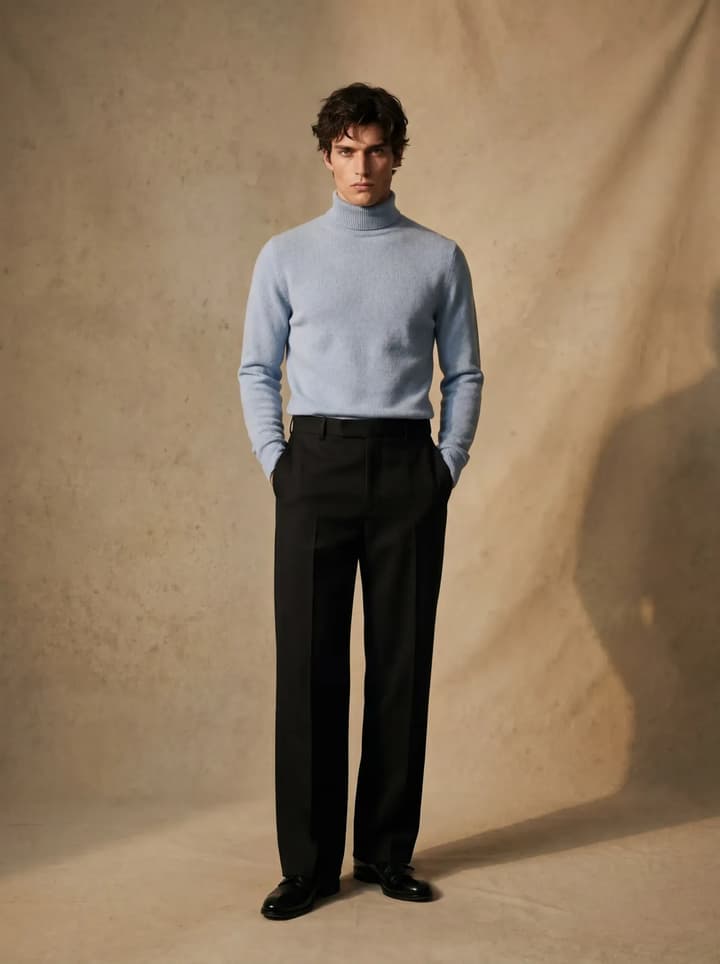
Male Sweater Product Shot
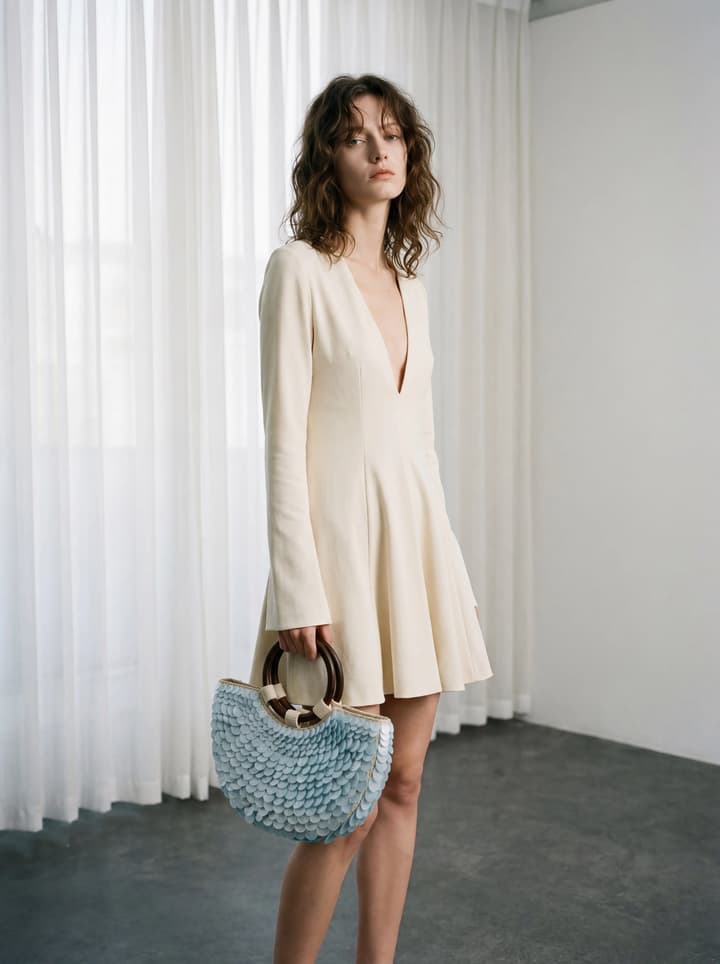
Handbag Product Shot
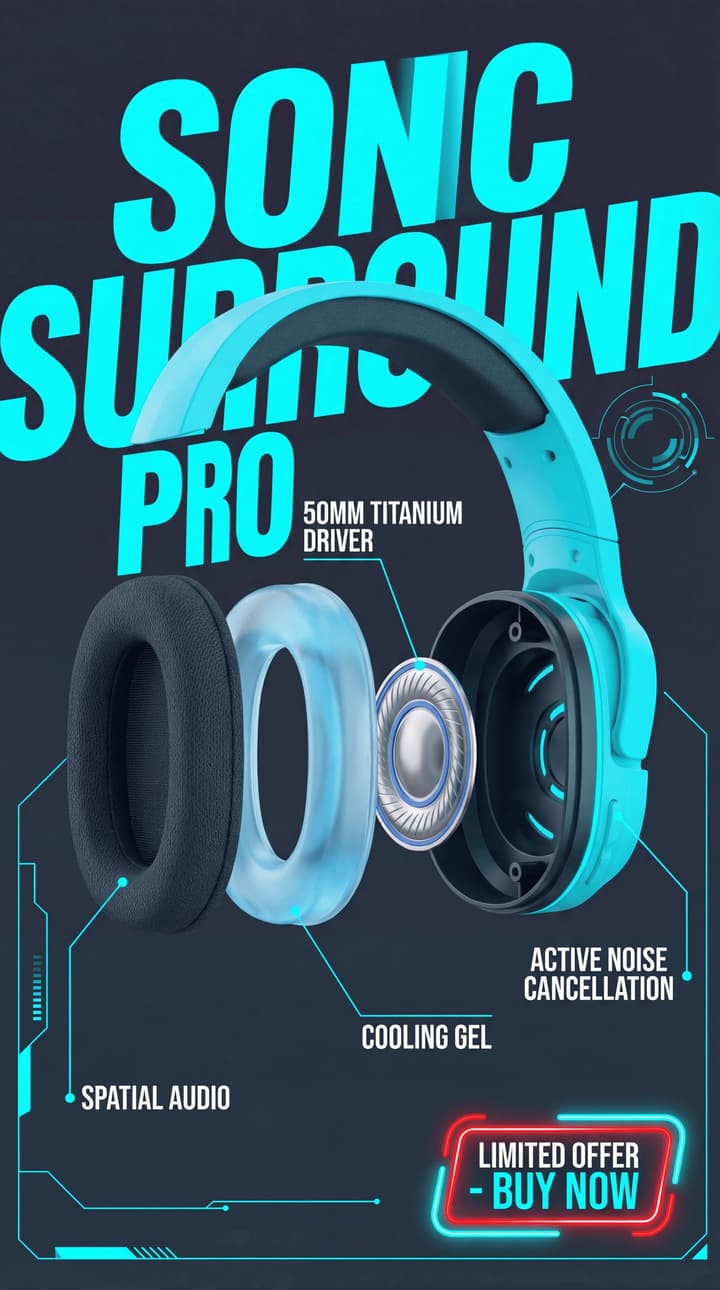
Product Function E-commerce poster
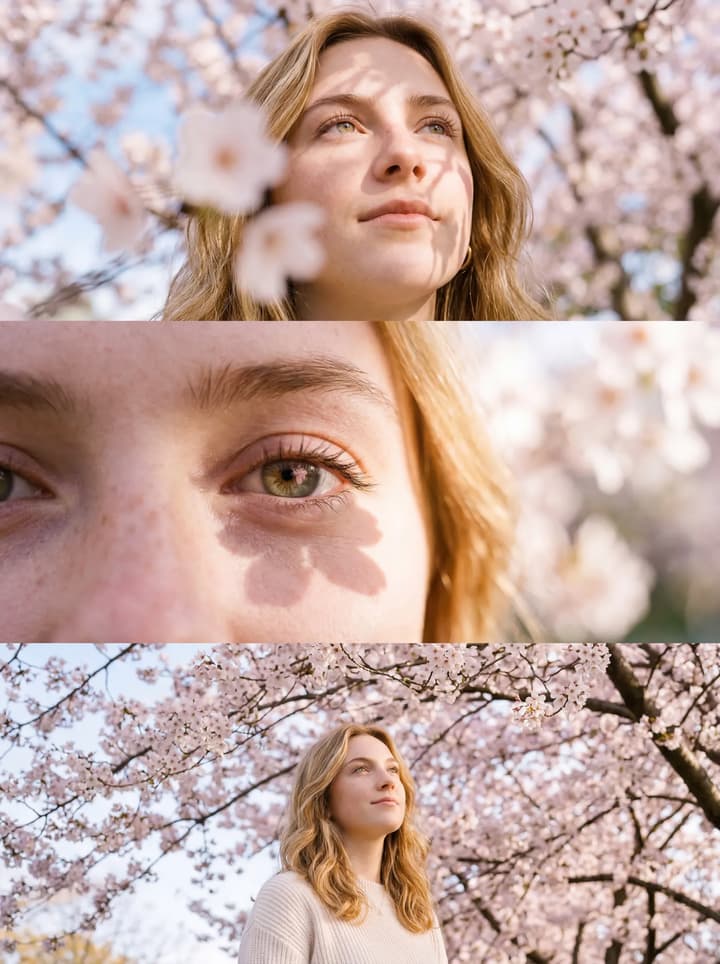
Sakura Triptych
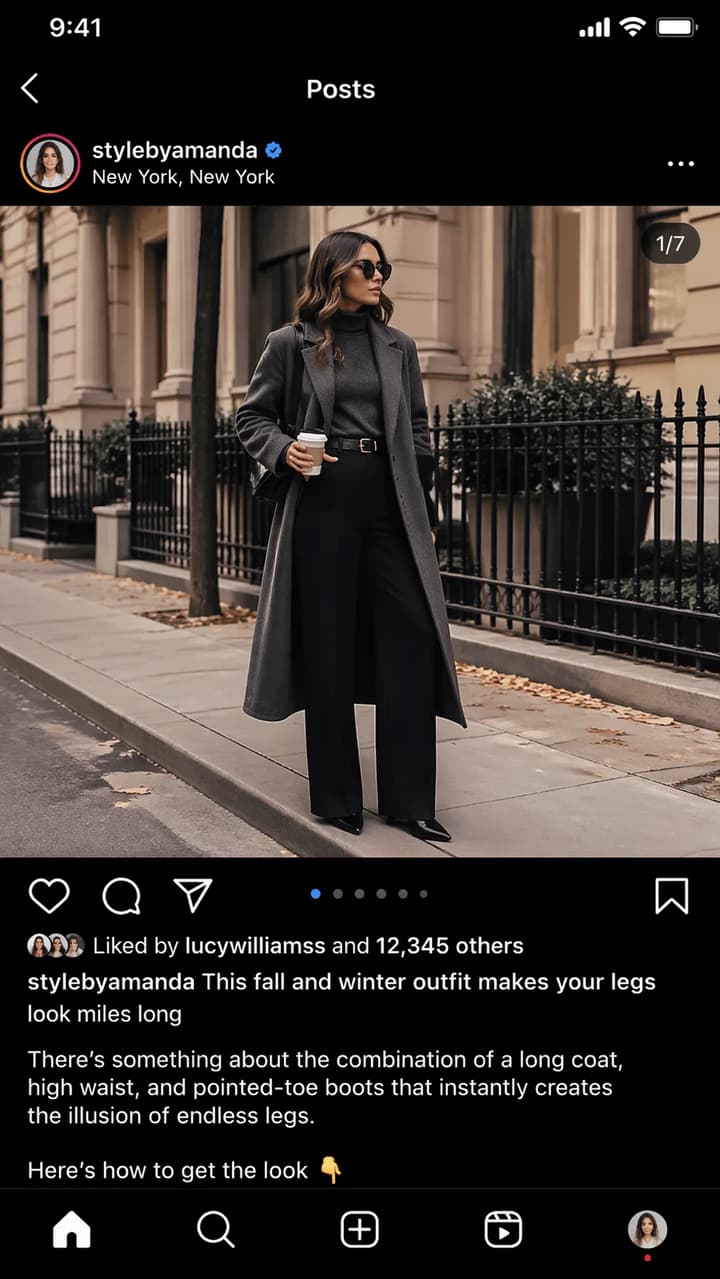
Instagram Fashion Post

Pastel Hill Homestead
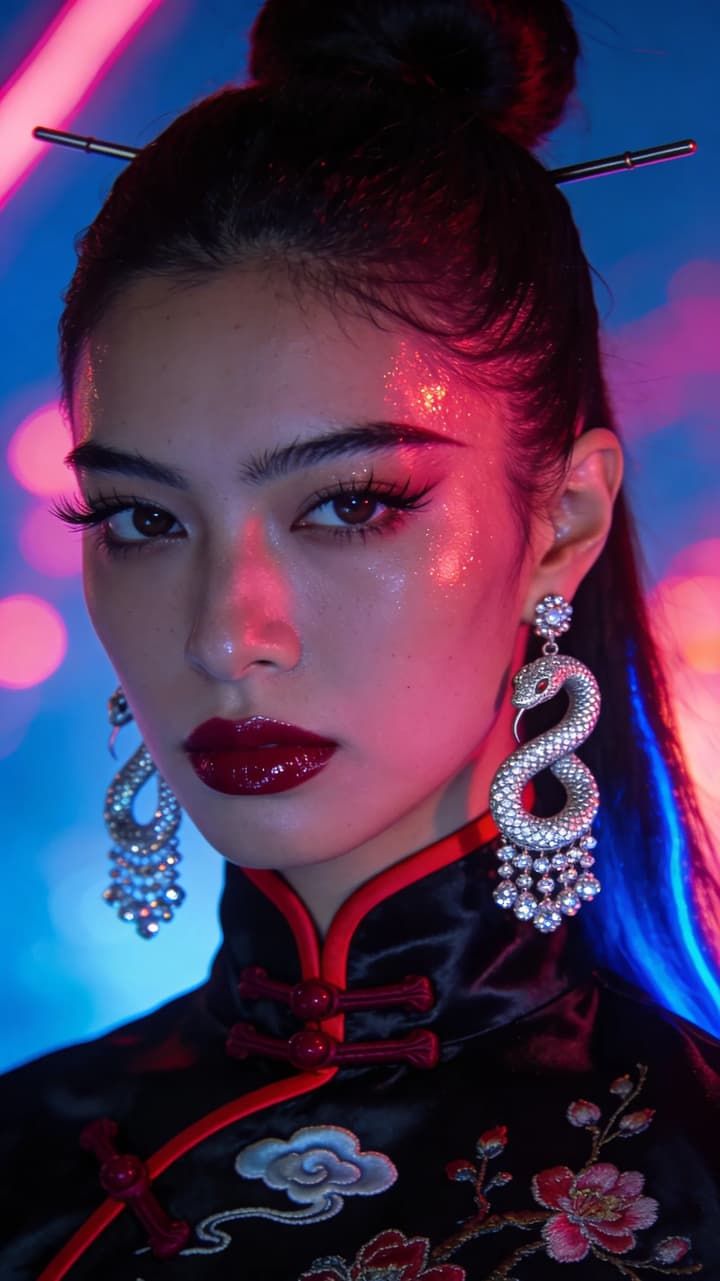
Neon Dynasty
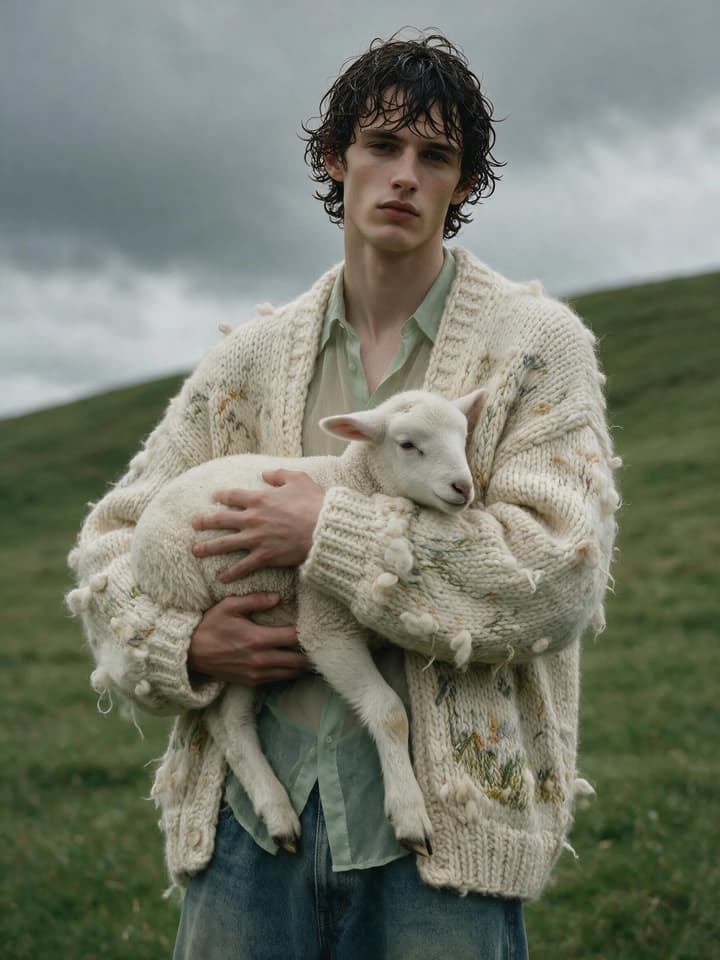
Wildland Light Luxury Portrait
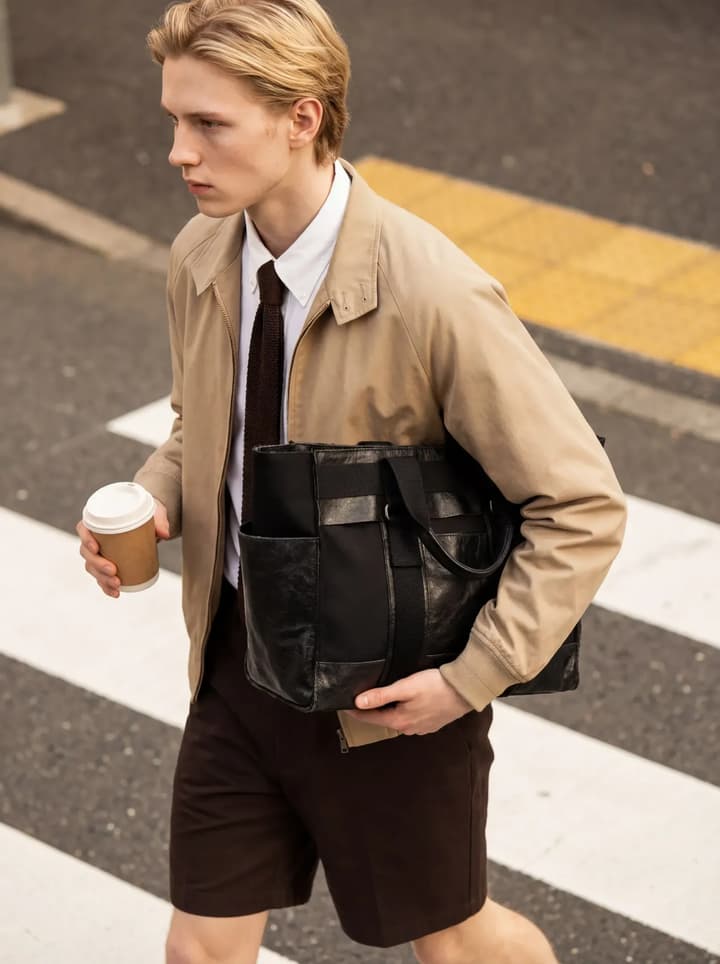
Handbag Street Photography
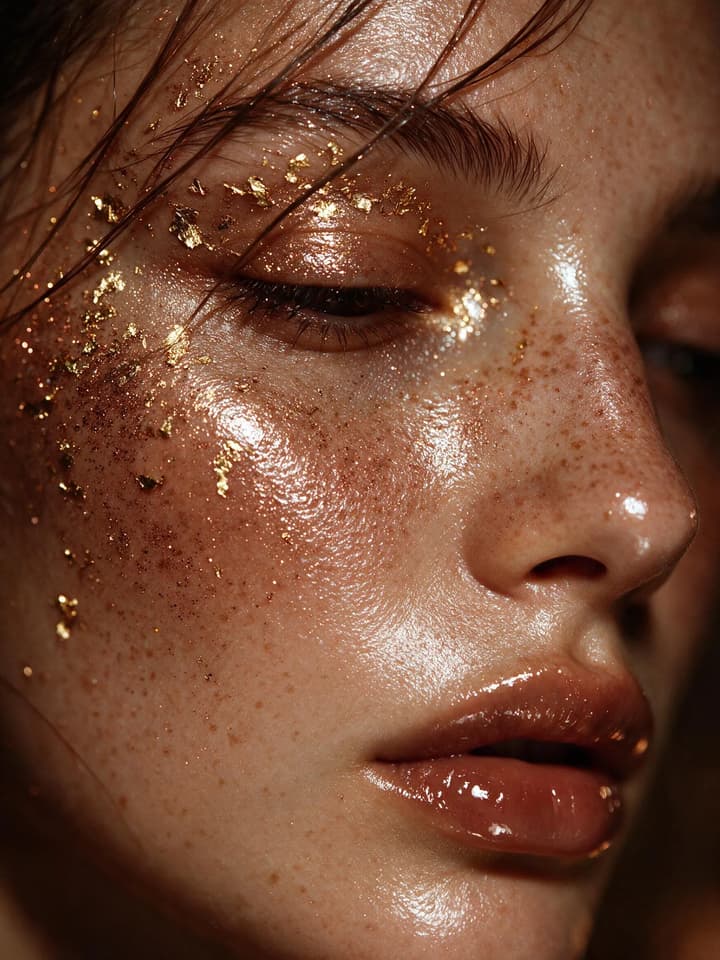
Macro Gilded Portrait
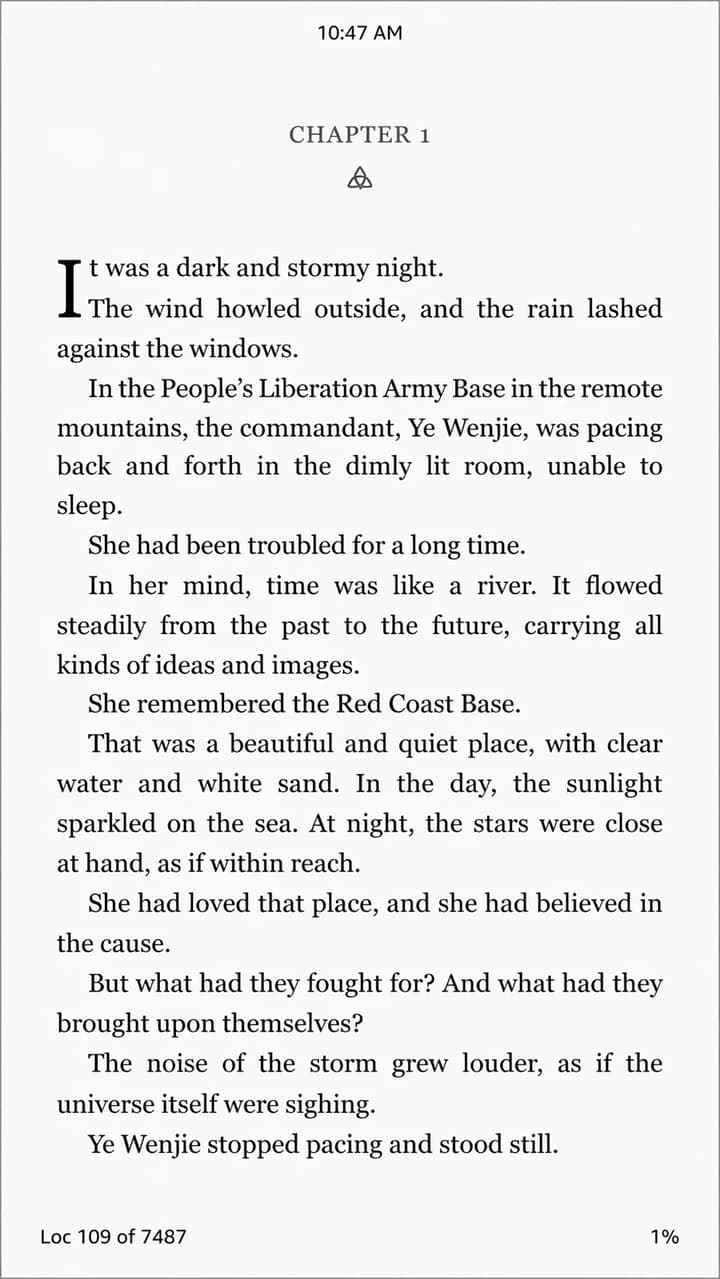
English Novel on Kindle
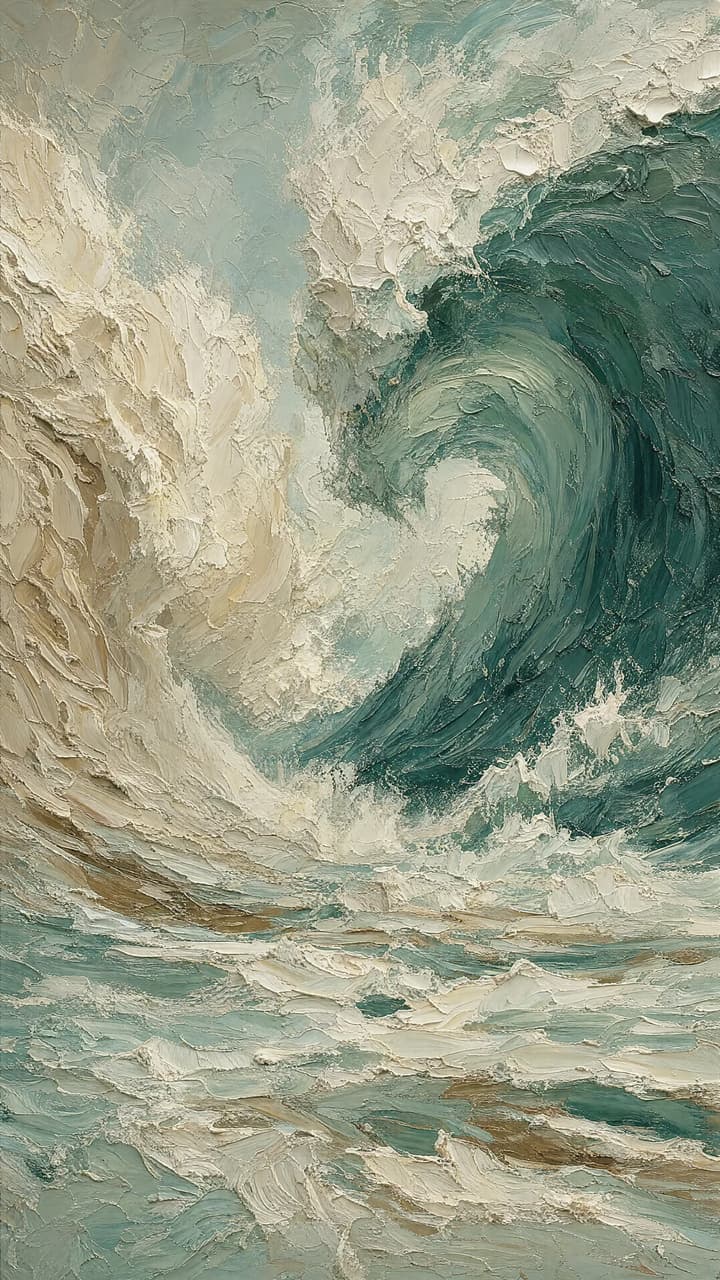
Ocean Ridge Art
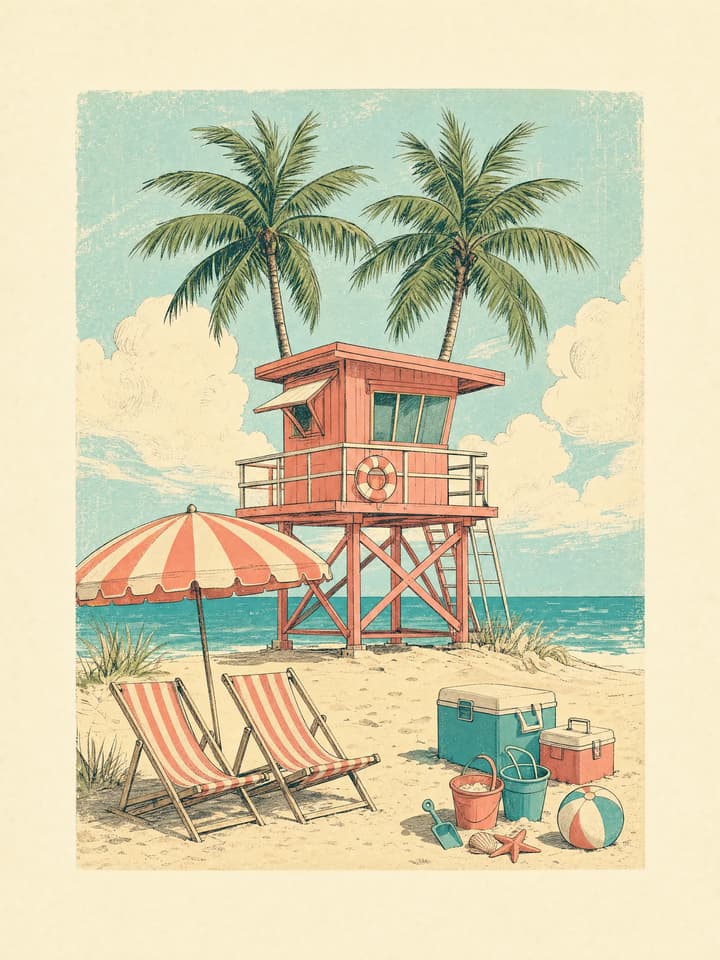
Vintage Seaside Illustration
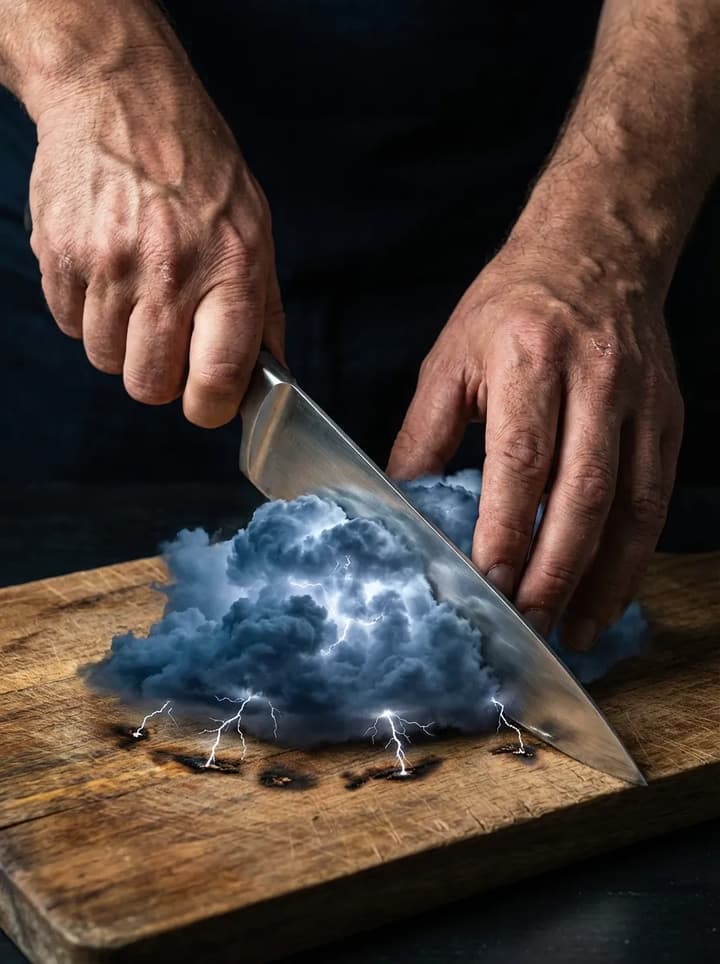
Cutting Lightning Cloud
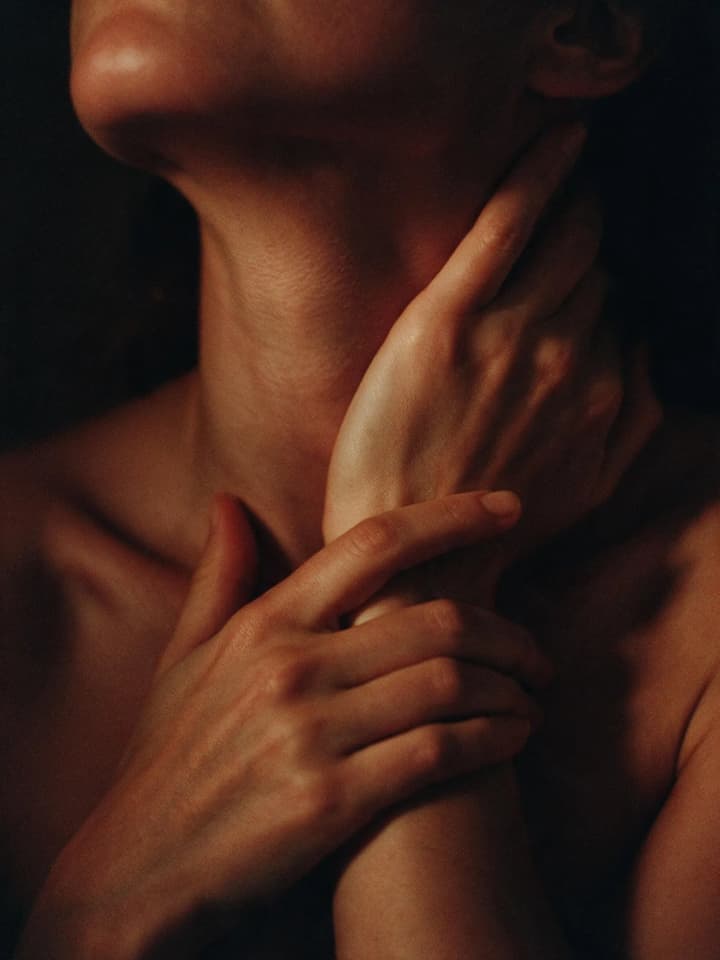
Vulnerable Quiet Frame
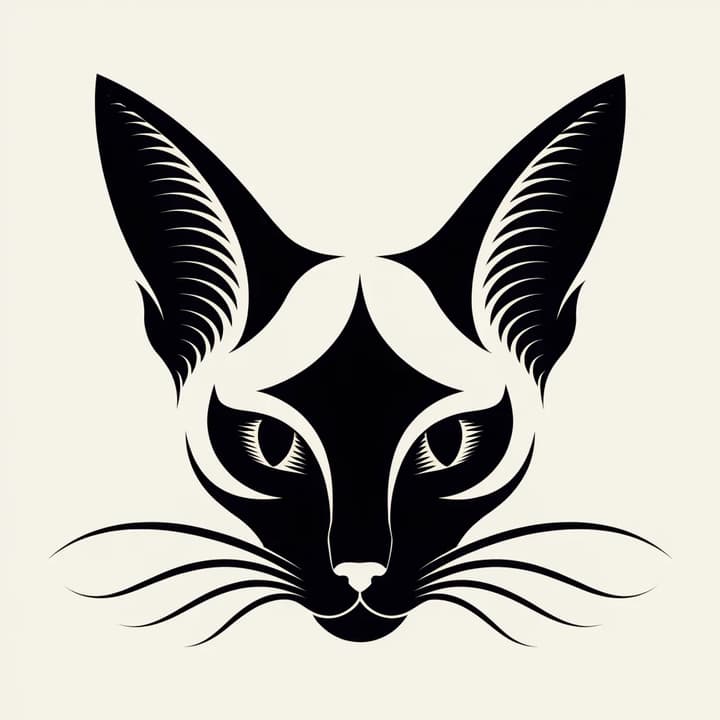
Elegant Avatar of Bicolor Siamese Cat
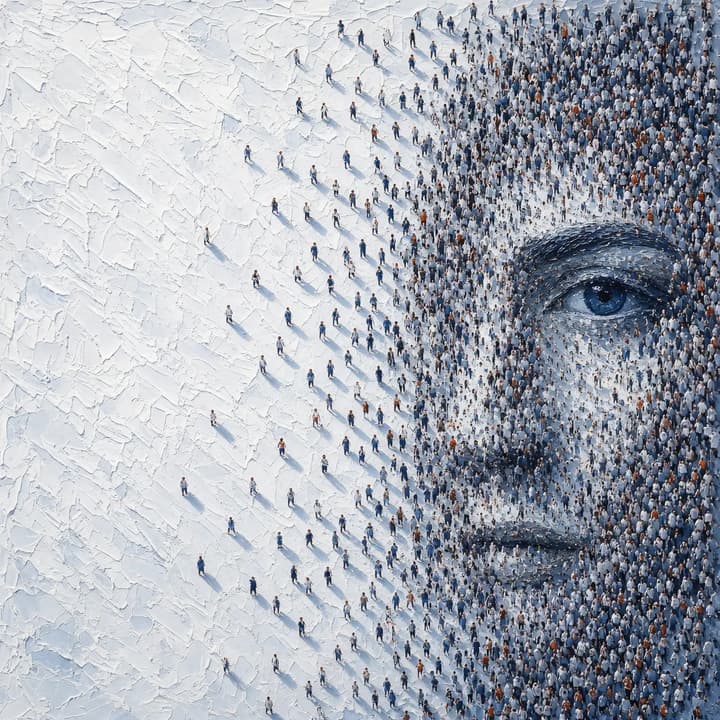
Faces of the Mortal World
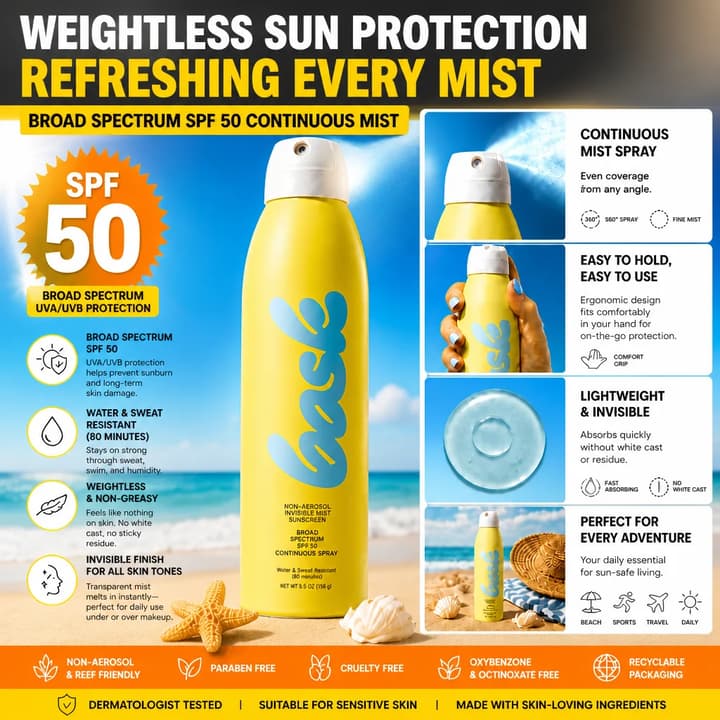
Weightless Sun Mist
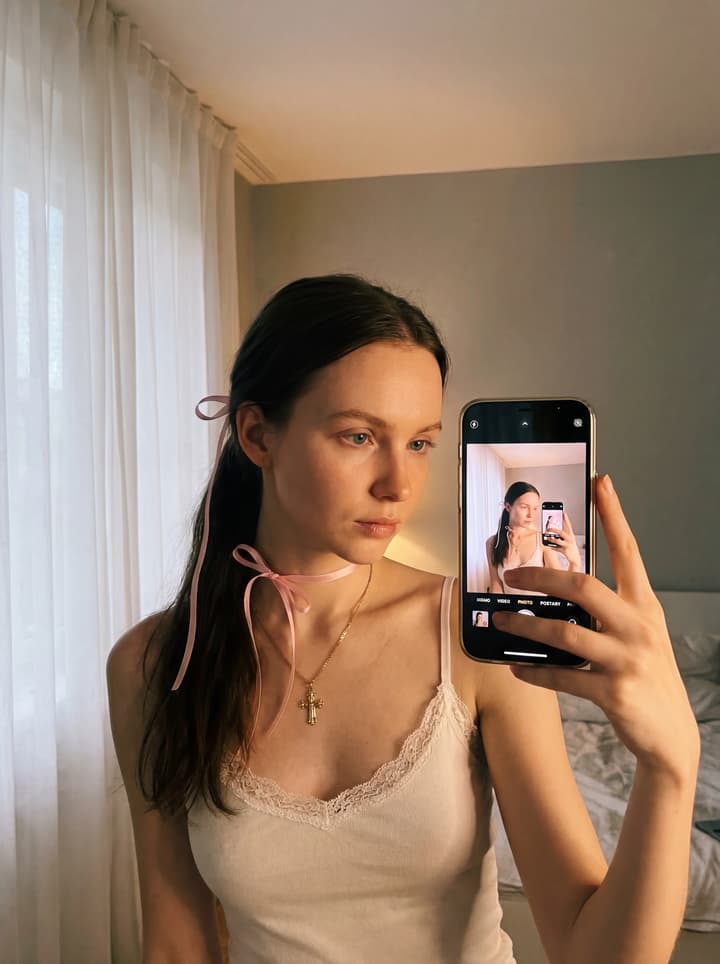
Cozy mirror selfie
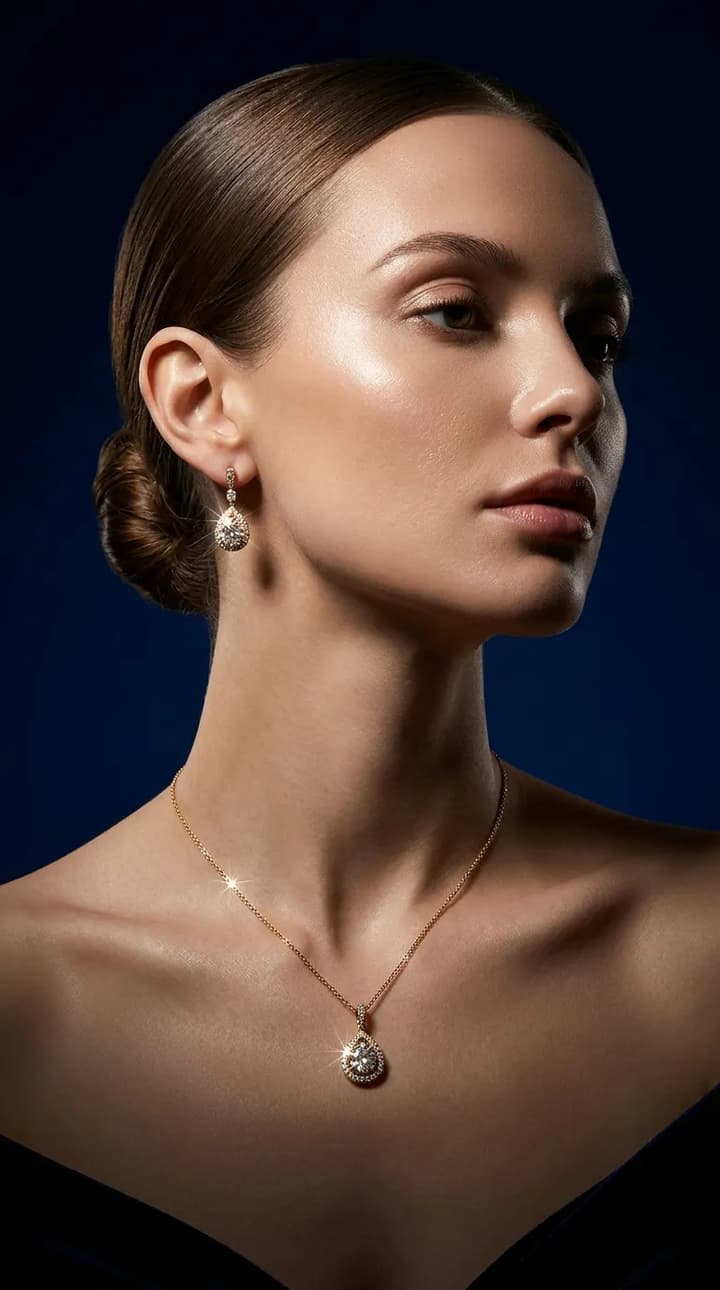
High-end Jewelry
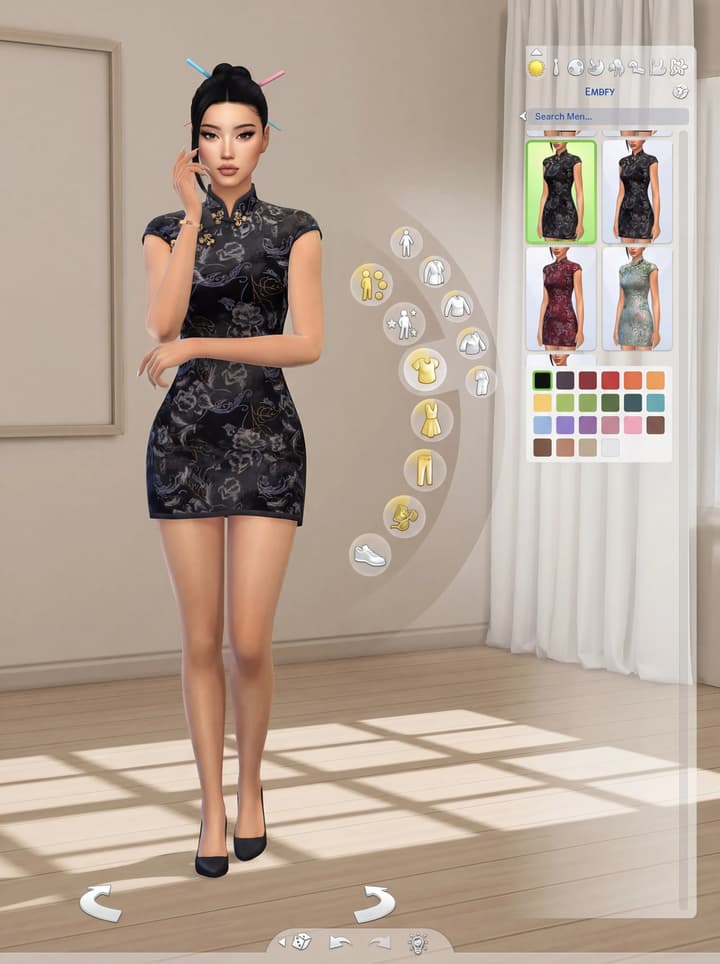
Nano Sims
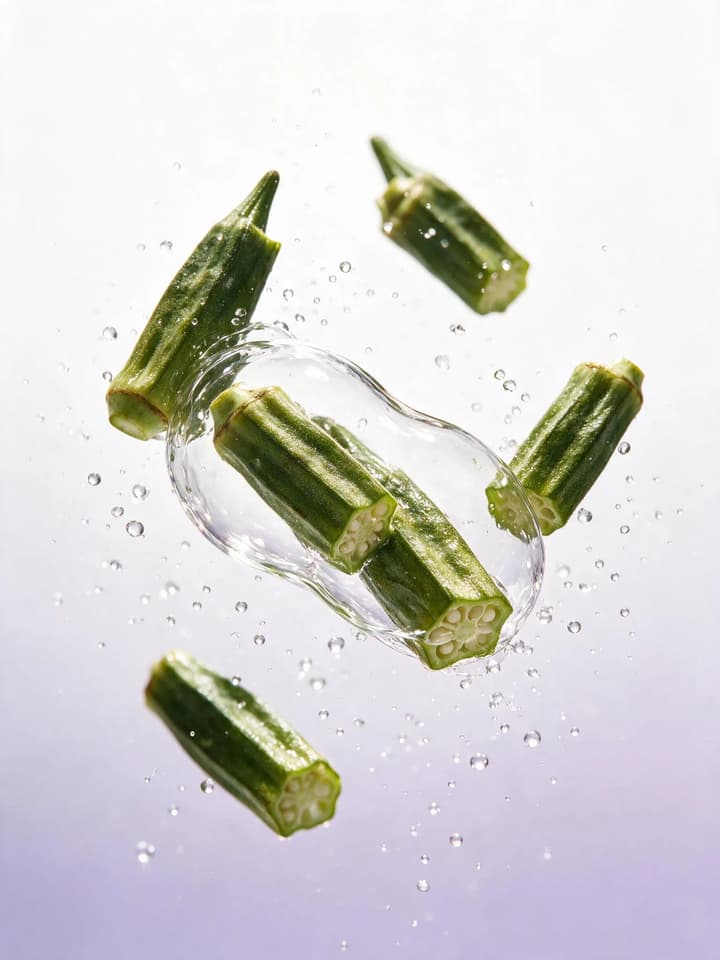
Transparent Experimental Still Life
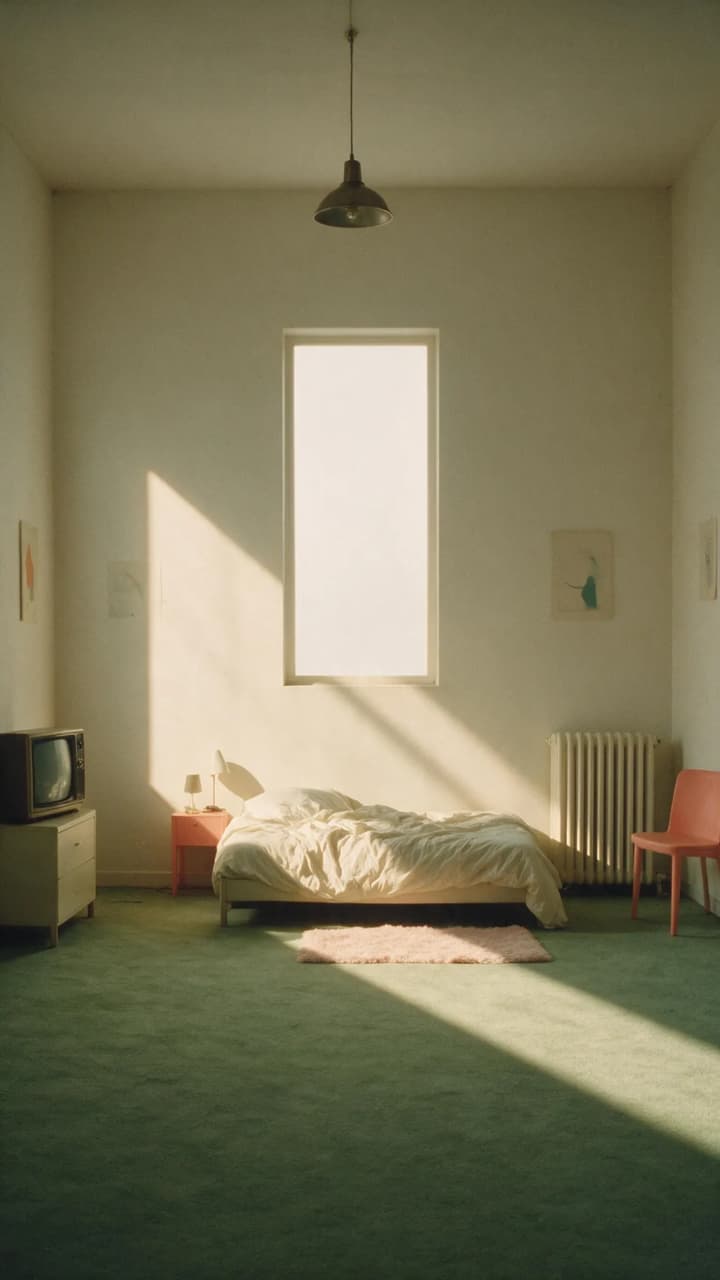
Vintage Quiet Chamber Composition
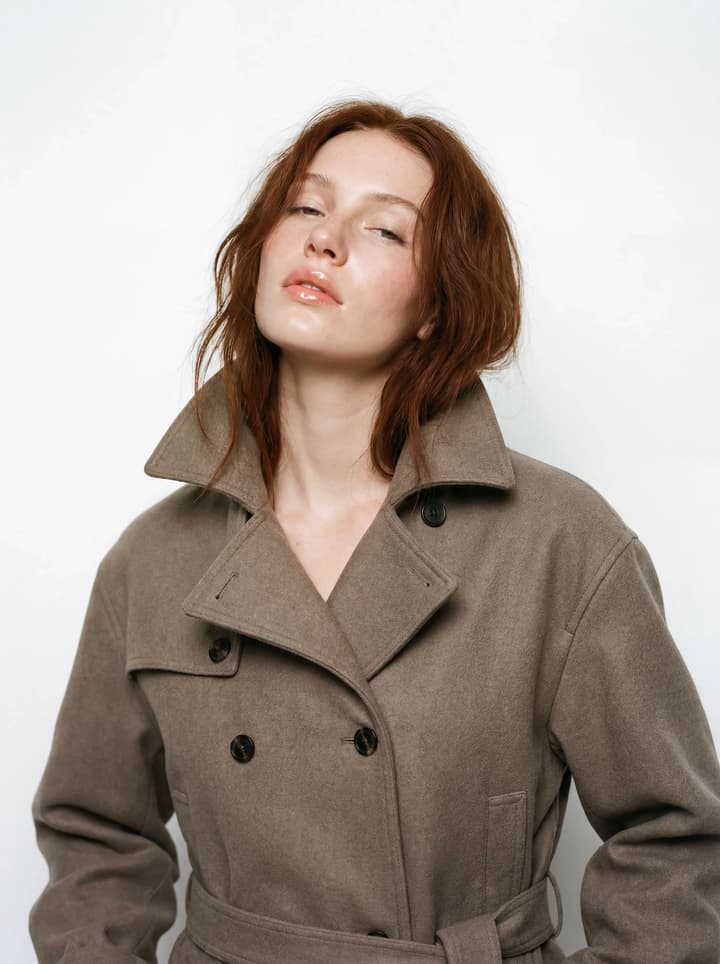
Trench Coat Fashion Shot
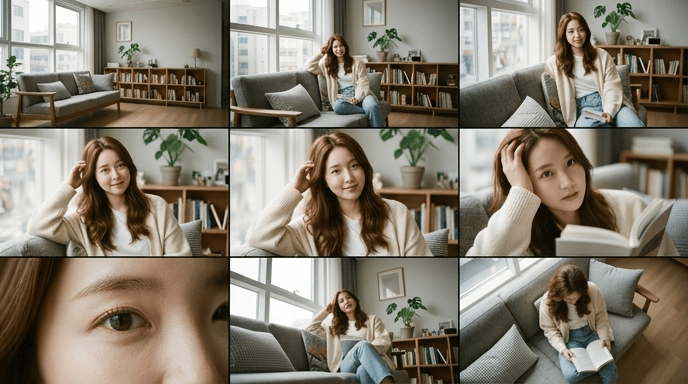
3×3 Cinematic Shot Index Grid
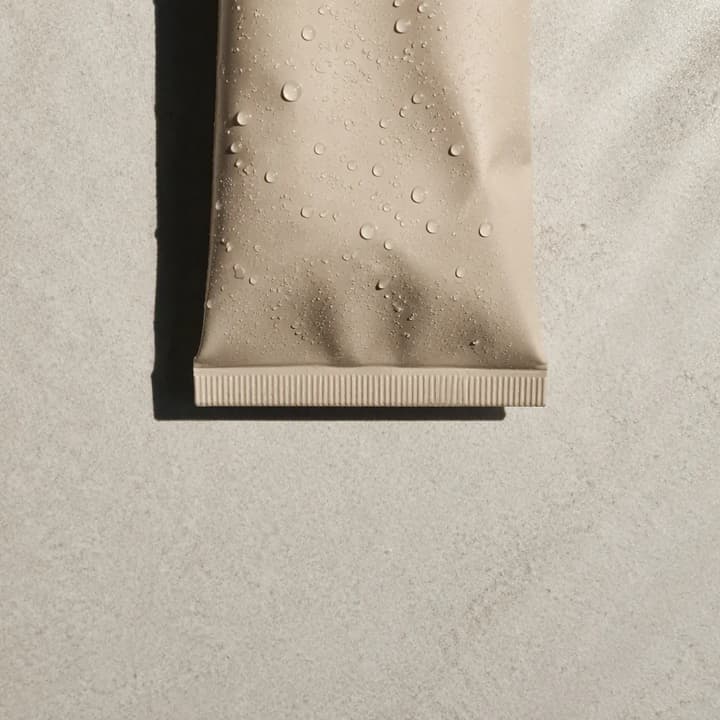
Still life with cool‑light dew‑drop texture
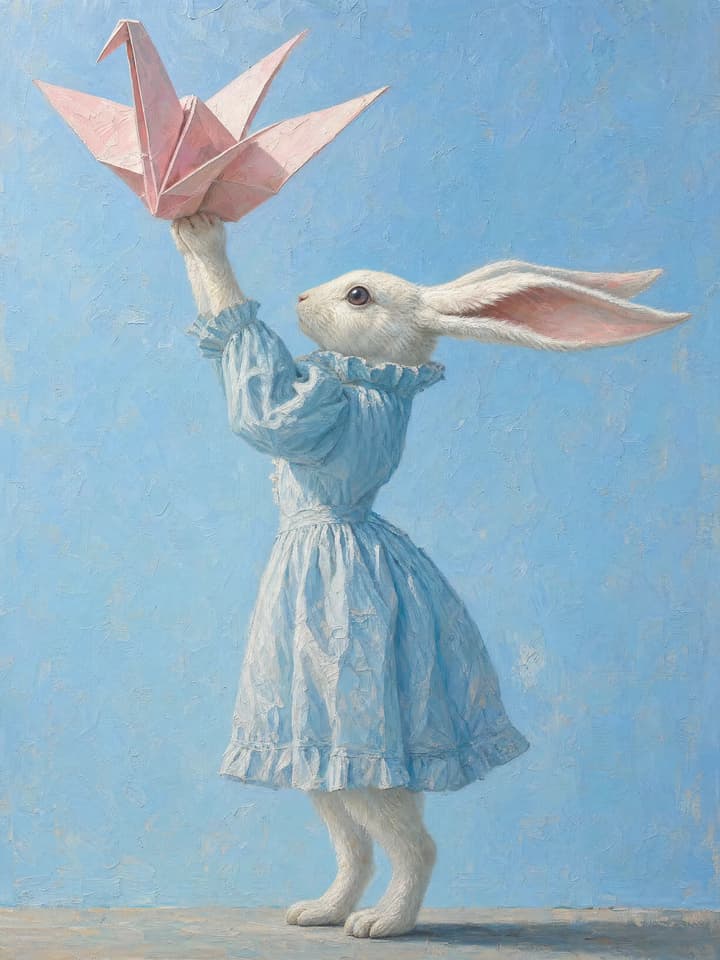
Acrylic Rabbit Portrait
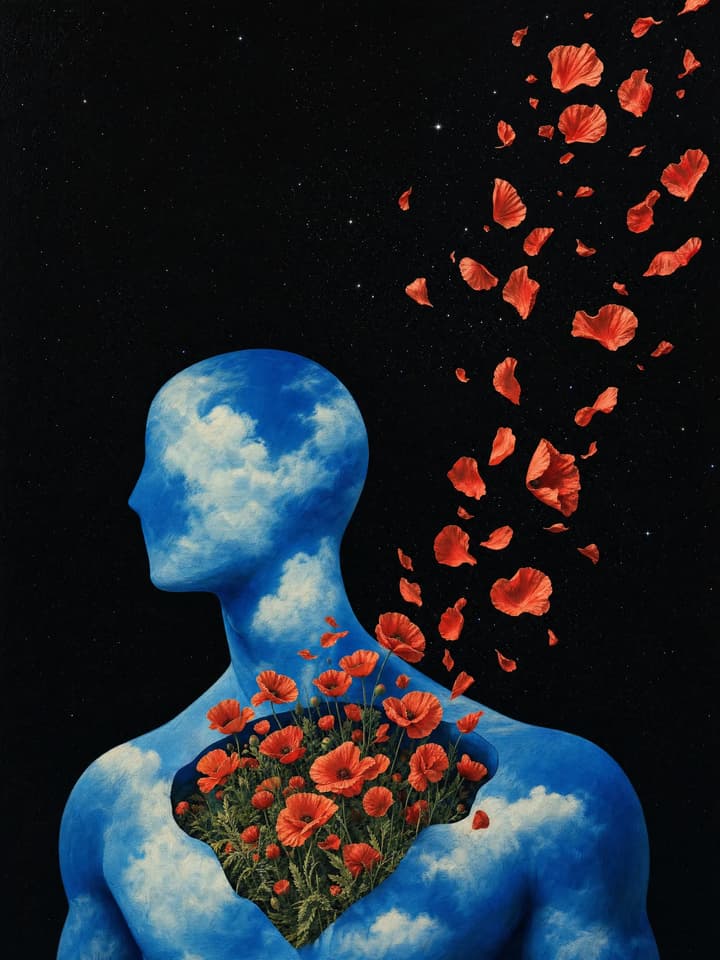
Flowers Bloom in the Star Ruins
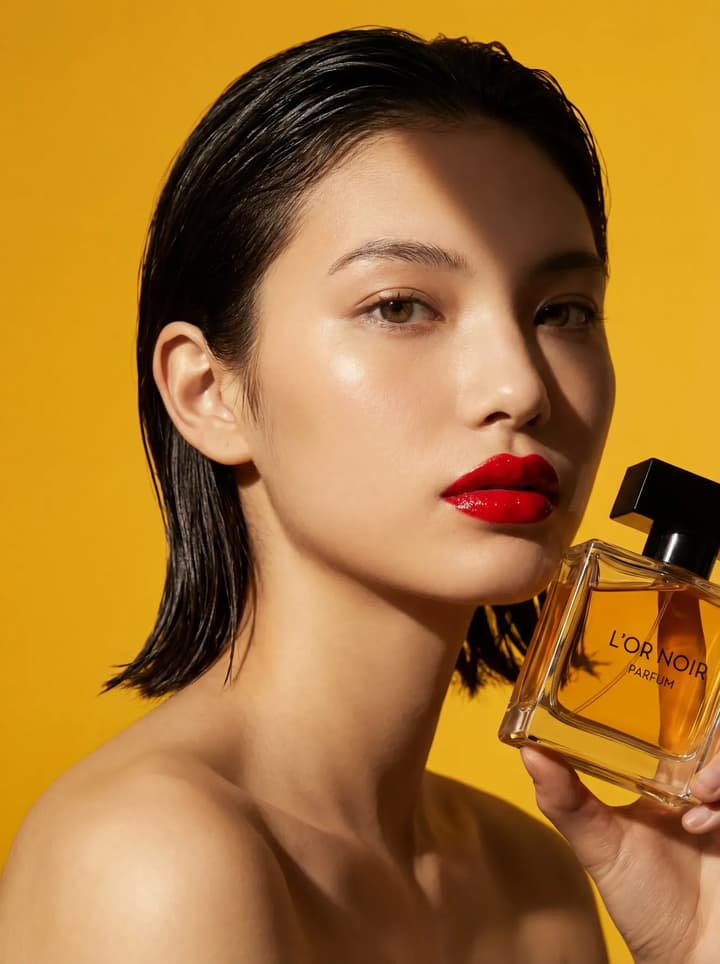
Perfume Studio Shot
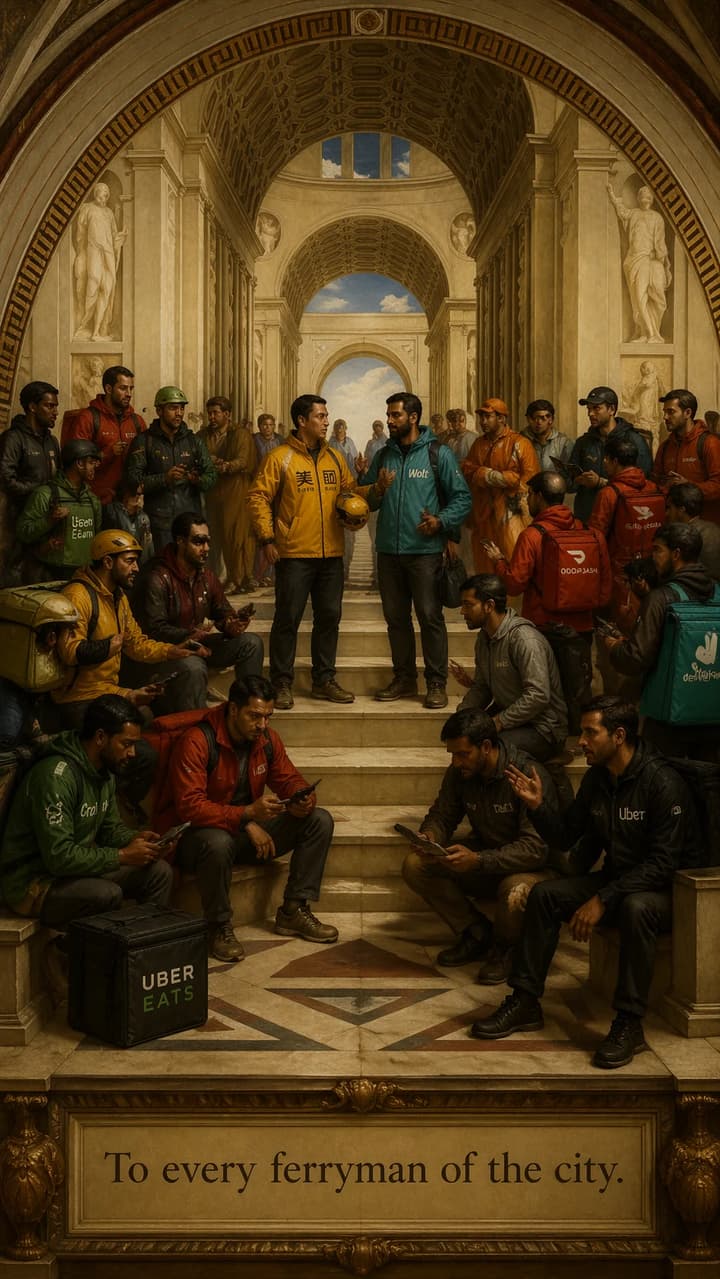
Renaissance Oil Painting
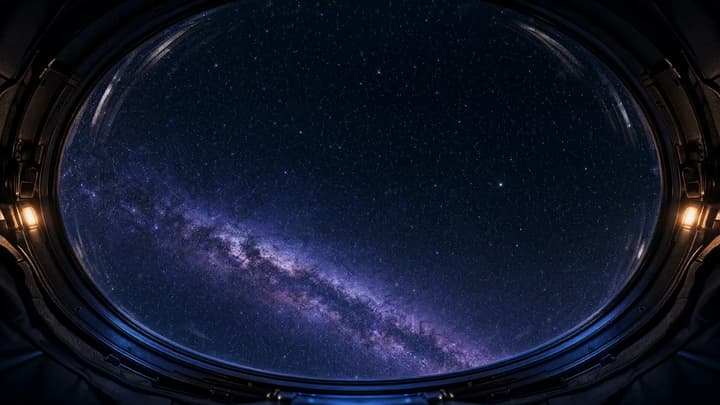
Stellar Observer
Why create with flowith AI Image?

Text-to-image from a plain-language brief
Start from a scene, audience, format, and constraint list, then review each generated result before using it.

Compare image-model routes
Compare the image models currently available in your workspace and choose by prompt fit, editability, reviewed cost, and rights requirements.

Output for review and refinement
Create image drafts for web, ads, social, and print workflows, then check dimensions, typography, brand details, and usage rights before publishing.

Visual Ideation on an Infinite Canvas
Explore concepts on canvas that keep your thinking visible. Branch variations, extend images, and generate multiple directions at once—so you can iterate faster and land on the best creative work.
Chat-to-image workflow
Start with a prompt, then choose the right visual route
If you are searching for an AI chat image generator, use Flowith as the prompt workspace first: write the scene like a conversation, compare image models, revise the result with follow-up prompts, then branch into a funny image, product-style image, prompt-based edit, or video workflow only when the task needs it.
Source and rights check
Review an AI image before commercial use
A generated image is not automatically cleared for every campaign. Keep a short evidence record and read the current Flowith Terms of Service before publication.
Inputs
Use only references, logos, faces, and products you have permission to upload and transform.
Model and plan
Record the model, workspace availability, plan, and terms that applied when the image was generated.
Final review
Check text, likeness, trademarks, product details, disclosure needs, and export quality before publication.
Who is it for?
For Small Business Owners
Draft product, e-commerce, or brand visual directions, then compare accepted-output cost and correction time with licensed stock, photography, design, or agency work.
For Marketing Teams & Content Creators
Draft ad, branding, social, or thumbnail directions, then verify copy, brand details, rights, dimensions, disclosure, and actual campaign performance before scaling.
For Designers
Accelerate your design workflow. Move faster with AI—batch-generate options and compare variations interactively while AI handles the tedious tweaks. Ideal for ideation and mockups.
How flowith compares with traditional AI designers?
Traditional designers
flowith
Image creation
Produce visuals from given prompts with restricted influence on the final result.
Submit prompts and get images that you can modify directly on the canvas.
Interface
Linear, scrolling threads. Conversations are trapped in a single vertical line, making it hard to manage complex ideas or multiple tracks of thought.
Infinite 2D Canvas. Spread out on a whiteboard-style workspace. Branch and organize images visually with movable nodes.
Model Capability
Single Model Lock-in. Restricted to one AI model per conversation
Multi-Model Parallelism. Run Nano Banana Pro, Seedream, and Flux simultaneously on the same canvas to compare results or use the best model for each specific task.
Collaboration
Isolated Experience. Work alone. Sharing usually means sending a static picture to a read-only chat history.
Invite your team to the canvas. Brainstorm, edit, and interact together in real-time.
Image model route map
Choose a model route after the visual brief is clear
Keep this page as the broad prompt-and-review workflow. Move to a model page only when you need to inspect that model's documented surface; verify current access and terms in the workspace instead of assuming availability from a comparison card.
Frequently Asked Questions
Start creating today
Join our growing community of 1 million who have converted to Flowith AI.