
AI Professional Photo Generator
Transform any photo into a polished professional image. Studio quality from any snapshot.
Why choose Flowith for professional photos?
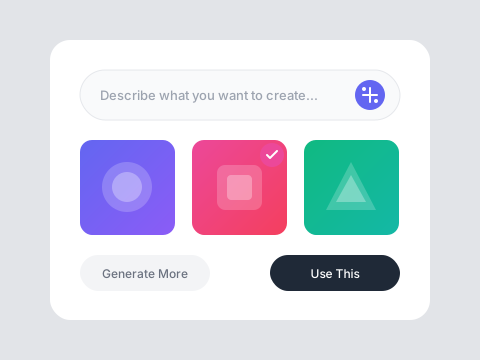
Instant Professional Quality
Transform casual snapshots into polished professional photos. The AI enhances lighting, adjusts backgrounds, and creates studio-quality results from everyday images.
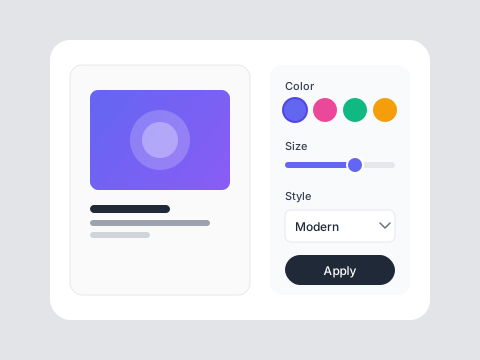
Versatile Output Styles
Generate photos for any purpose—business headshots, social media profiles, portfolio images, or marketing materials. One source photo, countless professional outputs.
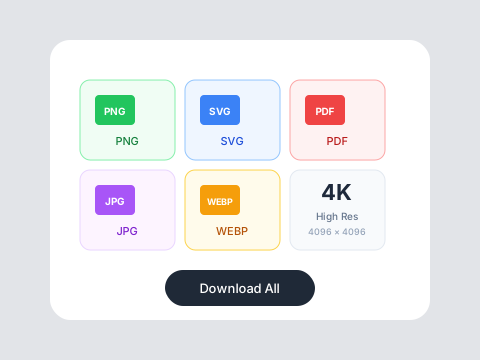
Natural Enhancement
Subtle improvements that enhance without looking artificial. Skin smoothing, lighting correction, and background optimization that maintains authenticity.
Who is it for?
For Professionals
Maintain a polished online presence without expensive photo sessions. Update your professional image whenever needed.
For Creatives
Generate portfolio-quality images and headshots that showcase your work and personality professionally.
For Social Media
Create consistent, high-quality profile photos and content images across all your platforms.
AI Photos vs Traditional Photography
Traditional Photography
Flowith AI
Cost
Professional photography sessions cost $200-1000+ with limited shots.
Generate unlimited professional photos from any source image affordably.
Time
Scheduling, traveling, shooting, and editing takes days or weeks.
Upload a photo and get professional results in under a minute.
Flexibility
Limited to what was captured during the photo session.
Generate multiple variations, styles, and settings from one photo.
Accessibility
Requires finding photographers, studios, and coordinating schedules.
Available 24/7 from anywhere with an internet connection.
How to create professional photos
Upload Your Image
Select any clear photo you want to transform. The AI works best with well-lit images where the subject is clearly visible.
Describe the Style
Tell the AI what professional look you need—corporate headshot, creative portrait, social media ready, or custom style specifications.
Download Your Photo
Get your professionally enhanced photo ready to use across LinkedIn, websites, portfolios, and professional communications.
Frequently Asked Questions
Professional photos in seconds
Get started with free credits on Flowith.