
AI Thumbnail Generator
Create high-CTR YouTube thumbnails in seconds. Design eye-catching visuals that drive views on an infinite canvas.
Why choose our AI Thumbnail Generator?

Click-Worthy Designs
Generate thumbnails that stop the scroll. Our AI understands what makes people click—bold colors, clear subjects, and high contrast.

Face Enhancement
Make expressions pop. Enhance facial emotions to be more expressive and engaging, a proven tactic for higher YouTube views.
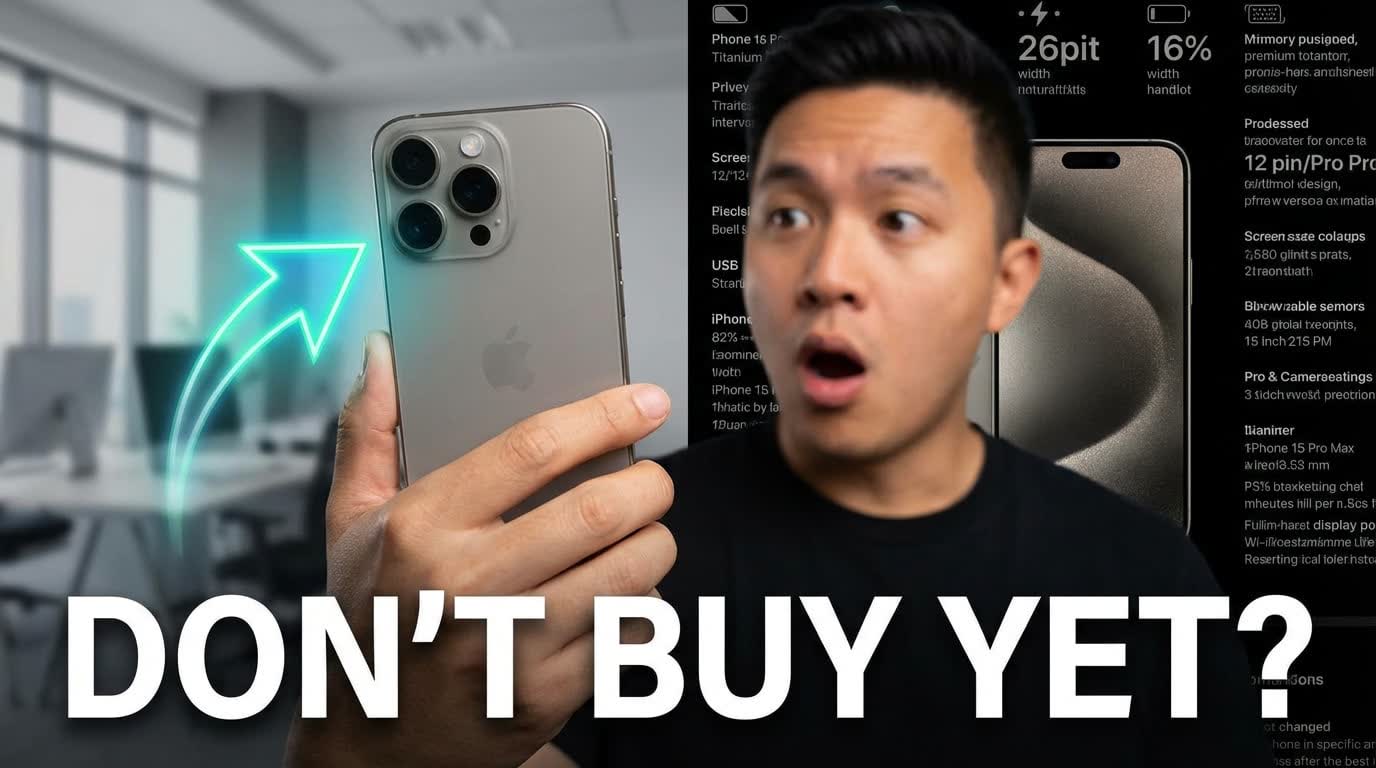
Text Overlay
Add catchy titles instantly. The AI suggests short, punchy text overlays and places them in readable areas of the image.
Who is it for?
For YouTubers
Increase views with professional thumbnails that stand out in the subscription feed.
For Streamers
Create custom thumbnails for Twitch VODs and highlights quickly.
For Educators
Make educational content look engaging and approachable with clear, illustrated thumbnails.
AI Thumbnail Generator vs Manual Design
Manual Design
Flowith AI
Click-Through Rate
Hard to predict which design will get clicks.
Generate thumbnails optimized for high CTR based on visual data.
Design Time
Hours in Photoshop for every single video.
Create eye-catching thumbnails in seconds.
Consistency
Struggling to keep a consistent channel branding.
Maintain your visual style across all video thumbnails automatically.
Skills
Requires graphic design expertise.
No design skills needed. Just describe your video topic.
How to create thumbnails in 3 steps?
Describe Video
Enter your video title or topic (e.g., 'Minecraft Survival Episode 1 - First Night').
Select Style
Choose a style like 'Gaming', 'Vlog', 'Tech Review', or 'Minimalist'.
Generate & Download
Get multiple thumbnail options. Pick the best one and download it for your video.
Frequently Asked Questions
Start designing thumbnails today
Join our growing community of creators using Flowith AI.